RecorderHQ -Recorder for cloud
iOS Universel / Utilitaires
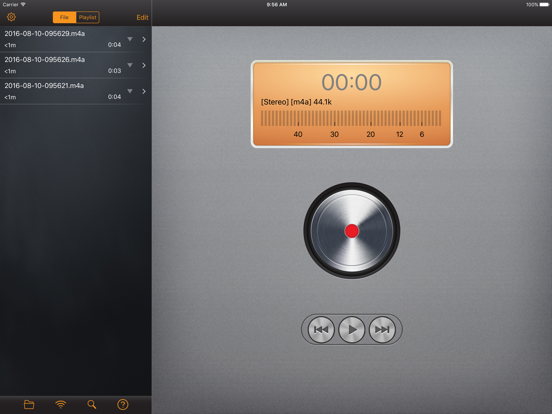
RecorderHQ make your iPhone or iPad an voice recorder. We support record mp3 m4a and wav format directly. Sharing audio files to iCloud Drvie, Dropbox, Google Drive and OneDrive.
• Speech to text
• support audio file upload or download from iCloud Drvie, Dropbox, Google Drive , OneDrive and audioBoom
• support transfer large file via USB in iTunes, just connect your iPhone to PC.
• Transferring audio file via WIFI is easy. No restriction at all.
• support sending file via whatsapp( try open in other application feature)
• Multiple sample rate from 8000hz to 44100hz
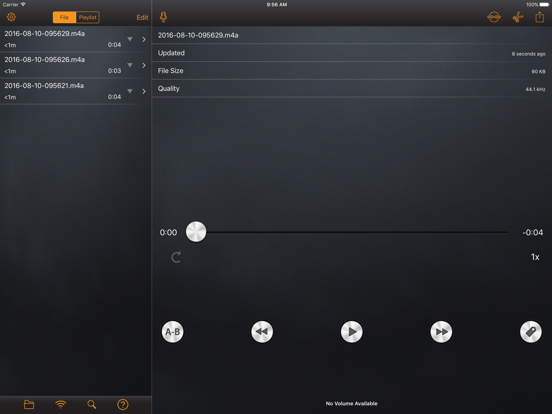
• support trim audio file, merge multiple audio files.
• Save audio file to camera roll
• Support aif,wav,m4a and caf and mp3 file format.
• Support pause,forward,rewind.
• export file via iTunes, email.
• Organize you voice files in folder.
• support background recording and playback.
• support bluetooth microphone.
• iCloud,Airplay support.
• support sending audio file to Dropbox, Google Drive.
• support sending voice to other device via bluetooth or wifi.
• transfer files from iphone to pc via wifi and browser
• Convert files into Mp3 format(CBR, VBR support)
• Convert files into ringtone format
• Support lock screen while recording.( iPhone only)
• Support Today Widget
Premium Features
1. Choose recording device(bluetooth, usb).
2. Adjust input gain.
3. Real time monitor.
4. Stereo meter.
5. Advertisement free.
Quoi de neuf dans la dernière version ?
1.Optimized VoiceOver Experience: The play progress slider now automatically scales its swiping increments based on total audio duration. Added new custom actions for "Fine-tune forward 5 seconds" and "Fine-tune backward 5 seconds" for precise editing.
2.Fixed Long Audio Overflow Bug: Resolved an issue where scrubbing or setting A-B points on very long audio files (over 1 hour) could cause timeline overflow, resetting the player to the beginning or failing to trim.
3.Fixed an issue on iPad where rotating the screen or resizing the multitasking Split View window could cause the app to crash.