QTally: A Better Tally Counter
iOS Universel / Utilitaires
QTally is an easy to use tally counter app that allows you to track custom values and goals.
Features:
Group your tallies
Set custom increment and decrement amounts independently
Assign a value (integer, decimal, or currency) to your tally, which will increase proportionally to your tally count
Set a goal or limit — daily, weekly, monthly or yearly, or untimed if you have no time constraints
Set goals based on count or value
Confetti celebration when you reach your goal
Assign a custom colour to identify your tallies more easily and personalise your experience
View tally and value history
Export tallies
Widgets in multiple sizes (small, medium, large, extra large) — increment, decrement, or undo directly from your home screen
Lock screen widgets so you can count without even unlocking your phone
Apple Watch app with complications to count right from your wrist
Speak count, play sounds, vibrate when counting
Set reminders — on an interval, a set number of times per day, or at specific times
Dark mode (or follow your system appearance) for low light environments
Gesture driven UI:
Tap to increment (or swipe up)
Swipe down to decrement
Long press for a quick-action menu: increment, decrement, view history, or open tally in full screen
History:
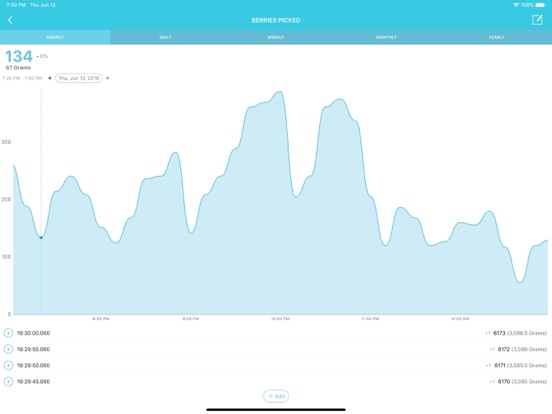
View hourly history over a 24 hour period
View daily, weekly, monthly and yearly history
Filter history by group
See your count history alongside any associated value and/or goal progress
View all actions made to your tally and exactly when they were made, down to the millisecond
Edit history
Export history as CSV
Quoi de neuf dans la dernière version ?
- Fixed occasional crash when tapping tallies