PocketAudio (Headphones)
iOS Universel / Utilitaires
Demo Video: http://youtu.be/YjaCBq-Jbb4
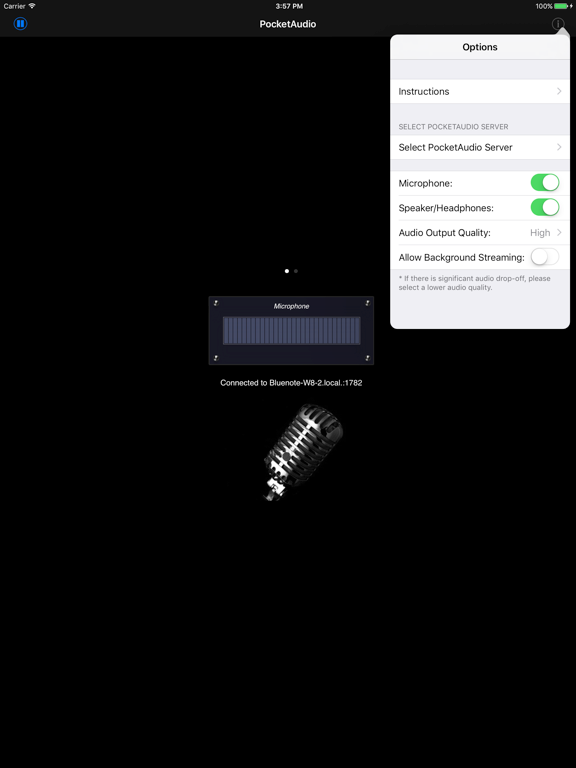
PocketAudio lets you use your iPhone as wireless headphones for your computer. PocketAudio automatically forwards audio played on your computer to your iOS devices.
PocketAudio (Headphones) can be used to play sound from any Windows or Mac applications. Simply select PocketAudio as your computer's audio output device, and you can now use iOS device to listen to any sound played on the computer.
You can use PocketAudio with any application that requires an audio output device, including Windows Live Messenger, Skype, AIM, Yahoo, etc.
*** Please note that there is network delay between the computer and iOS device. Therefore, PocketAudio should not be used in situations where delay can be an issue. For example, if you are watching a movie and use PocketAudio to play the soundtrack, you will notice the sound is played behind the video.
Instructions
* Download and install the PocketControl for Windows or Mac software from our website: http://www.senstic.com/iphone/PocketAudio/PocketAudio.aspx
* On Windows, run PocketControl for Windows and make sure the SensticPocketService is running on your computer. On Mac, run PocketControl from the Mac applications folder.
* Connect your iOS device to your home network using Wi-Fi.
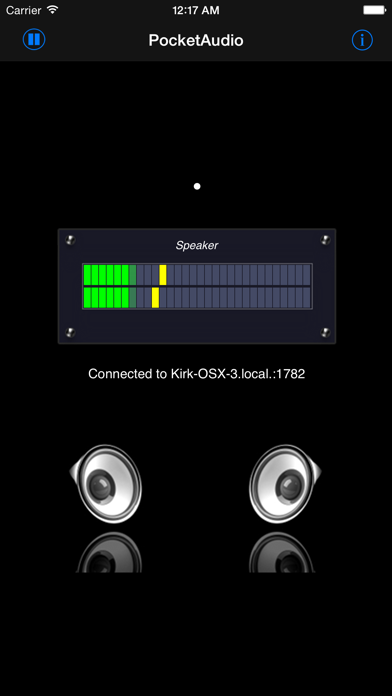
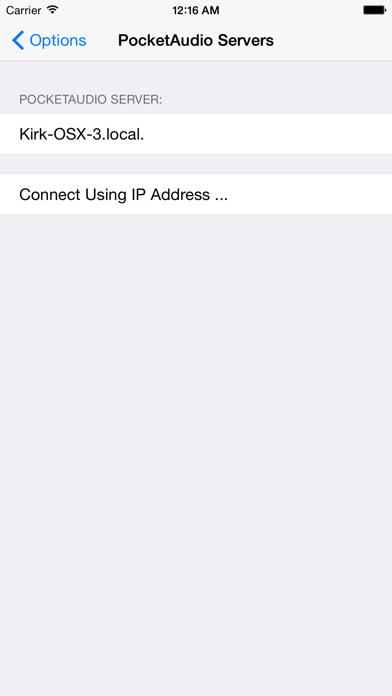
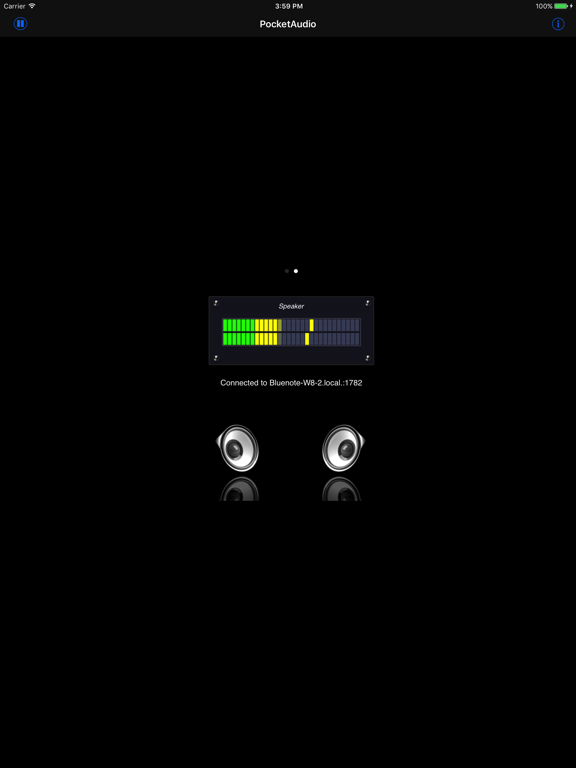
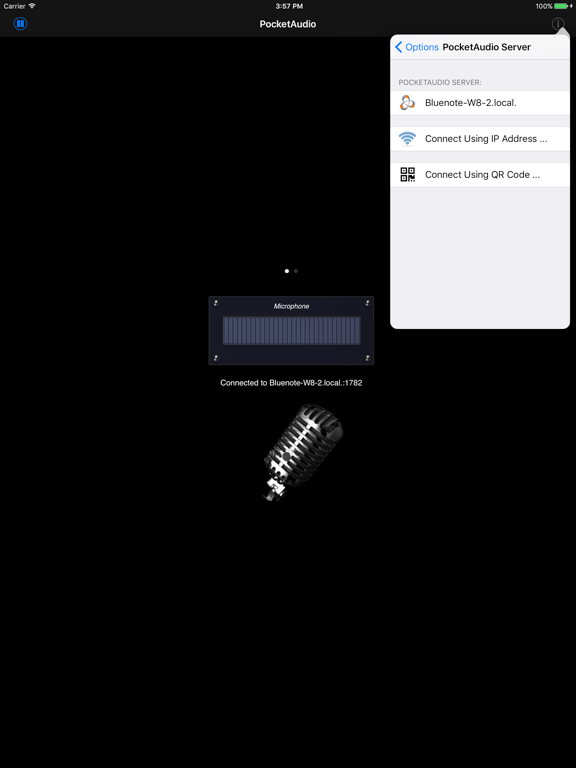
* Start PocketAudio, and the app will automatically connect to your computer. The bottom of your device screen should display "Connected to your_computer_name:port."
* Configure your Windows/Mac program to use PocketAudio as your audio input and/or output device.
Step by step instructions can be found at support page: http://www.senstic.com/iphone/PocketAudio/Support.aspx
Limitations
* Currently, PocketAudio supports Windows XP and above, Mac OS X 10.7 or above. Mac OS X 10.6 or earlier is not supported.
* PocketAudio does not work with iChat on Mac.
* There is network delay between the computer and iOS device. Please do not expect real time transmission.
Quoi de neuf dans la dernière version ?
This app has been updated by Apple to display the Apple Watch app icon.
Updated to support newer devices.