iCalculator - Keyboard Calc
iOS Universel / Utilitaires
Award-winning calculator app for iPad and iPhone with no ads. Designed with simplicity, usability, and beauty in mind!
Join millions of users by downloading iCalculator on your iPhone, or iPad.
[QUICK START]
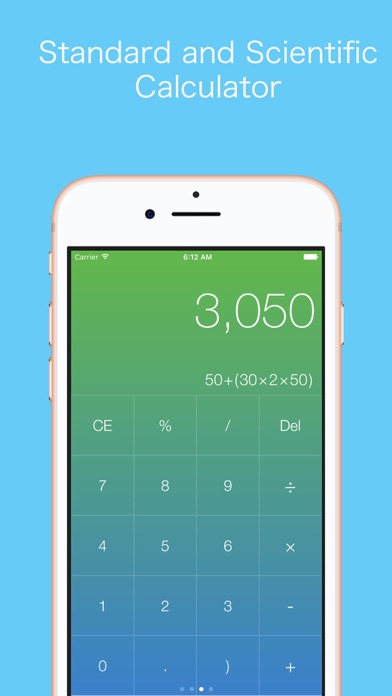
* There is no "=" button in this calculator app. It will calculate and show the result as soon as the expression is updated. If you need the next calculation, please click "CE" button; if you want to edit the calculation, please click "Del" button.
* Swipe up/down to hide/show the history records.
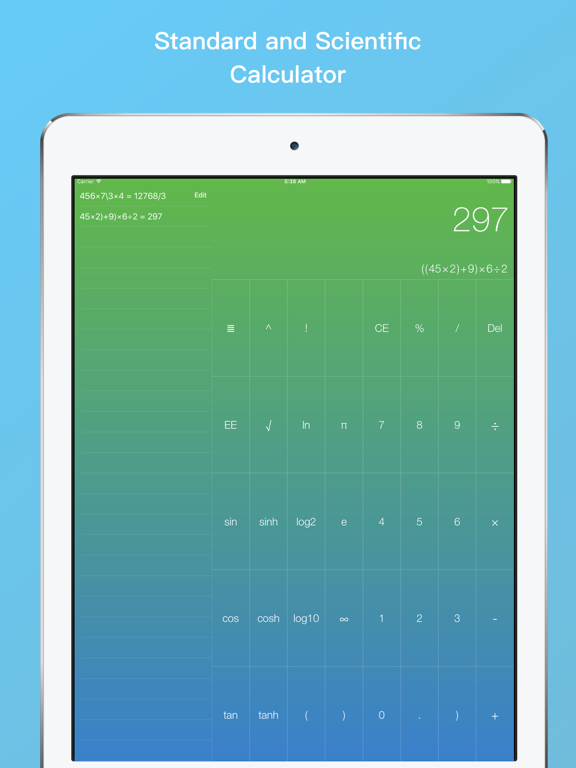
* Swipe left and right to hide/show the scientific/math functions.
[How to add a keyboard calculator]
1. Go to Settings > General > Keyboard.
2. Tap Keyboards, then do any of the following: Add a keyboard: Tap Add New Keyboard, then choose "iCalculator" from the list.
3. When the screen changes, touch "iCalculator" and "Allow full access".
[How to add the Today Widget]
1. In Today View, scroll to the bottom. You should find an Edit button. Tap it.
2. A new Add Widgets screen appears with a list of widgets. There are two lists here. The first lists the active widgets in your Today View. Scroll down until you see the More Widgets section, which is the widgets not in your Today View.
3. Find the widget "iCalculator". Tap the “+” icon. The widget will move to the bottom of the list of active widgets above the More Widgets section.
[FEATURES]
• No push, no news, no ads, 6.5MB, booting under one second.
* Basic & Scientific Calculator
* Fraction & Expression Calculator
* Calculate and show results instantly when the input is updated.
* History List: all Calculations are Saved and can be Copied and Forwarded; hide and open with one simple click
* Quick Equation Preview: Your current Equation is displayed below the result
* Basic Calculation Buttons in Portrait view
* Advanced Mathematical/Scientific Buttons in Landscape view
* Equations are automatically saved to the History list, which syncs with iCloud.
* Use the fraction key to do coherent fractional math. Calculate fractions: add, subtract, divide and multiply.
* Full support for iPad Split Screen multi-tasking.
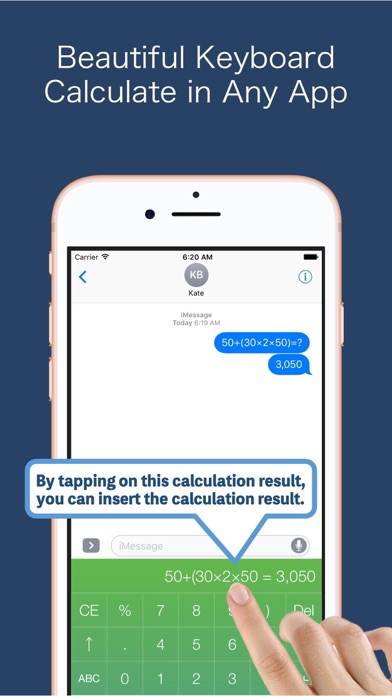
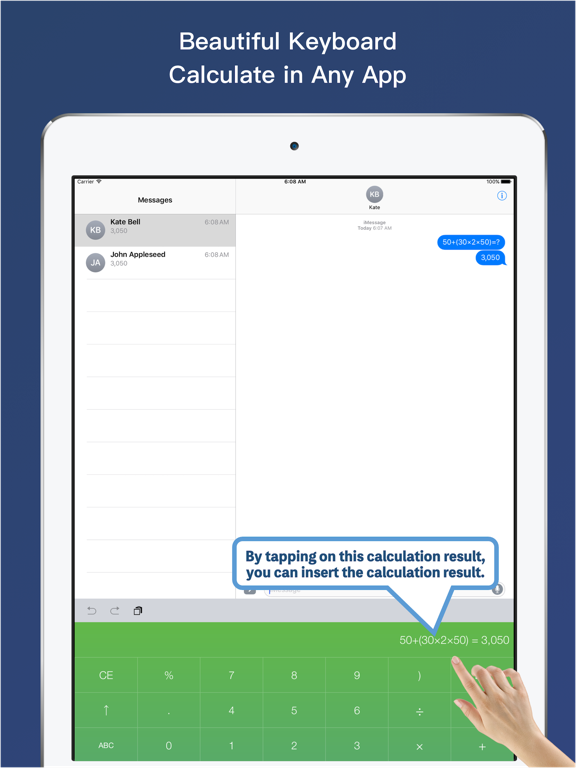
* Install the iCaculator keyboard so you can calculate a question in any app. Tap the "Insert" button, and the answer is inserted in the text field.
* Made a mistake? Tap the current equation to enter edit mode, where you can select characters, insert and delete.
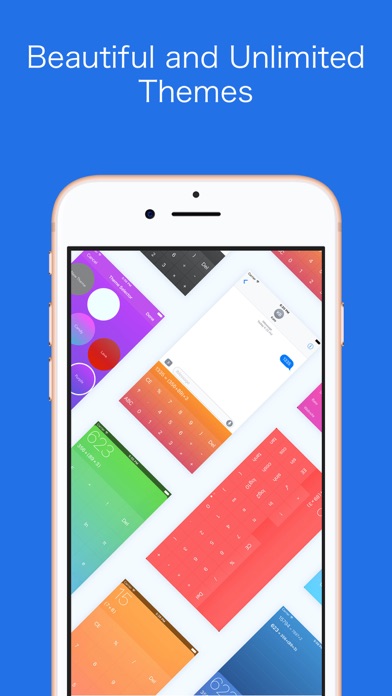
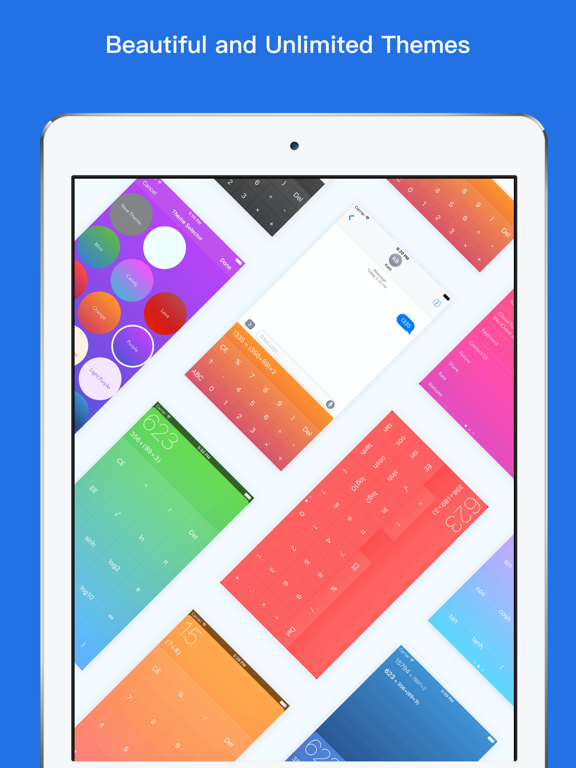
* Apply 16 beautiful themes, including new entrants Candy, Mint, Lava, and a “bright themes” set.
* Use the Theme Creator to make your own bright and beautiful color scheme.
Purchase service:
##Services support the developer by keep working on it and adding new features. If you do not subscribe to the service, it does not affect any features.
##The service is valid for one month and will be automatically renewed upon expiration
##Account will be charged for renewal within 24-hours before the end of the current period, and identify the cost of the renewal
##Subscriptions may be managed by the user and auto-renewal may be turned off by going to the user's Account Settings after purchase
Privacy Policy and Terms:
http://www.ledego.com/apps/icalculator/privacy.html
Quoi de neuf dans la dernière version ?
Improve Performance