Fuel Calculator: MPG Converter
iOS Universel / Utilitaires
Fuel Calc helps you calculate fuel economy, convert MPG and L/100 km, track fuel costs, and keep useful vehicle records in one place.
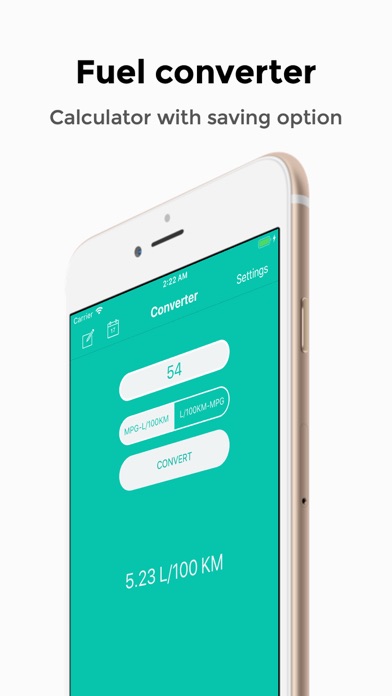
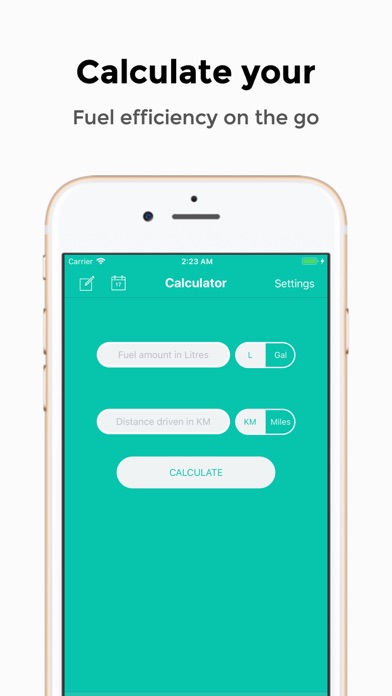
Use the calculator to work out fuel economy and journey cost from your fuel amount, distance, fuel price, and odometer reading. Use the converter when you just need a quick MPG to L/100 km conversion, or the reverse.
Saved calculations and conversions are kept in History so you can review past entries instead of starting from scratch each time. Charts make it easier to spot trends over time, compare saved values, and filter entries by date range.
Fuel Calc also includes service reminders for MOT, servicing, insurance, tax, oil, and custom vehicle tasks. Reminders can show when attention is needed, and you can choose how early the warning appears.
Key features:
- Fuel economy calculator
- MPG to L/100 km converter
- L/100 km to MPG converter
- U.K. and U.S. gallon support
- Miles and kilometres support
- Journey cost calculation
- Saved calculation and conversion history
- Charts for fuel economy, conversions, and journey costs
- Date range filtering
- Service reminders with due dates
- Customisable reminder warning window
- Backup export and import
- Theme options
Clean, modern iPhone interface
Fuel Calc is built for drivers who want simple, practical fuel and vehicle tracking without unnecessary clutter.
Quoi de neuf dans la dernière version ?
Version 3.0.2 adds a Home Screen Widget and polishes the History and Charts experience.
- Added a Home Screen Widget in two sizes. The small widget shows your last fill-up MPG, L/100 km, and date. The medium widget shows a full stat card with MPG, L/100 km, and journey cost. Tapping either widget opens the app at the right tab.
- Added an entry count badge to the Charts date range card.
- Improved History row card contrast and reduced spacing below the filter bar for a tighter layout.
- Fixed keyboard dismiss gesture after arriving via a widget tap.