Contact backup & Restore Data
iOS Universel / Utilitaires
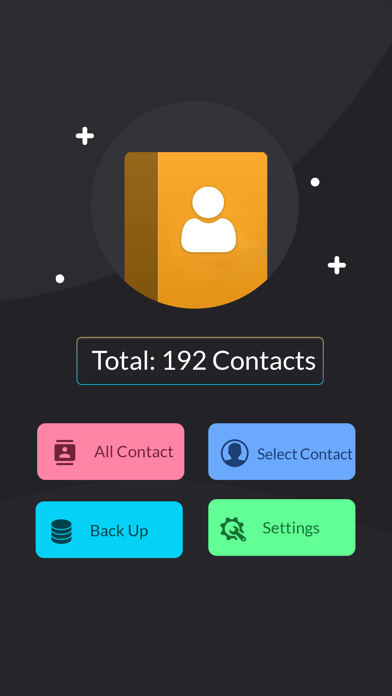
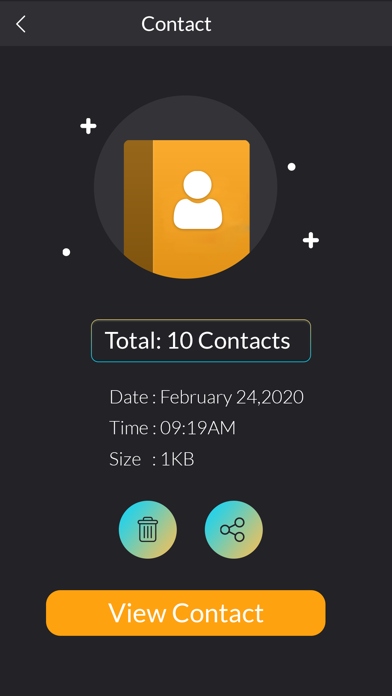
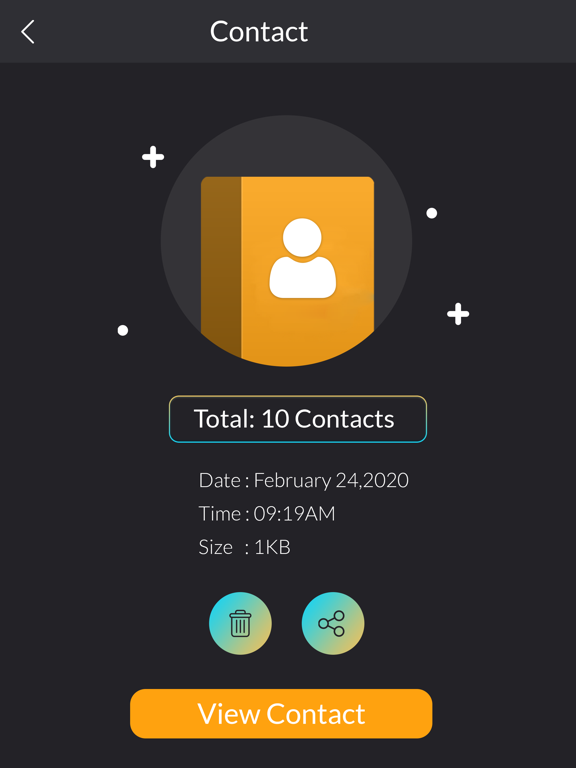
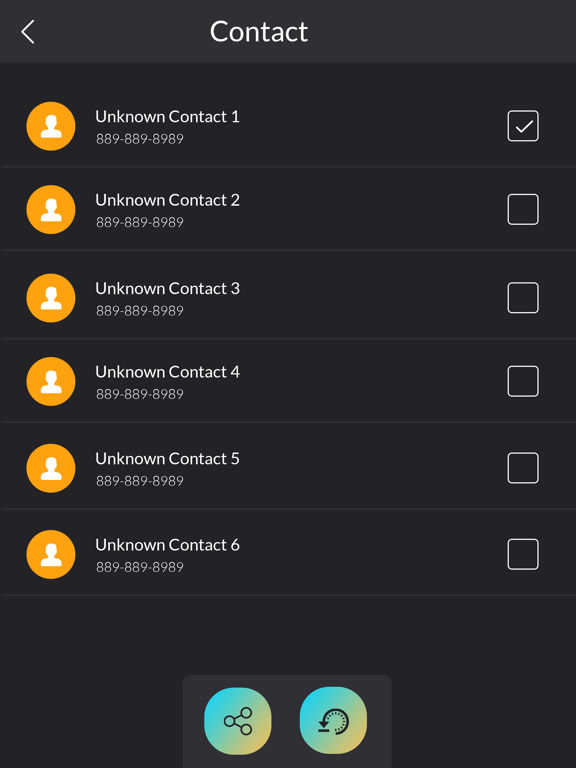
contacts backup- Contact Delete is the easiest way to backup and restore your contacts all
from your phone without needing a computer.You can back up all your contacts
with a click of a button and store it as a .vcf file In your phone for Cloud
storage or locally.contact backup application can use this contacts application
to contact management with features and capabilities within the app. Contacts Transfer
Using contact backup and restore app you can Just make a backup Click Save
to phone immediately at the end of the backup process and backup file will
be saved when there is an Internet connection later.contacts backup- Contact Delete
contact backup & transfer You can also import contacts from sim to phone in t
his app or import contacts from sim card to phone or contact copy to sim at the sim
contact copy to phone the contact number sim to phone and phone to sim copy as
contact copy to phone a Contacts Transfer contact backup and transfer.contacts
backup- Contact Delete, contact transfer
backup contacts app is contacts transfer app establish best contacts apps with
beautiful all functionalities based on contacts. You can use this backup contact
application to contact management Contacts Transfer with features and capabilities within the app.
The contacts theme and contacts updated contacts utility as contact list and
contacts recovery app. contacts backup- Contact Delete
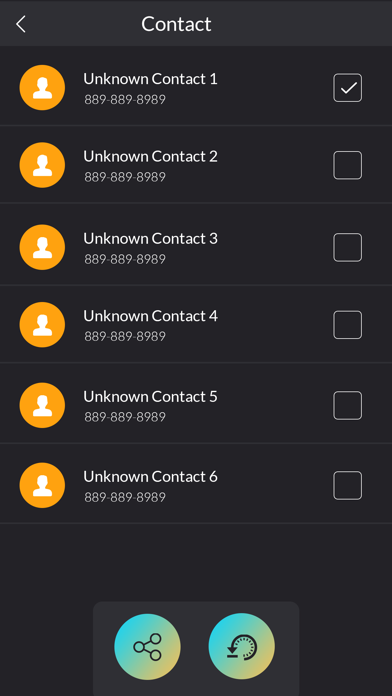
contact backup and restore app is the easiest and most reliable tool to backup
your contacts. It reads every single detail of all of your contacts.contact
backup apps creates vcf file from phonebook contacts which can be restored to
any phone devices with just one click. So you have always your contacts in any
case.Contacts Transfer
[Contact backup & Restore Data - Pro]
- Contact backup & Restore Data - Pro subscription is billed weekly, monthly or annually at the rate corresponding to the selected plan. In addition, a one-time payment will be offered if needed, which is not one of the subscription plan.
- Payment will be charged to iTunes Account at confirmation of purchase.
- Subscription automatically renews unless auto-renew is turned off at least 24-hours before the end of the current period.
- Account will be charged for renewal within 24-hours prior to the end of the current period, and identify the cost of the renewal.
- Subscriptions may be managed by the user and auto-renewal may be turned off by going to the user's Account Settings after purchase.
- Any unused portion of a free trial period, if offered, will be forfeited when the user purchases a subscription to that publication, where applicable.
[Terms of Use]
https://skyinfotechdeveloper.com/terms_and_condition_ios.html
[Privacy Policy]
https://skyinfotechdeveloper.com/privacy_policy_ios.html
Quoi de neuf dans la dernière version ?
* Improved app stability with bug fixes
* Enhanced performance for smoother experience