Clock Simplicity
iOS Universel / Utilitaires
Finally, a simple weather clock that is clean and straightforward.
No ads, no accounts, no setup. Same promise kept since 2018.
Launch it and you have the time, the date, and what the weather is doing right now. Set the device down on a nightstand, a desk or a kitchen counter and leave it there — the screen won't lock while the app is open.
THE TIME, AS BIG AS YOU WANT IT
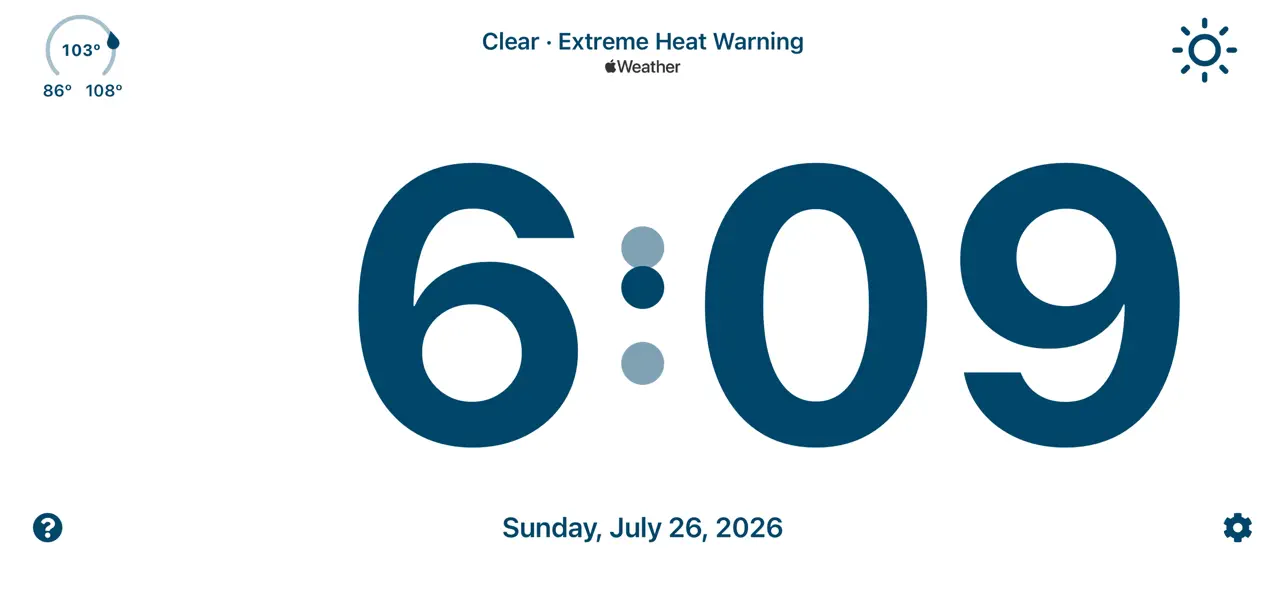
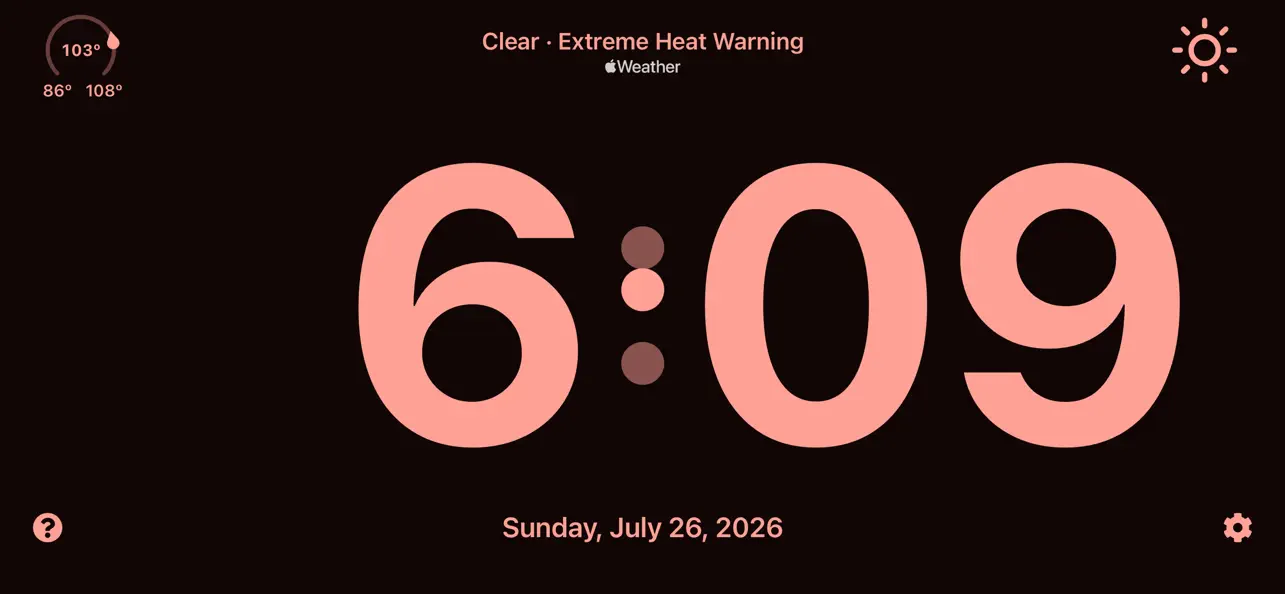
Pinch out and the time fills the entire screen, edge to edge, so you can read it from across the room or from the doorway. Pinch in to bring it back to its usual size. In landscape the digits run on a single line; in portrait the hours stack over the minutes.
SIX COLOR THEMES
Black & White, Ocean, Cyan, Lime, Coral and Fuchsia — each with a light side and a dark side. Swipe two fingers left or right to move through them, or pick one in Settings. Double-tap anywhere to flip between light and dark. Every pairing is chosen to stay legible in a dark room, and the light themes lift as you dim the screen so they hold up at night.
WEATHER FROM APPLE WEATHER
The current temperature on an arc gauge that shows the day's full range at a glance, with a marker pointing the way the temperature is heading. Conditions, humidity, and severe weather alerts when there are any. Double-tap the temperature to switch between Celsius and Fahrenheit. Lose signal and your last reading stays right where it was.
GESTURES THAT STAY OUT OF THE WAY
Swipe two fingers up or down to set the screen brightness — two fingers rather than one, so picking the phone up or putting it down doesn't dim it by accident. A "?" in the corner opens a page that explains every gesture, and nothing here is gesture-only: everything can be done from Settings too.
Works on iPhone and iPad. Available in English and Hebrew.
Quoi de neuf dans la dernière version ?
Eight years. One screen. The biggest redesign this clock has ever had.
Clock Simplicity is 2.0 — rebuilt from the color up, with a new way to read the time from clear across the room. Everything that made it worth keeping on your nightstand is still here: no ads, no accounts, no setup. Same promise as 2018, brand new clock.
NEW: Full-screen time display
The time now fills the entire screen, edge to edge. Read it from the doorway, from bed, or from the shower. Pinch out to go big, pinch in to come back.
NEW: Themed colors
Six hand-picked swatches — Black & White, Ocean, Cyan, Lime, Coral and Fuchsia — each with a light and a dark side. Pick one in Settings, or just swipe two fingers across the clock to move through them. Double-tap still flips between light and dark.
IMPROVED: Weather from Apple Weather
Conditions now come straight from Apple Weather, severe weather alerts included, so you see the ones that matter without opening anything. Lose signal and your last reading stays right where it was.
IMPROVED: A temperature gauge you can actually read
The gauge shows the day's full range at a glance, with a marker that points the way the temperature is heading.
IMPROVED: No more accidental dimming
Setting the screen brightness is now a two-finger swipe instead of one. Picking the phone up or putting it down on the nightstand no longer dims it by mistake.
Also new: a "How it works" page behind the ? that teaches every gesture, a full-page Settings, and light themes that lift as you dim the screen so they stay readable at night.