Bei Backup
iOS Universel / Utilitaires
Your memories are your most precious asset. Don’t let them have only one copy
Have you ever thought
If your phone is lost, will the record of your child’s growth still be there?
If your computer breaks down, can you still find the photos from last year’s trip?
If you accidentally delete a photo, is there anywhere to recover it?
Lost photos are gone forever.
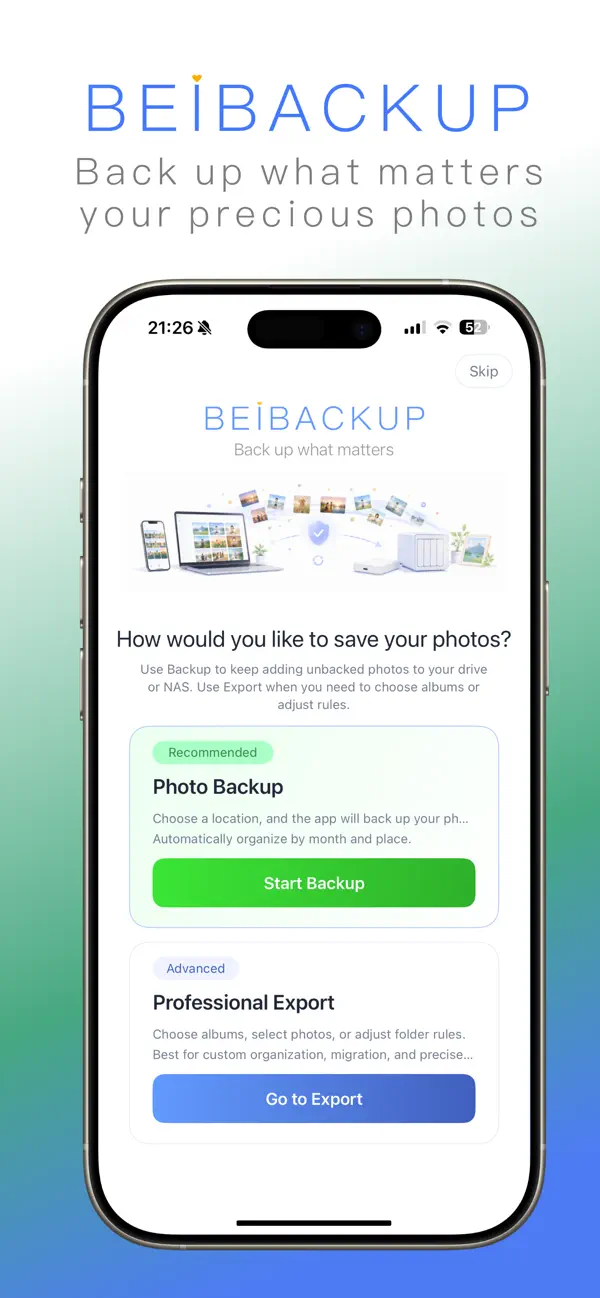
Bei Backup exists for this one reason: to give your memories a safe extra copy.
Normally, you might not think about this…
The photos on your phone – you browse them anytime, as if they could never be lost.
But when an accident happens, you suddenly realize: those moments really had only one copy.
Actually, you’ve thought about backing up… it’s just too troublesome.
You’ve definitely had the thought: “I should back up my photos.”
But then you open your computer, connect your phone, and face thousands of photos.
You don’t know which ones have been backed up and which haven’t.
You select all, copy, paste to your hard drive, and it becomes a chaotic mess.
Want to sort by date into folders? You manually create, name, drag… half a day to organize just a few hundred.
Next time you back up, you have to re-compare everything from scratch.
So you tell yourself: “I’ll do it next time.” Then next time, and the next… until one day the photos are really lost.
Two ways, for everyone
Casual users: one‑click backup – just tap and done
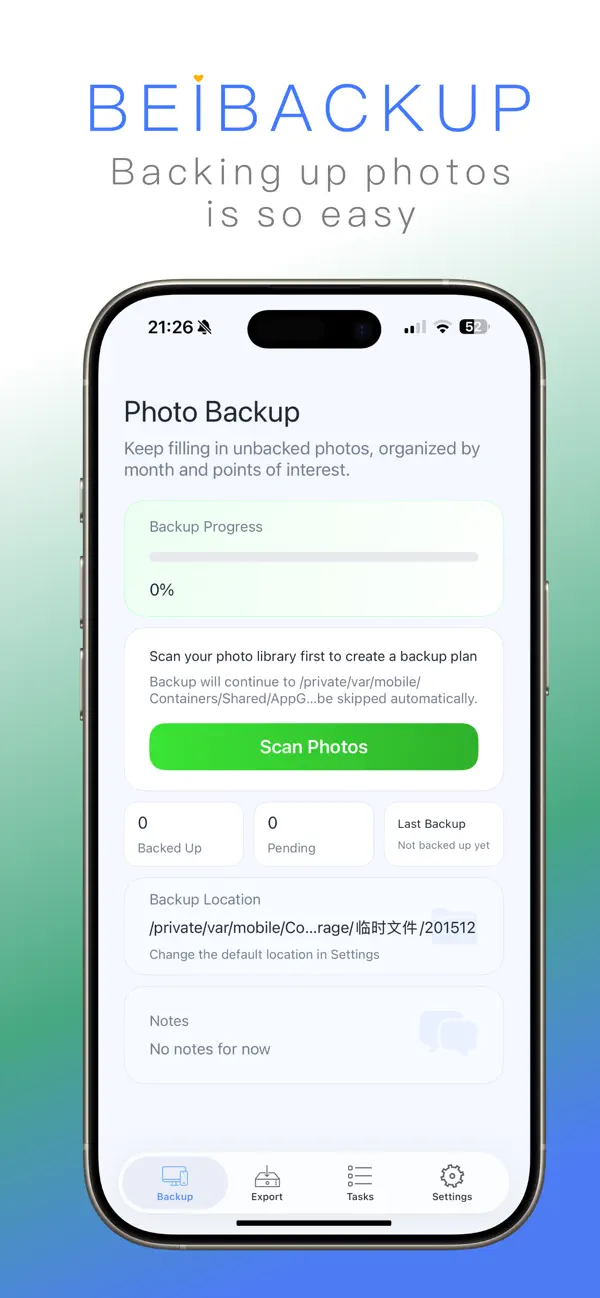
All you need are two steps:
Open Bei Backup, choose your hard drive or NAS.
Click “Start Backup”.
Then Bei Backup automatically does two things:
① Automatically fills in unbacked photos
It scans your photo library, compares with backup records, and copies only the new, unbacked photos. You don’t need to pick them one by one – nothing will be missed.
② Automatically organizes folders by “Year‑Month + Points of Interest”
With GPS info → intelligently matches points of interest (attractions, business districts, landmarks), generating folders like:
2025-03_Beijing_Forbidden City, 2024-12_Shanghai_The Bund
Without GPS → organized only by year‑month: 2025-03, 2024-12
Open your hard drive, and you can see at a glance where and when each photo was taken. Want to find photos from a certain trip or gathering? Just look at the folder names – no need to recall exact dates.
Advanced users: professional export – export however you want
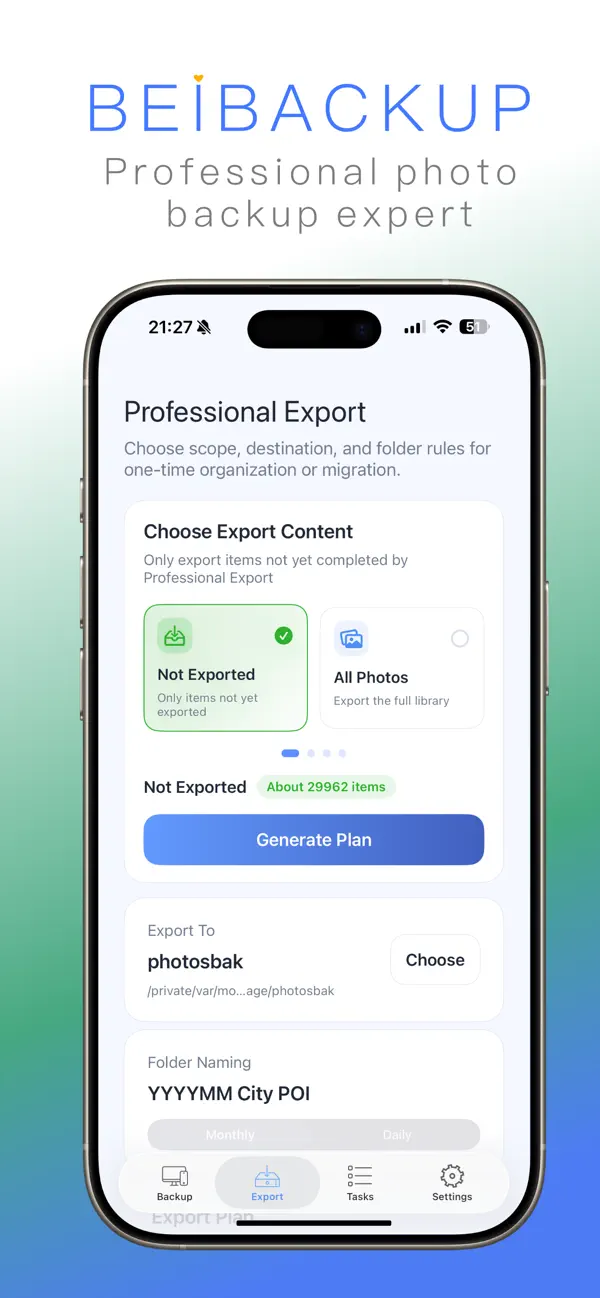
When you need finer control (e.g., export only a certain album, only Live Photos, only videos), use the Professional Export mode. It supports:
Filter by date range – export photos taken within a specific period
Filter by specified album – export only albums you select (e.g., “Travel”, “Baby”)
Export Live Photos – preserve the full dynamic effect
Export videos – export all videos separately
Export favorites – export only the photos you’ve marked as favorites
Export all – complete export of your entire photo library in one go
You can also customize the destination folder and naming rules, with support for monthly or daily sub‑folders – perfect for archiving, migration, sharing, and other advanced needs.
Whether you’re a casual user or a professional, Bei Backup perfectly matches how you like to work.
Why Bei Backup gives you more peace of mind than cloud backup
Privacy & security
Cloud backup uploads your photos to someone else’s server, where they could be scanned, leaked, or used to train AI.
Bei Backup is completely local – your photos stay on your own hard drive, and no one else can see them.
No annual subscription
iCloud and other cloud drives charge every year, and the more space you need, the more you pay.
Bei Backup is a one‑time purchase, usable forever, with no capacity limit (depends only on your hard drive).
Not dependent on any cloud service
Cloud drives might shut down, throttle speeds, or block your account.
Bei Backup stores your photos on the hard drive you own – accessible anytime, forever yours.
Bei Backup = One‑click backup / Professional export + Smart organization + Local & private + No subscription
Quoi de neuf dans la dernière version ?
Improved the appearance of controls on IOS 27.
Refined language switching and interface consistency.