iPhoneAddict Apps
  • Actualités
  • Accueil Apps
  • iPhone
  • iPad
  • Universelles
  • Mac
  • Apple TV
KG KultureGeek
App
iPhone / iPad Télécharger iAddict v5 Mac Télécharger iAddict Mac
  • Actualités
  • Accueil Apps
  • iPhone
  • iPad
  • Universelles
  • Mac
  • Apple TV
  • Archives keynotes
  • Firmwares & iTunes
  • Contactez-nous
  • Comparateur de prix
  • KultureGeek
Accueil » Liste des Apps » Apps Universelles » Utilitaires » Telugu Keyboard Translator
3.5 iOS €Gratuit banuchander janarthn 0 0 *************************** Use Telugu Everywhere *************************** ◉ Best Telugu Keyboard Ever ◉ Type the English word, Get the Telugu Meaning Instantly Offline ◉ Easy Letter Suggestions - Offline ◉ 50% More Faster than normal...
Telugu Keyboard Translator

Telugu Keyboard Translator

iOS Universel / Utilitaires

Gratuit
Obtenir sur l'App Store
Facebook X E-mail

***************************
Use Telugu Everywhere
***************************
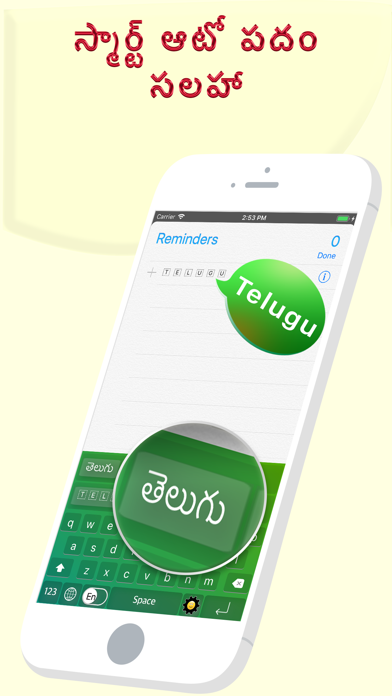
◉ Best Telugu Keyboard Ever
◉ Type the English word, Get the Telugu Meaning Instantly Offline
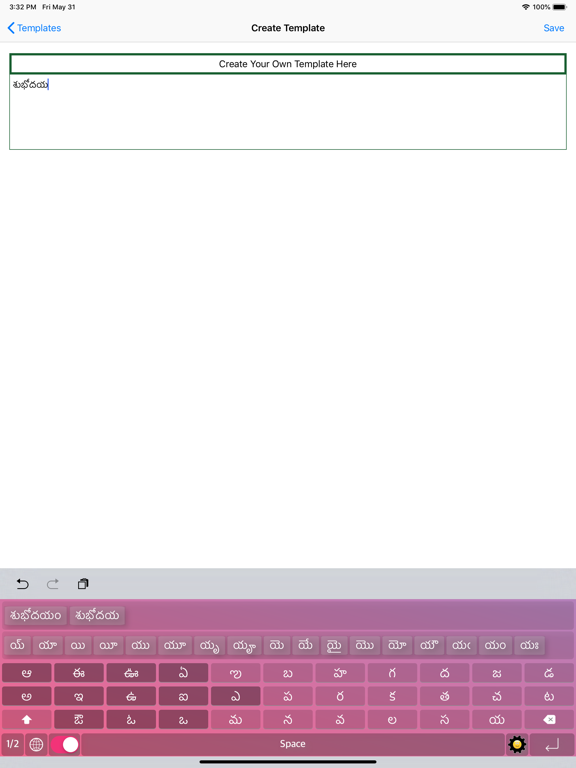
◉ Easy Letter Suggestions - Offline
◉ 50% More Faster than normal keyboards
◉ Easily differentiate the Letters
◉ Get suggestions for the letters

◉ Help Grow Our Telugu Community
◉ Please Support Development By sharing with others

-------------------------------------
HOW TO INSTALL MANA TELUGU KEYBOARD
-------------------------------------
Once you downloaded the app from Appstore.

Step 1: Go to iPhone settings.
Step 2: Find General And Click on it.
Step 3:Scroll Down to bottom and see Keyboard option, Click on it.
Step 4: Click on the Keyboards Row.
Step 5: Scroll Down bottom of the screen and find "Add New Keyboard" Option and tap on it.
Step 6: Scroll down and find the Mana Telugu Keyboard Option And tap on it, Thats it you are done.

Now finally open any of the WhatsApp,Facebook,Email,Notes,Twitter, sms app, and long press the Globe icon from the default keyboard, now choose the Mana Telugu Keyboard Option.

**************************
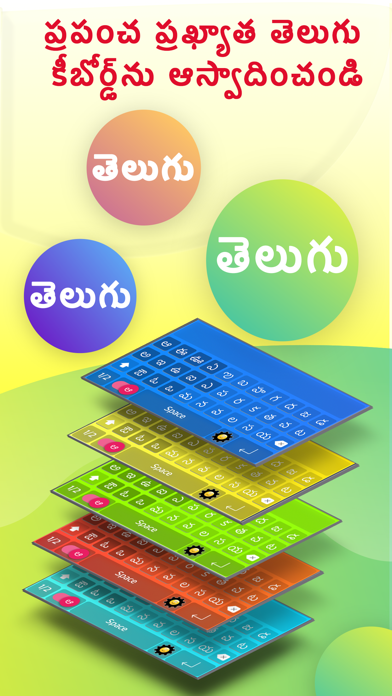
The smartest Telugu keyboard for iPhone — type in English,
get Telugu script instantly.
◉ TRANSLITERATION
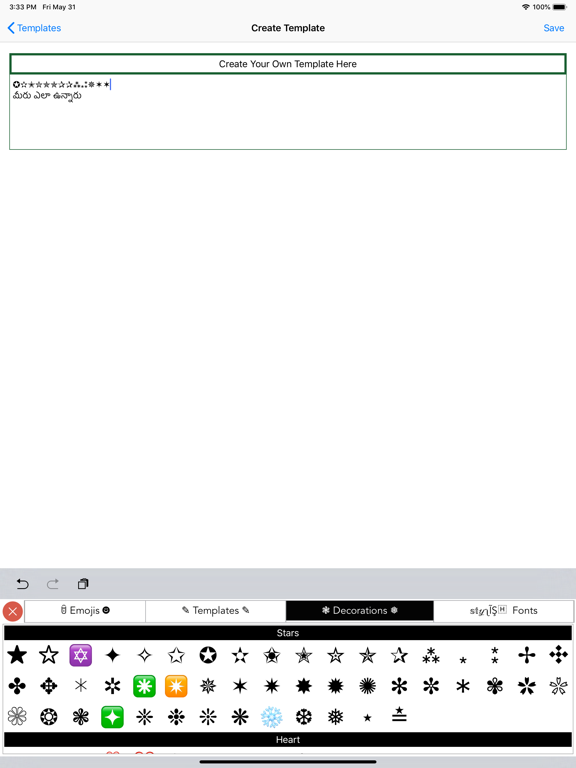
Type "nenu" → నేను. Type "ela unnav" → ఎలా ఉన్నావ్.
No need to learn complex key layouts — just type naturally
in English (Tenglish) and the keyboard converts it to perfect
Telugu script in real time.
◉ SMART WORD SUGGESTIONS
As you type, the top bar shows Telugu word predictions pulled
from a database of 600,000+ Telugu words. The more you type,
the smarter it gets with next-word prediction.
◉ WORKS EVERYWHERE
Works in WhatsApp, Instagram, Messages, Gmail — any app on
your iPhone. Switch between Telugu and English with one tap.
◉ EMOJI & SYMBOL FRIENDLY
Add emojis or symbols after your word — they stay attached
when you select a suggestion. Nothing gets lost.
◉ BUILT FOR TELUGU SPEAKERS
• 600,000+ Telugu word database
• Tenglish → Telugu live transliteration
• Next-word prediction (bigram model)
• Supports Andhra & Telangana vocabulary
• Clean, fast, no internet needed

En voir plus...

Quoi de neuf dans la dernière version ?

-imporved next word predictions
  • Screenshot #1 pour Telugu Keyboard Translator
  • Screenshot #2 pour Telugu Keyboard Translator
  • Screenshot #3 pour Telugu Keyboard Translator
  • Screenshot #4 pour Telugu Keyboard Translator
  • Screenshot #5 pour Telugu Keyboard Translator
  • Screenshot #6 pour Telugu Keyboard Translator

D'autres applications du développeur

Mains animées - Gif AnimatedMains animées - Gif AnimatediOS UniverselActivités de personnes - AniméActivités de personnes - AniméiOS UniverselOneIndia Radio - Indian RadioOneIndia Radio - Indian RadioiOS UniverselTamilini - Tamil KeyboardTamilini - Tamil KeyboardiOS UniverselSmiley Planet LiteSmiley Planet LiteiOS UniverselNamma Kannada KeyboardNamma Kannada KeyboardiOS UniverselVoir toutes les apps

Note

(0 note)

Détails sur l'application

Version
3.5
Taille
224.6 Mo
Version minimum d'iOS
16.6
Dernière mise à jour
20/05/2026
Publié par
banuchander janarthn

Newsletter App Store

Recevez chaque jour les meilleures promos

Actualité Apple

Image Release candidate pour iOS 26.6.1, iOS 18.7.10 et macOS 26.6.2
Release candidate pour iOS 26.6.1, iOS 18.7.10 et macOS 26.6.2
Image Bêta 5 pour iOS 27, macOS 27 Golden State, watchOS 27, tvOS 27 et visionOS 27
Bêta 5 pour iOS 27, macOS 27 Golden State, watchOS 27, tvOS 27 et visionOS 27
Image Le nouveau coloris de l’iPhone 18 Pro se précise
Le nouveau coloris de l’iPhone 18 Pro se précise
Image Apple révèle comment Siri peut se connecter à l’IA Qwen en Chine
Apple révèle comment Siri peut se connecter à l’IA Qwen en Chine
iPhoneAddict Apps

Le catalogue iPhoneAddict pour suivre les nouveautés, mises à jour et baisses de prix de l’App Store.

Apps

Toutes les apps iOS iPhone iPad Universelles Mac Apple TV

iPhoneAddict

Actualité Apple Archives keynotes Contact À propos KultureGeek

Suivez-nous

©2009-2026 i2CMedia. Tous droits réservés.