A2V
iOS Universel / Utilitaires
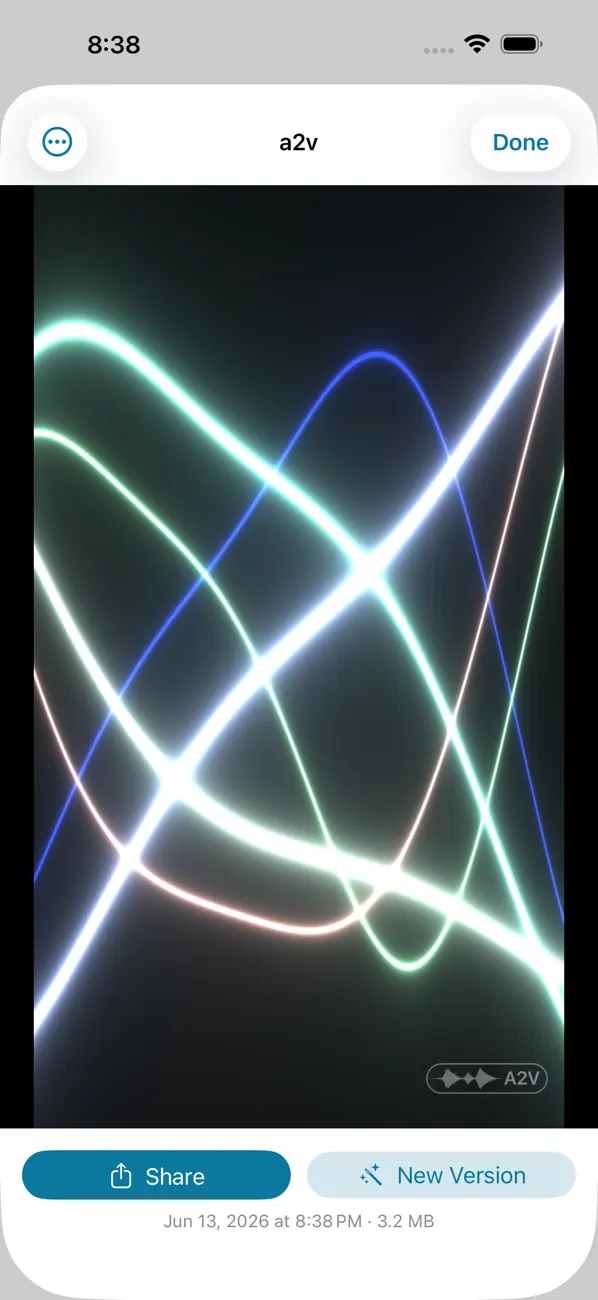
Social apps don't accept bare audio. A2V fixes that: it turns any audio clip — a voice memo, a song sketch, a podcast moment, a lecture — into a clean waveform video you can post to feeds, stories, and messages.
Share it in seconds. From Voice Memos or any app, tap Share and choose "Convert to Video." Or open A2V to import from Files, record something new, or restyle an old clip.
NINE VISUALIZATIONS
Wave, Radial, Spectrum, Ribbon, and Spectrogram for classic audio looks — plus Aurora, Pulse, and Starfield, neon visuals that move with the sound and give every recording its own feel.
MADE FOR EVERY PLATFORM
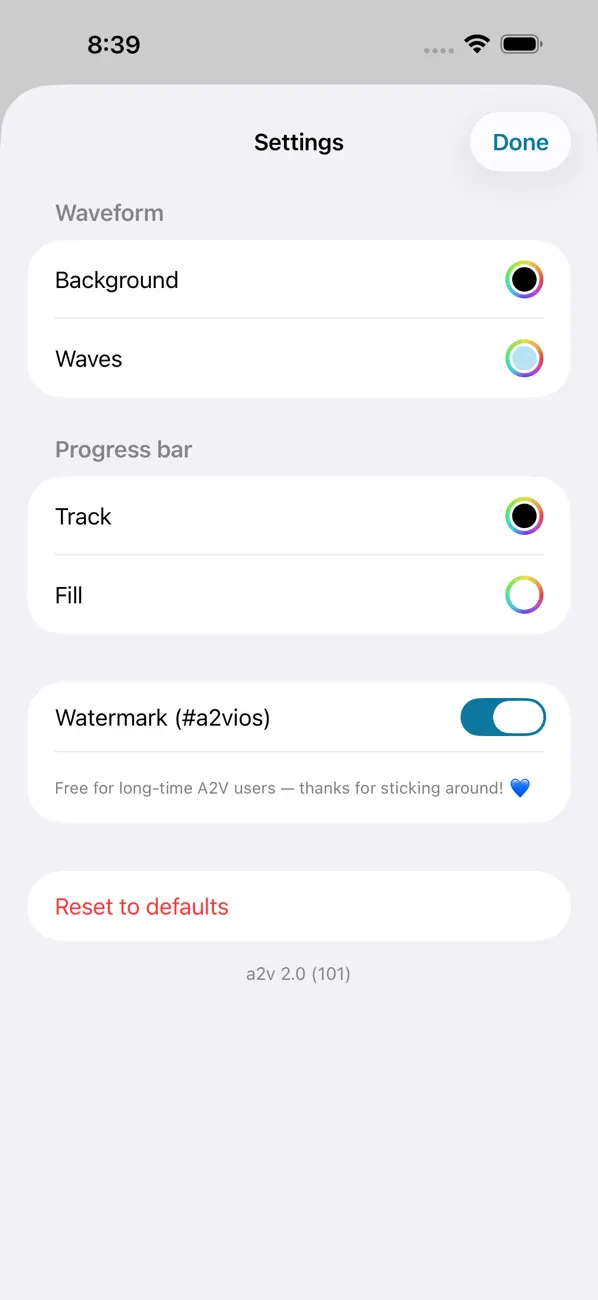
Export Square (1:1), Vertical (9:16) for stories and short video, or Wide (16:9) for the big players. Pick your waveform and background colors to match your brand.
ON-DEVICE CAPTIONS
Auto-transcribe speech into burned-in captions so your words land even on mute. Captions are generated entirely on your device (requires iOS 26).
A LIBRARY, NOT A ONE-SHOT
Every render is saved. Replay it, rename it, share it again, or make a New Version in a different style — without re-importing the audio.
PRIVATE BY DESIGN
No account. No uploads. No tracking. Recording, transcription, and rendering all happen on your device. Your audio never leaves your phone.
ALSO
- Live preview before you render
- Record straight into the app
- Universal — iPhone and iPad
- A Shortcuts action: "Convert Audio to Video"
- Handles long imports smoothly
A2V is free to use. A one-time in-app purchase removes the small watermark (and it's already free for long-time users — thanks for sticking around).
Quoi de neuf dans la dernière version ?
New visualization styles, grouped into Waveform, Scopes, and Scenes.
Scenes: six moving styles — Aurora, Pulse, Starfield, Lava, Plasma, and Mandala — with color palettes (Heat and Duotone) and motion that follows the beat.
Scopes: Vectorscope, which plots your recording against a delayed copy of itself, plus Ribbon and Polygon.
Per-style Detail, Motion, and Variation controls.
The Record screen shows a live level meter in your colors, and renaming a video has a clear button.
The Convert to Video share extension now matches the app's styles and options.
Plus fixes and performance improvements.