VIZ Designer for HomeKit
iOS Universel / Style de vie
CREATE YOUR OWN APP FOR APPLE HOMEKIT
Everyone who wants to go beyond the standardized operating logic and design of the Apple Home app can now benefit of our revolutionary solution. The new VIZ Designer brings your vision of a home app to life. Just control the functions of your HomeKit devices with a self-designed control app in a stylish and customized look and feel.
How does it work? – It's absolutely simple!
Download the VIZ Designer app to your mobile device. Then use the VIZ Designer app to import the HomeKit devices from your Apple Home app to your VIZ Designer account.Now download the required VIZ Designer software for your PC/Mac from our website (included in the app price). Use the software and its features to create your individual app-design. Then download the created app layout (called "remote") to your mobile device and control your devices directly with your individual VIZ Designer app.
Be creative and control your home with an app that is as individual as you are. You will be amazed!
TRY BEFORE YOU BUY
Use the free test mode of the VIZ Designer software to try out all functions to create your own app layout based on demo devices. Via preview you can see how your app will look like and how the navigation or pop-ups work.
More information: https://www.viz-designer.com/download
THE UNIQUE FEATURES OF THE VIZ DESIGNER AT A GLANCE:
Sensationally flexible – simply design your own home app
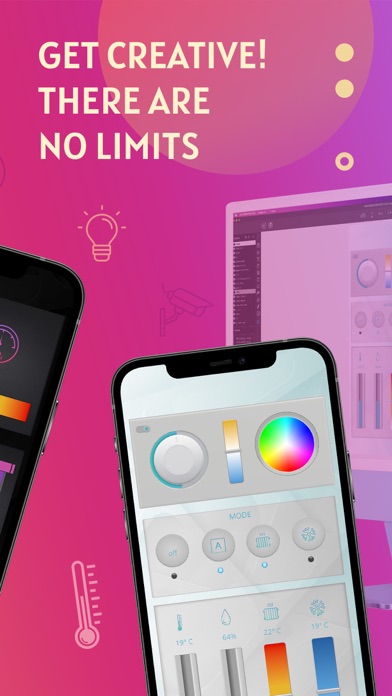
Your home, your devices and your individually styled home control app! Feel the freedom of ultimate flexibility and define functions and graphic design by yourself. Arrange everything just the way you like it best. And if your family members want their own designs? No problem. You can save any number of different app designs for each of your family members and much more.
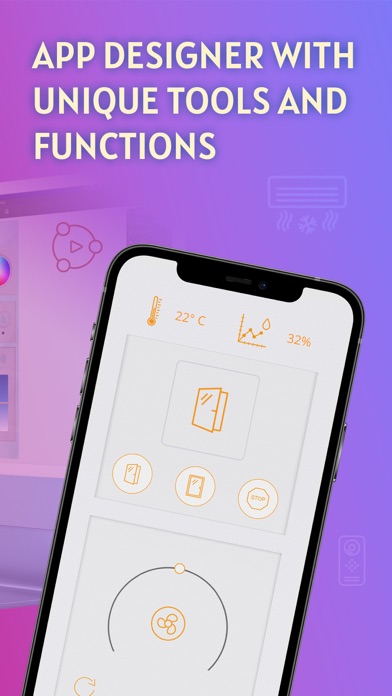
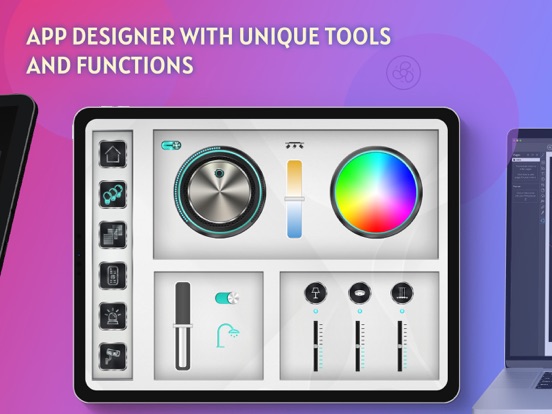
App Designer with unique tools and functions
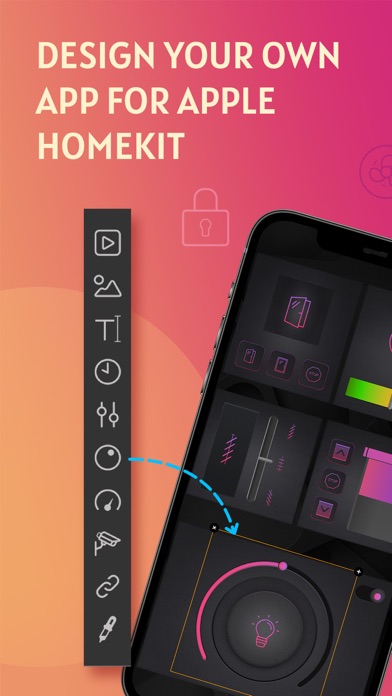
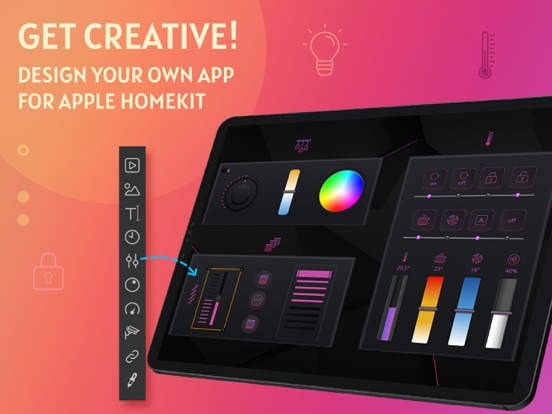
Use intuitive tools and function elements such as widgets, buttons, text fields, sliders, round sliders, color pickers, pop-ups, analog meters, web elements and much more. Combine everything according to your ideas and create a personal look & feel for your home control user interface.
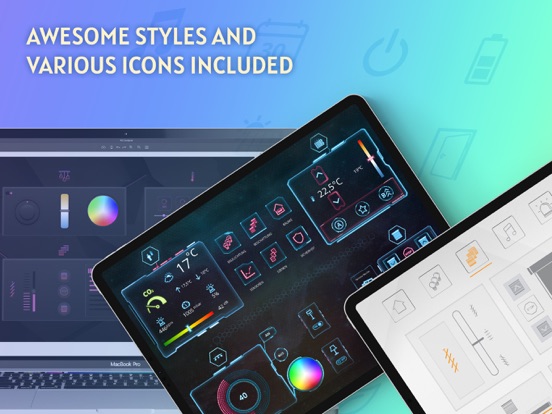
Icon sets and controls in different styles and colors included
Use the large pool of included icons, images and controls in many beautiful styles and different colors to make the look of your app a real eye-catcher.
Personalize your app by importing your own images and graphics
In addition to the many inclusive graphic styles, you can completely customize your app with your individual images. Simply import your own images or graphics and use them as button images, status displays, background graphics and much more.
Define one-touch scenes and groups
Define device groups and scenarios by combining devices and assigning functions. Control lights, shutters, heating etc. with just a tap or a swipe gesture.
Integrate websites and camera images into your app design
Enhance the functionality and design of your app by the additional integration of websites and images of your surveillance cameras or door intercoms.
It’s easy to create your own personal smart living experience!
Once you have finished designing your app with the free VIZ Designer software, you simply transfer it to your VIZ Designer app on your iOS devices via your personal account. Since the VIZ Designer software is only required for the design process and not for the operation, you can close it as soon as the editing process is complete. To control your devices, only the VIZ Designer app is required.
IMPORTANT NOTE:
To control your HomeKit devices with the VIZ Designer app it is necessary to create the app user interface with the included VIZ Designer software first. The VIZ Designer software is available for MacOS and Windows.
Check www.viz-designer.com for more information.
Quoi de neuf dans la dernière version ?
* Bugfix: Commands and states did not work properly on iOS 18.4