Vesta
iPhone / Style de vie
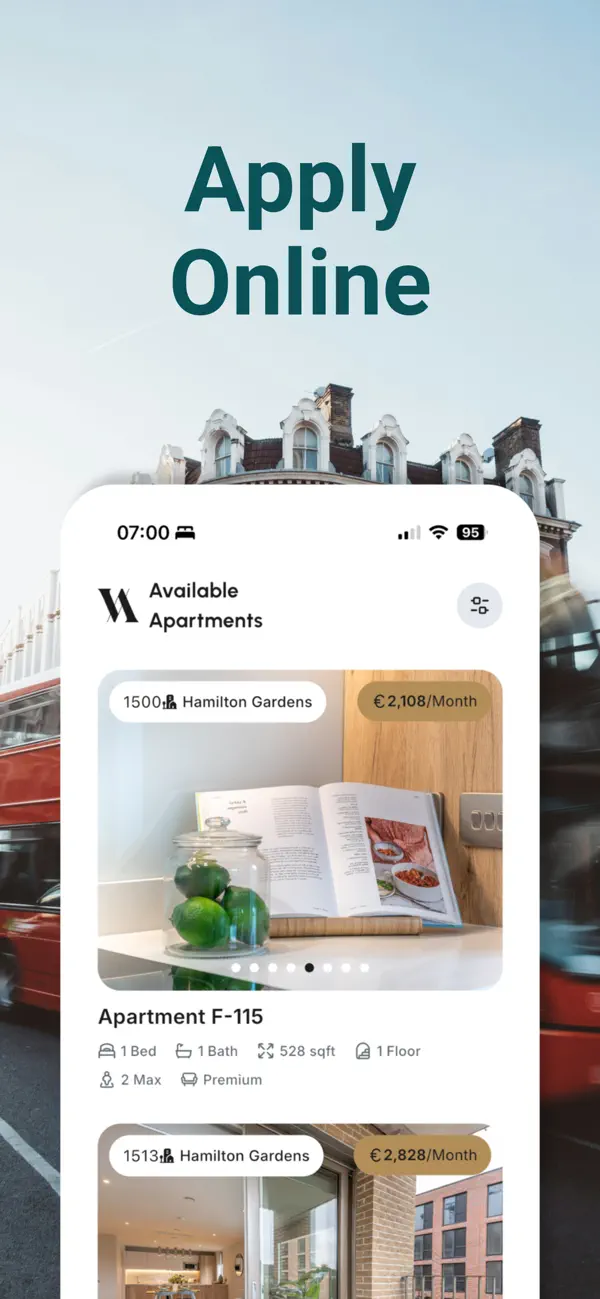
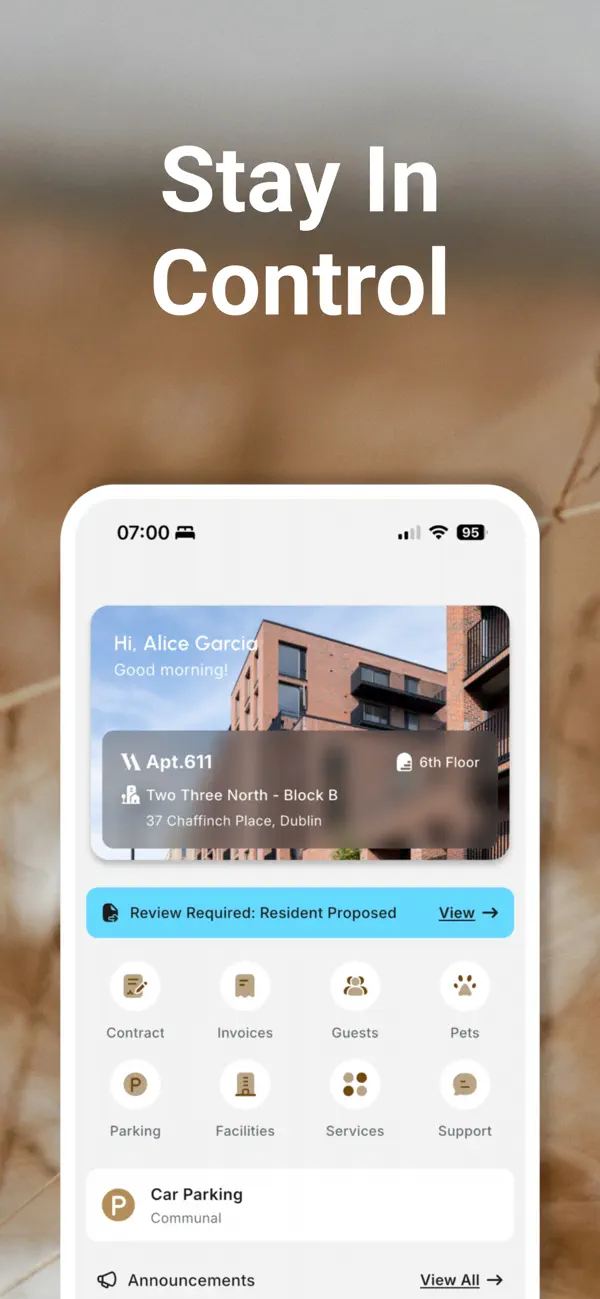
Vesta puts your entire apartment living experience in one place. From applying for your home to managing everyday essentials, everything is just a tap away.
APPLY WITH EASE
Browse available apartments, submit your application, and verify your identity — all digitally. Upload your ID, proof of income, and sign your lease from your phone. Co-applicants can be invited and managed directly within the app.
MANAGE YOUR HOME
• View and sign your lease contract digitally
• Track invoices and payment history
• Access apartment details, floor plans, and amenities
• Download proof of residency and landlord references on demand
GUEST MANAGEMENT
Invite guests with a simple ID scan. Vesta uses AI-powered document recognition to extract details from passports and driver's licenses — just snap a photo and the form fills itself. Set access durations and revoke anytime.
SHARED SPACES
Browse and book shared building spaces — meeting rooms, lounges, cinema rooms, and more. All managed through the app.
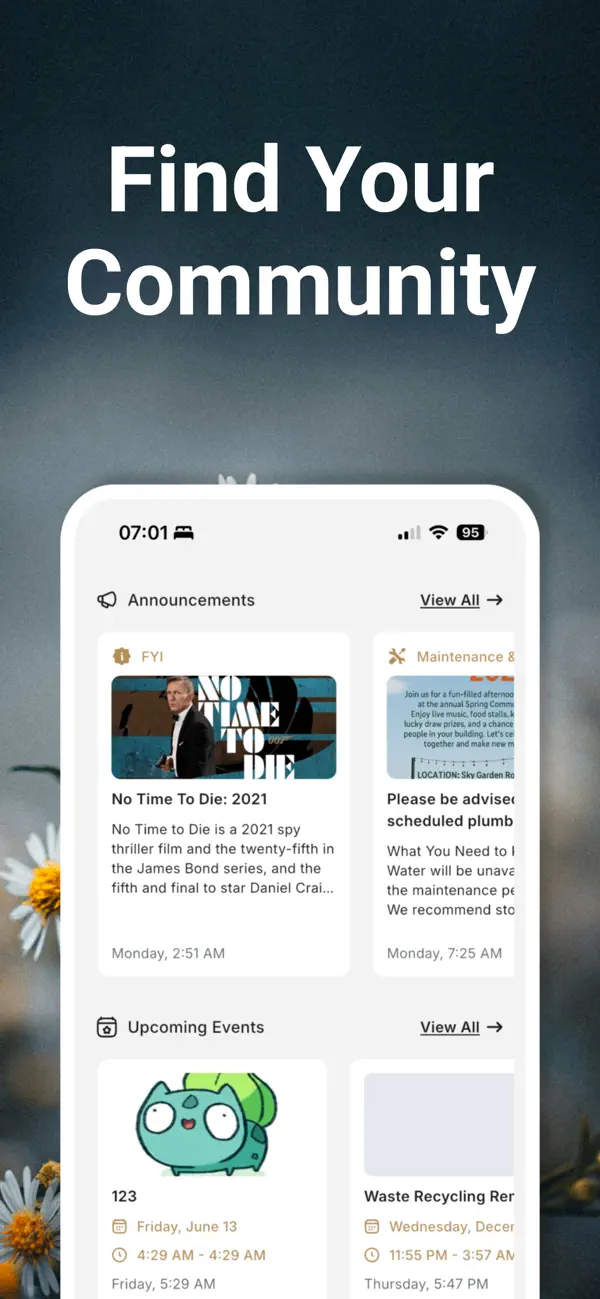
STAY CONNECTED
• Receive building announcements and event updates
• Access Wi-Fi credentials and building guides
• Contact your Community Manager or raise a support ticket directly
• Push notifications keep you informed in real time
PET REGISTRATION
Register your pets, review and agree to building pet policies, and manage caretaker information — all paperwork-free.
PARKING
View your assigned parking spot or check communal parking availability.
DIGITAL EVERYTHING
Vesta replaces paperwork with a seamless digital experience. Applications, identity verification, lease signing, invoice tracking, guest management, and support — all in one beautifully designed app.
Built for residents. Designed for modern living.
Quoi de neuf dans la dernière version ?
We've added some big ones in 2.6:
- Package alerts
Get a notification the moment a parcel arrives for you — now with a photo of the package — and a new Packages screen that keeps a full history of every delivery you've been told about.
- Emergency alerts
Your building can now reach you with critical safety and evacuation alerts that come through even when your phone is on silent or Do Not Disturb.
- Tap to view posters
Event and announcement images are now tappable — open and zoom in to read every detail.
- Faster sign-in
Your password manager can now fill and save your login.
- Improvements & fixes
Co-applicants can browse available apartments again, plus performance and stability improvements.