TimeLog - Track your time
iOS Universel / Style de vie
Where did your day go?
Most people are shocked when they finally see how they actually spend their time.
TimeLog shows you the truth - and helps you change it.
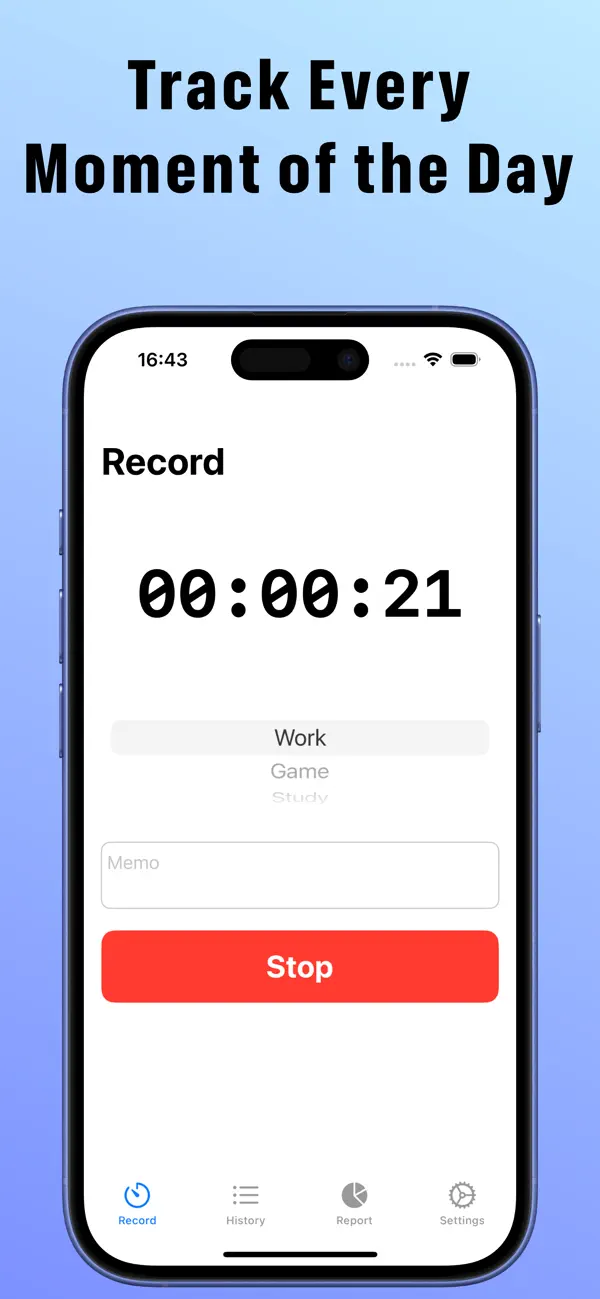
With just one tap, start tracking any activity. Watch your day unfold in beautiful,
color-coded charts. Finally understand where your hours are really going.
WHY TIMELOG STANDS OUT
One-Tap Tracking
Start and stop the timer in an instant. No complicated setup. Just tap and go.
Customizable Categories
Create categories that match your life - Work, Study, Exercise, Family time, and more.
Assign a unique color to each for a visual snapshot of your day.
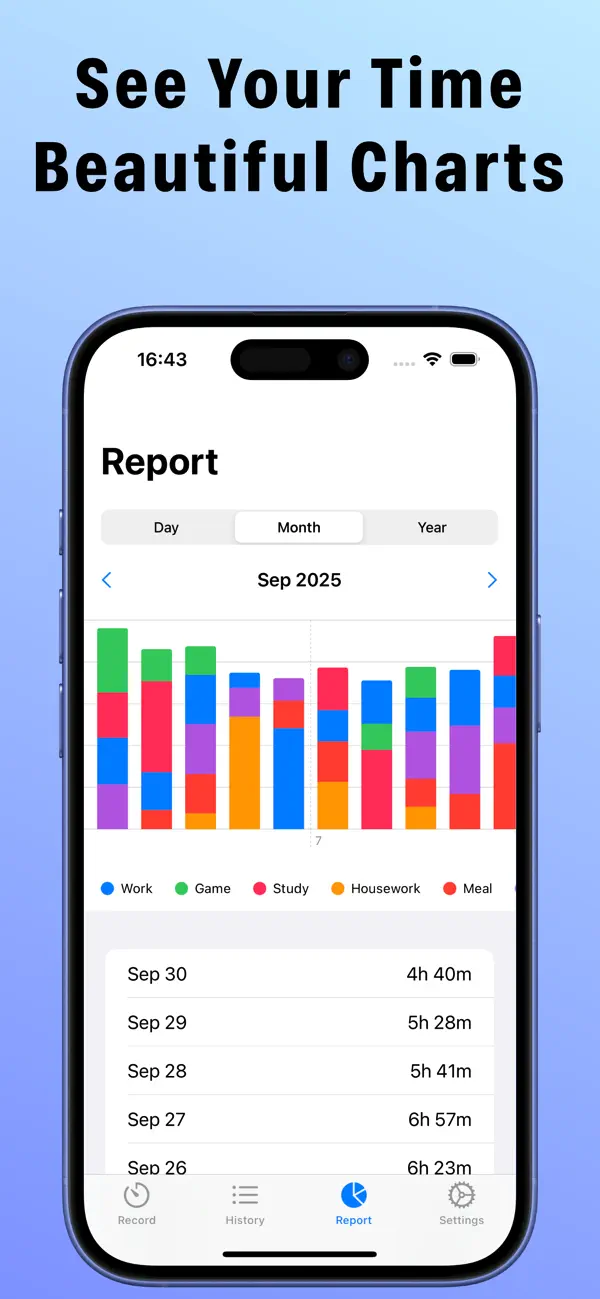
Powerful Visual Reports
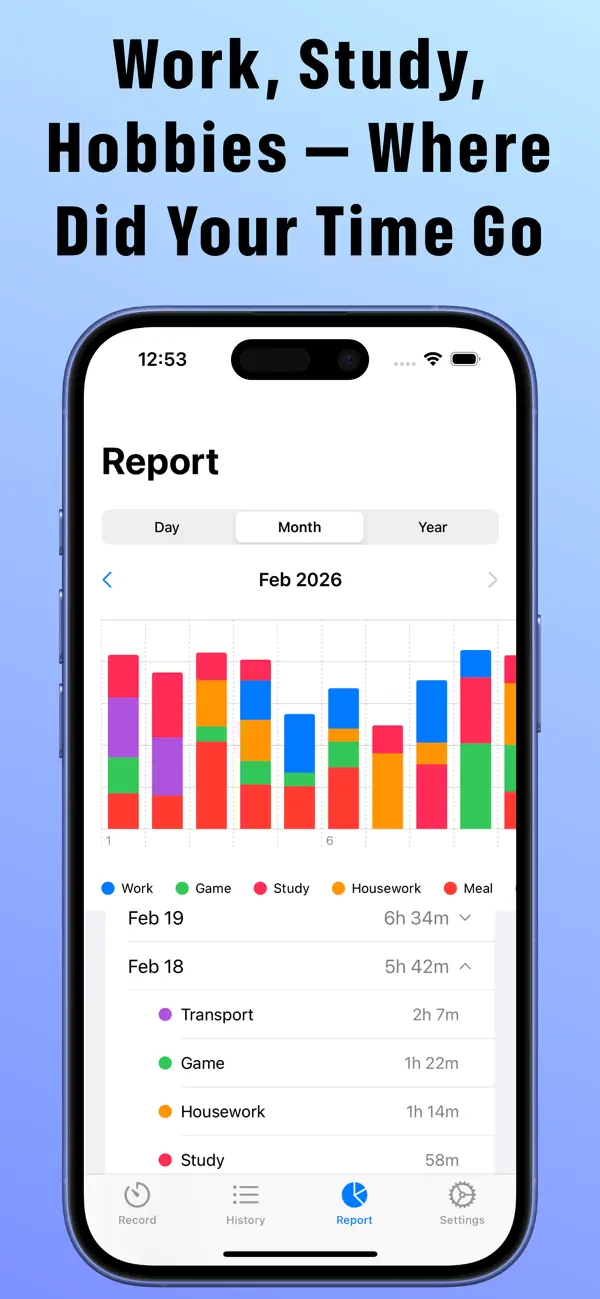
Daily, monthly, and yearly bar charts reveal your habits at a glance. Tap any date or
month to instantly see a breakdown by category. Spot patterns. Make smarter decisions.
Complete History
Every session is saved and searchable. Add memos to entries for richer, more detailed
records. Your personal time journal, always at your fingertips.
Private & Secure
Your data stays on your device. No account required. No data shared. Ever.
WHO IS TIMELOG FOR?
- Students who want to study smarter, not harder
- Professionals and freelancers tracking billable hours
- Anyone chasing a goal and needing to stay accountable
- People who want to build better habits and live more intentionally
The most successful people don't guess how they spend their time. They measure it.
Download TimeLog for free and take the first step toward your most productive life.
PREMIUM PLAN
Unlock the full TimeLog experience with Premium:
- Completely ad-free
- Add logs manually for times you forgot to record
- Edit any log's time, category, and memo
- Export your data as CSV for deeper analysis
- Automatic iCloud sync across all your devices
Payment is charged to your Apple ID at confirmation of purchase. Subscription renews
automatically unless canceled at least 24 hours before the end of the current period.
Manage or cancel anytime in your App Store account settings.
Privacy Policy: https://ios-mac-a7694.web.app/privacy.html
Terms of Use: https://www.apple.com/legal/internet-services/itunes/dev/stdeula/
Quoi de neuf dans la dernière version ?
Added iCloud sync support. Your data is automatically synced across devices signed in to the same iCloud account.
The report screen now shows a breakdown by category. Tap a date or month in the list below the chart to view a detailed summary for each category.
Added the option to hide ads. *Premium feature