Ring Sizer for Japan
iOS Universel / Style de vie
This app is an app for measuring the size of the jewelry ring of Japan.
(This is not an app that automatically measures ring size or finger size.)
Units of jewelry ring size of Japan is pronounced "gou".
If you came to Japan, please try to use, such as in the case of considering the ring.
※ Warning:
- The accuracy of the scales cannot be guaranteed.
- Calibration and PPI values will be reset when the model changes.
- Set the PPI value only when the model is undecided.
- When you change the PPI value, perform calibration after the change.
How to use
■Ring tab
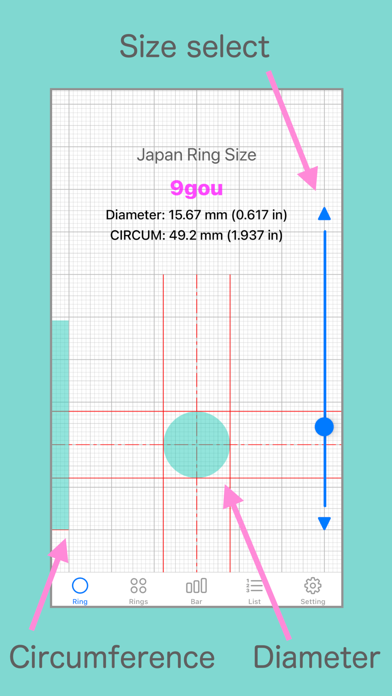
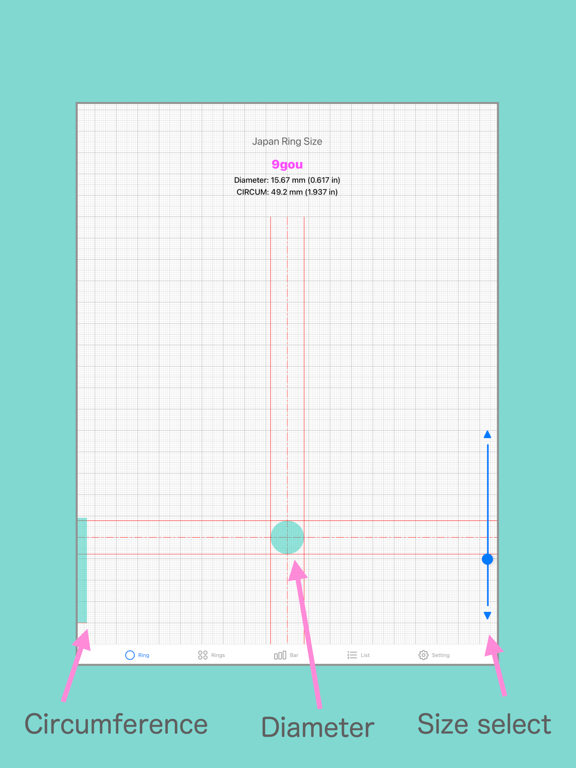
1. Select the size of the ring.
2. Display the ring inside diameter and inside circumference of the length in units mm and inches.
3. View the circle of the inside diameter of the ring.
4. View the inside circumference of the length of the ring in a bar graph.
- If you want to see your ring size in Japan.
Make sure that the inside diameter of the your ring is equal to the circular to be displayed on the screen.
Or circular screen Make sure the slightly larger size.
- If you want to know your ring size from the circumference of your finger.
Wrap the paper around the finger. To see its length.
Make sure that the length of the paper is equal to length of the bar graph to be displayed on the screen.
Or the screen of the bar graph, make sure a little long length.
■ Rings tab
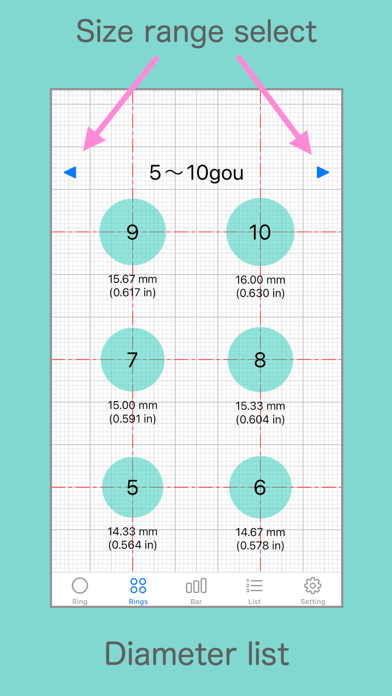
-Displays a list of circles (inner diameter of the ring) within the displayable range.
■ Bar tab
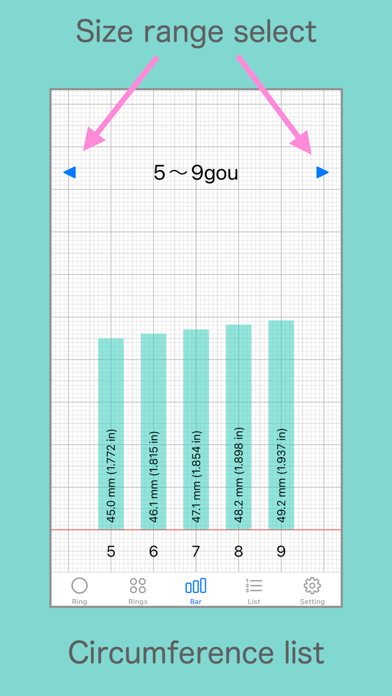
-Displays a list of bar graphs (inner circumference length of the ring) within the displayable range.
■ list
-Displays a list of ring numbers, inner diameters, and inner circumferences.
■ Settings tab
- Calibration
- PPI (pixels per inch) setting
- In-app purchase (ads not displayed)
- In-app purchase restoration
■ Calibration
Adjust the length of the ruler.
Use the correct ruler for adjustment.
"Calibration" button: Records the adjusted state and reflects the calibration result on the ruler.
"Reset" button: Returns the adjustment status to the specified value. It will not be recorded.
"Initialize" button: Returns the adjustment status to the specified value and reflects it on the ruler.
* Caution: The calibration value will be reset when the model changes.
■ PPI (pixels per inch) setting
If the model is undecided, check the PPI value of the model before setting the PPI value.
* Please set only when the model is undecided.
"OK" button: Record the entered PPI value and reflect it on the ruler display.
"Initialize" button: Returns the PPI value to the specified value and reflects it on the ruler.
* Caution: The PPI value will be reset when the model changes.
Conforms to the Japanese Industrial Standards (JIS S 4700:1998 table2).
※:Use this application at your own risk.
Quoi de neuf dans la dernière version ?
Update for iPhone17e ,iPad Air 11-inch(M4),iPad Air 13-inch(M4).