Collins COBUILD Dictionary
iOS Universel / Références
You will find all the words you need, defined clearly in full sentences. Including a range of 17,000 headwords, 63,000 references and 25,000 examples, the information in this dictionary has been carefully chosen in order to allow the dictionary user to be a confident language user. It will enable you to write better in English as well as understand the language better.
The Collins COBUILD Intermediate Dictionary is based on a huge database of text, both written and spoken, called The Bank of English. The Bank of English® contains over 650 million words, and it is the basis of all the statements that COBUILD makes about the language.
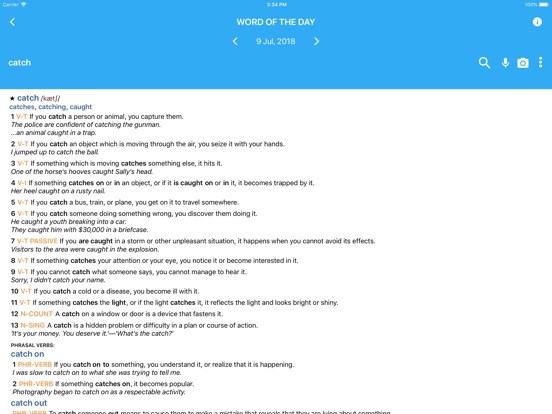
The entries contain a detailed account of the main uses and meanings of every word. Each of the forms is listed at the start of each entry, along with information about alternative spellings, if any exist. Explanations are written in full sentences, show typical grammatical behavior and give a clear description of meaning. The thousands of examples are taken directly from The Bank of English®, showing typical patterns of usage and grammatical structure.
LATEST APP UPDАТES:
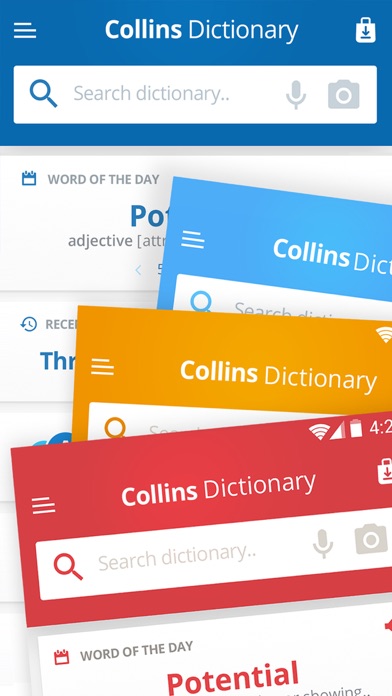
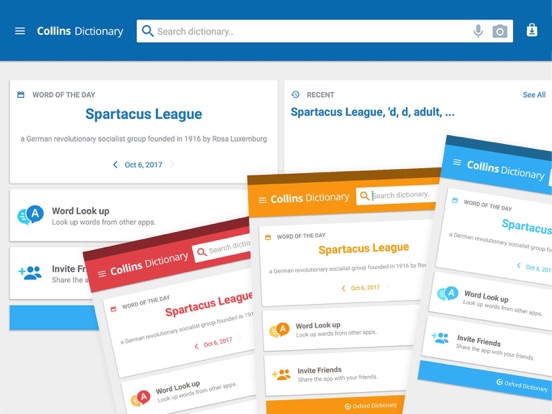
• Learn in style with any of the four colorful new themes – The colorful layout will turn your learning experience into an enjoyable routine. Customize your dictionary and benefit from the cheerful mood your favorite color brings you.
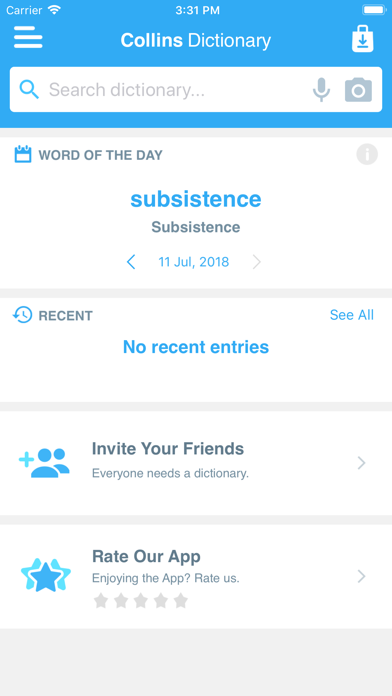
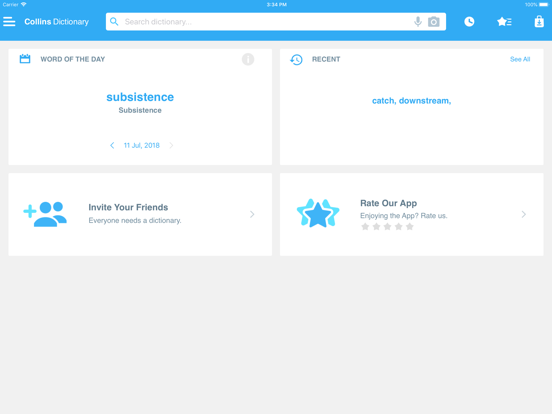
• Dive right into the intricacies of the language - With new and convenient Home page, sleeker and more intuitive visual layout, as well as innovations in the speed of searches, you can get to the desired entry faster than ever.
SEARCH TOOLS - quickly find words with the clear, functional, and easy-to-use interface.
Designed to provide the most comprehensive search experience, the dictionary combines several search tools to match or predict what are you looking for, including:
• Search autocomplete helps you find words quickly by displaying predictions as you type.
• Keyword lookup allows you to search within compound words and phrases.
• Camera search looks up words in the camera viewfinder and displays results in seconds.
• Voice search helps you find an entry when you don’t know how a word is spelled.
Looking for a specific word but don't know how it's spelled? We've got you covered with our automatic ‘Fuzzy filter’ to correct word spelling, as well as ‘Wild card’ ('*' or '?') to replace a letter or entire parts of a word.
LEARNING TOOLS - engaging features that help you further enhance your vocabulary. Designed to give you freedom to structure your studies, the dictionary combines several learning tools to help you be more organized, including:
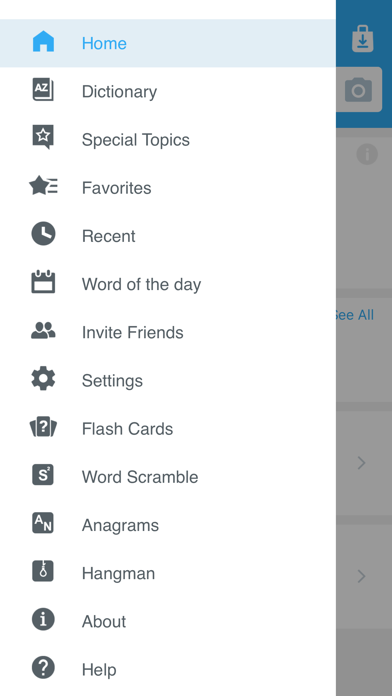
• ‘Favorites’ that allow you to create custom folders with lists of words.
• Recent list which helps you to easily review looked-up words.
• Swipe-to-delete functionality in the Recent and Favorites menus.
• Word-of-the-day option to teach you a new word every day.
Feel excited by the new word or definition you just learned? Share your discovery with friends on social media, email or any other option available on your device.
Quoi de neuf dans la dernière version ?
This update from Apple will improve the functionality of this app. No new features are included.
• Four new colorful themes.
• Delete and sort entries with Favorites/Recent list.
• General bug fixes and improvements.