TenForce
iOS Universel / Productivité
Use TenForce Mobile to make sure operations run smoothly, safely, and efficiently even when tasks need to be performed remotely, on-the-go, or in no-connectivity areas.
- Perform audits, maintenance, and facility inspections;
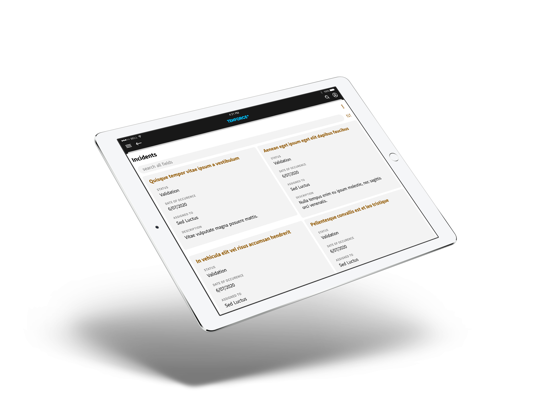
- Register incidents, accidents, and dangerous situations;
- Capture and annotate pictures to visually document reported events;
- Get real-time alerts & notifications of a dangerous situation;
- Track materials, permits, and worker activity;
- Perform on-site risk assessments;
- Create follow-up actions and document CAPAs;
- Manage subcontractor performance;
- Manage shutdown and startup activities on site;
- Consult forms, maps, documents, pictures.
Quoi de neuf dans la dernière version ?
TenForce Mobile v465.220.1
A new version of TenForce Mobile is here.
Main features
- Upgraded to .NET MAUI 10:
- Hybrid Web View introduced;
- Added RTF support for:
- Displaying custom content;
- Interacting with custom content.
Bugs resolved
- Item duplication due to slow connection;
- Overlaid popups could cause crashes;
- Grouped item picker values were not correctly displayed in all cases;
- General connection issues (losing connection at random, failing to regain connection in same session);
- Quick action glyph order;
- App freezes related to authentication;
- RTF interaction for external URLs.