Super Productivity
iOS Universel / Productivité
Plan. Focus. Ship work.
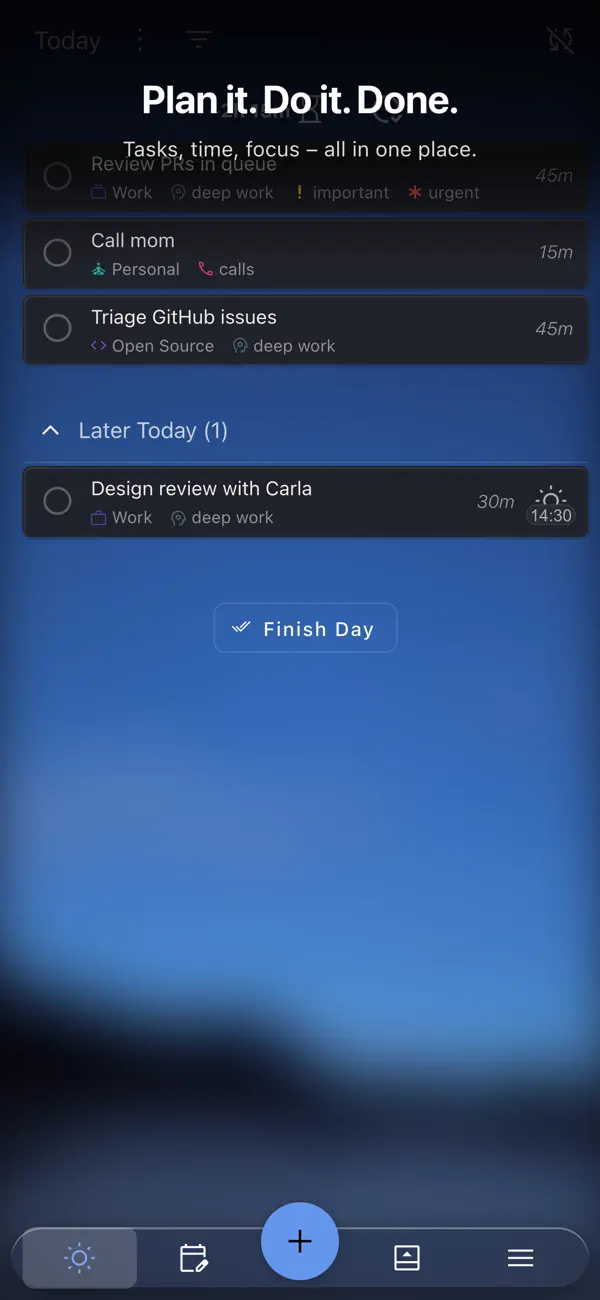
Super Productivity combines a fast to-do list, precise time tracking, and smart integrations in one local-first app for macOS.
WHAT YOU CAN DO
• Capture and prioritize tasks without friction
• Track time per task (Pomodoro and focus timers included)
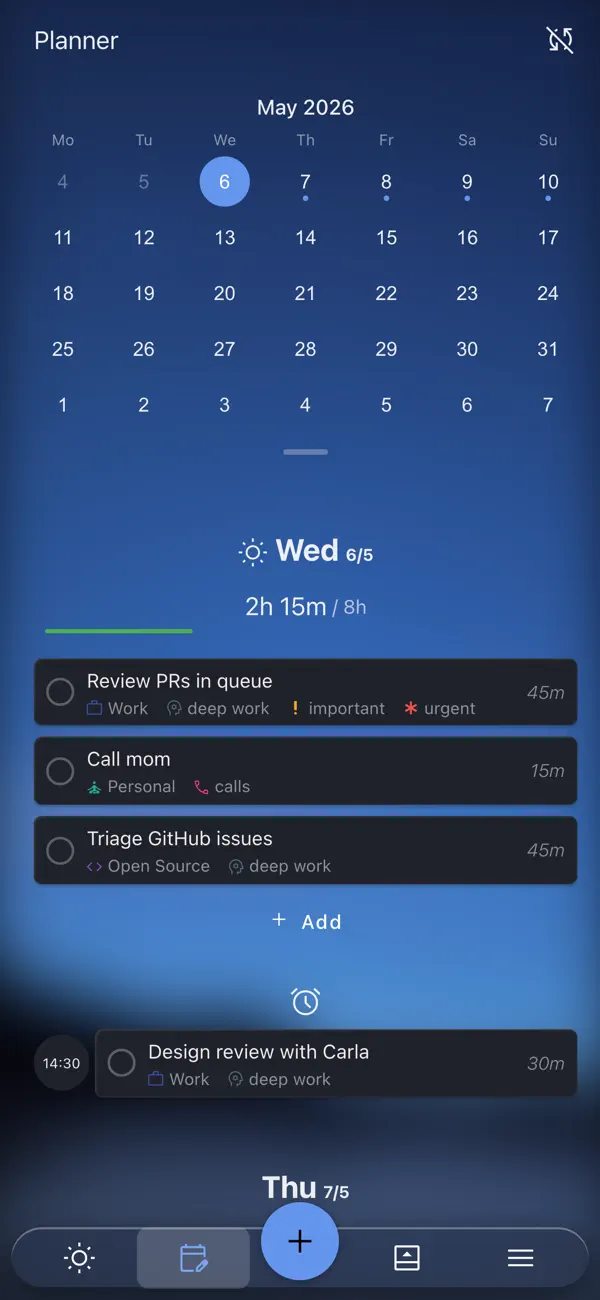
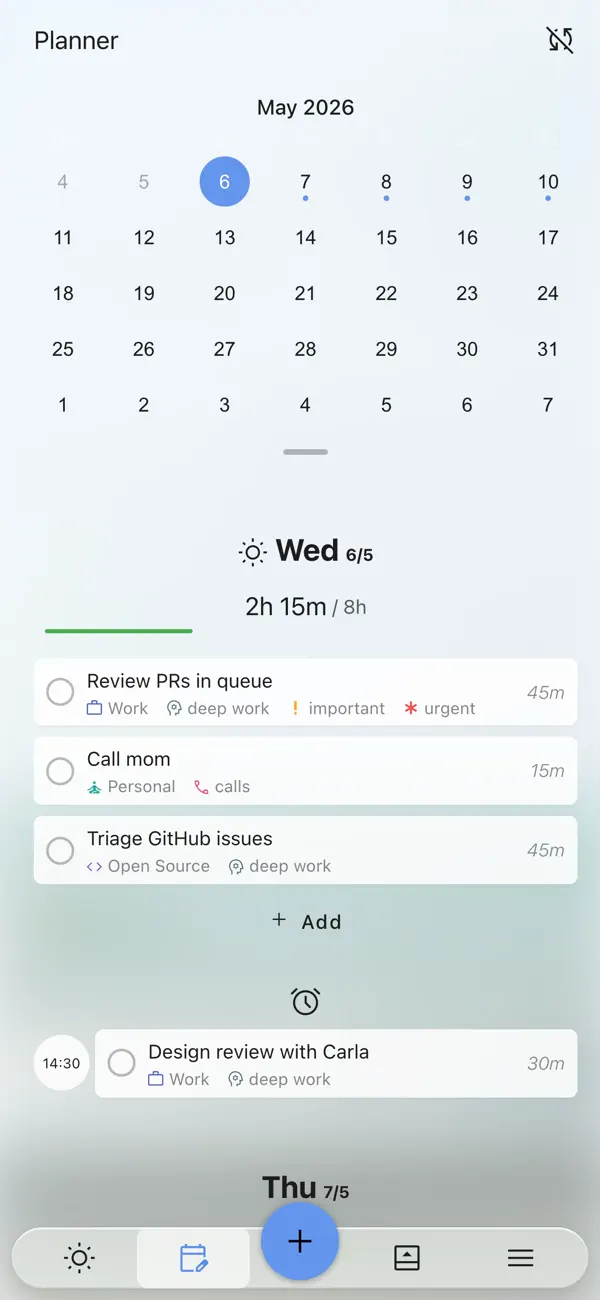
• Plan your day and week with a clear, drag-and-drop planner
• Export clean timesheets and work reports
INTEGRATED, NOT INTRUSIVE
• Connect Jira, GitHub, GitLab, and OpenProject
• Import issues, filter what matters, and stay updated without noise
BUILT FOR DEEP WORK
• Focus mode, break reminders, and lightweight self-reviews
• Wide keyboard shortcut coverage for a fast workflow
PRIVATE & LOCAL-FIRST
• Open source, no accounts, no data collection
• Your data stays on your device; backups and exports are always available
WHO IT’S FOR
Developers, freelancers, and teams who care about clarity, speed, and privacy.
Quoi de neuf dans la dernière version ?
New
• Recurring task settings are now integrated into the planner’s schedule dialog (#9286).
• Detected add-task short syntax is highlighted as you type (#9135).
Tasks and planning
• Existing tasks now appear in tagged board columns (#9295).
• Archived tasks can be restored to Today, and recurring task presets retain their notes (#9254, #9263, #9293).
• Subtasks can be deleted with the keyboard shortcut, and started tasks respect the auto-add setting (#9249, #9280, #9289).
• Deadline short syntax is now disabled by default (#9291).
• Fixed parent-task time totals, recurring “Last” dates, and productivity scores after exceeding focus targets (#9177, #9190, #9245, #9127, #9159).
• Clarified planned versus available time in the planner (#9244).
Sync and integrations
• Recoverable and legacy LWW sync data is no longer incorrectly rejected as tampering (#9256, #9259, #9294).
• Improved recovery and snapshot convergence after schema migrations (#9138, #9153).
• Improved WebDAV and Nextcloud upload compatibility with ETag variants (#9240, #9251).
• Plainspace completion sync now fails closed; title and schedule syncing is pull-only (#9296).
• Prevented duplicate time blocks for imported calendar events (#9260).
• Inactive encryption actions are now hidden (#9284).
Mobile, desktop, and UI
• Improved mobile controls, accessibility, onboarding, dialog actions, and task action menus (#9272, #9275, #9285, #9288).
• The global add-task bar now stays above the mobile web keyboard (#9277).
• Refined task action icons, planner headers, and visual hierarchy.
• Fixed Electron installations in paths containing special characters (#9257).
• Fixed decoding of affected audio assets on iOS (#8880, #9175).
• Markdown link insertion now selects exactly the URL (#9208).
SuperSync server
• Added database incident guardrails (#9212).
• Improved conflict lookup performance and migration reliability (#9195, #9213, #9226).
• Redacted query values from request logs and preserved Helm `reuse-values` upgrades (#9223).