ReaderView
iOS Universel / Productivité
Web pages are full of clutter, distractions, and formats that are hard to save, read, and search later.
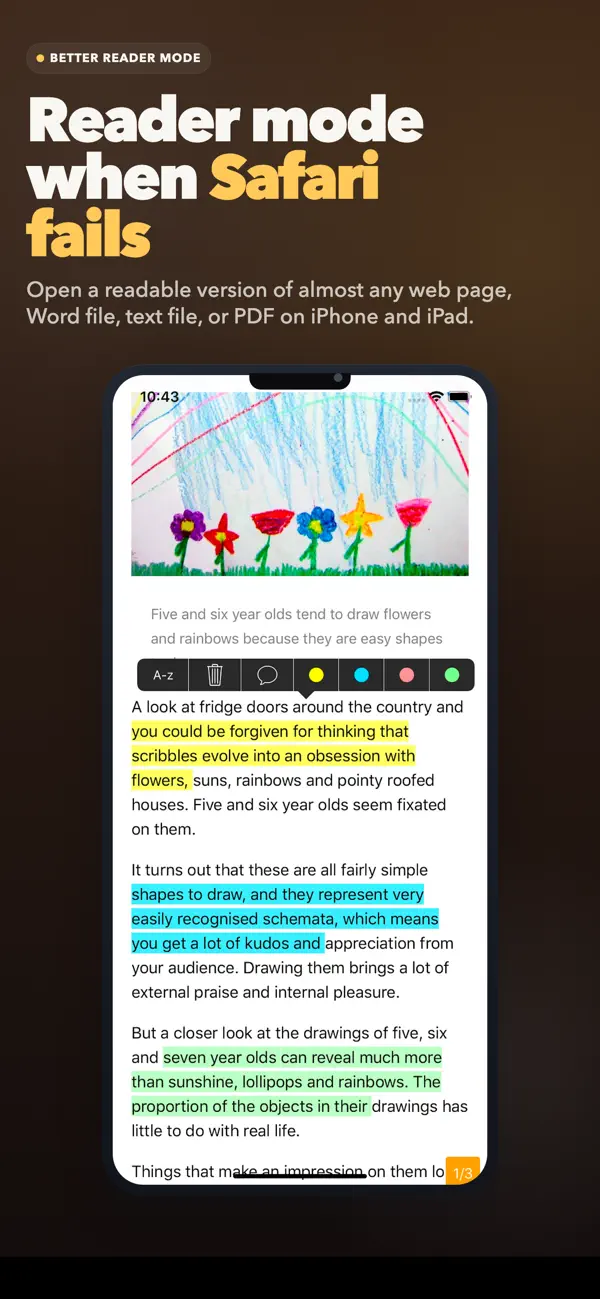
ReaderView turns messy content into a clean, distraction-free reading experience so you can focus on what matters. Save articles, documents, social posts, and even YouTube videos in a readable format for later.
ReaderView works with:
- Web articles and blog posts
- Word documents and text files
- PDF documents including images, tables and mathematical formulas
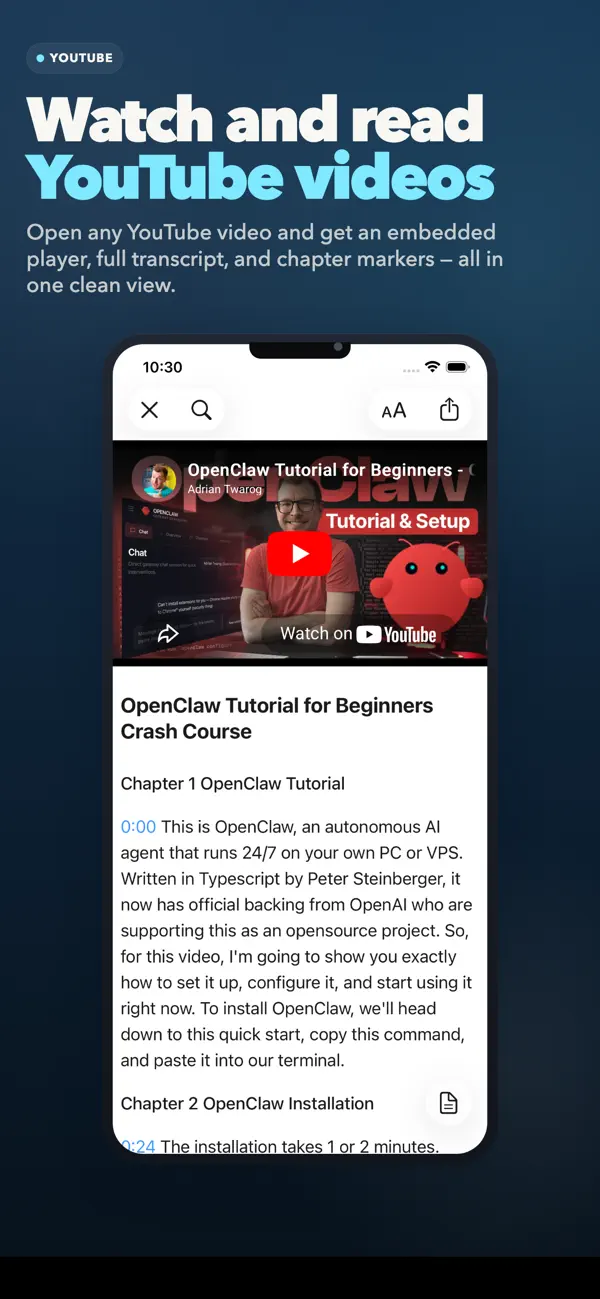
- YouTube videos, with transcript view while still letting you play the video
- Long-form social media posts, including Twitter/X articles
Features:
- One tap to open a clean Reader View for most web pages, YouTube, PDFs and X articles
- high quality AI voices to read out loud your articles on the go (works offline)
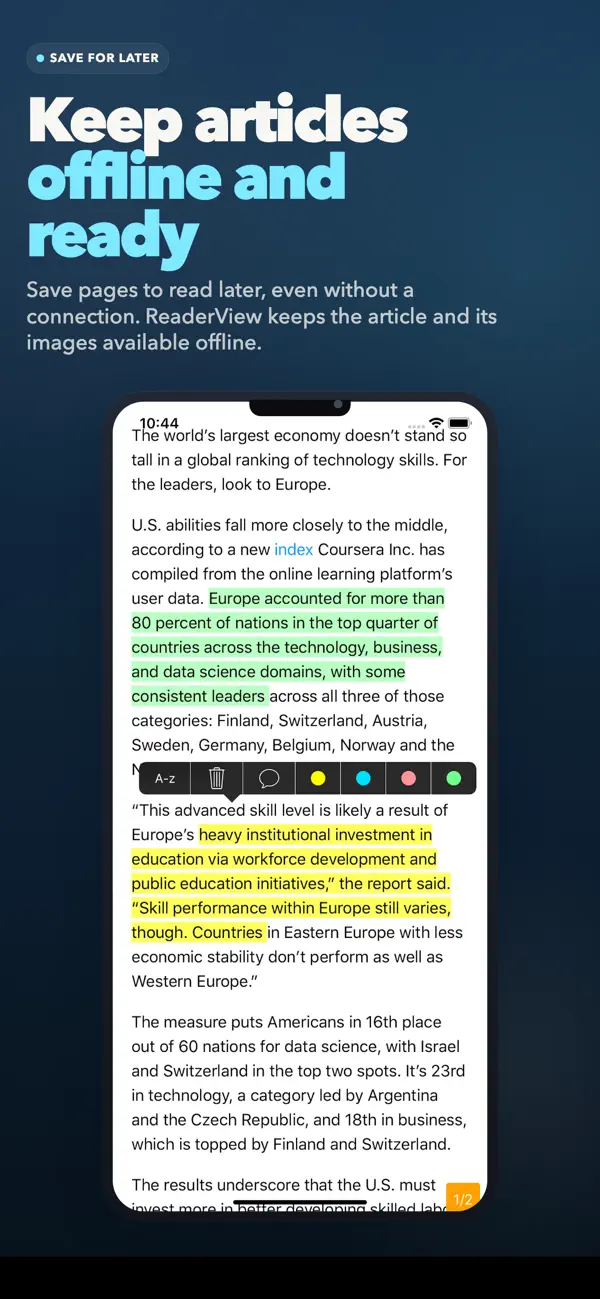
- Save content for offline reading, including images
- Highlight passages and add notes
- Search across all your saved articles with full-text search
- Find text inside each saved article
- Organize your reading with folders
- Share highlights and export as HTML, text, or PDF
- Sync across your devices with iCloud
- Support for Spotlight search
- Dark Mode and Auto-Scroll for comfortable reading
- Supports Asian languages and right-to-left languages such as Arabic and Hebrew
Works from Safari, Apple News, Twitter/X, Feedly, Word files, YouTube, and more.
Have feedback or ideas? Contact laurent@appblit.com.
If ReaderView helps you, an App Store review would mean a lot.
Quoi de neuf dans la dernière version ?
ReaderView 8.8.36 improves article loading on pages where only part of the story was previously detected (thanks Aharon!).
It can now recover more complete article text on difficult sites, avoids accepting short sidebar-like snippets as the full article, and improves image quality on pages that provide low-resolution preview images instead of the original media.
Video and media-heavy posts should also display more reliably.
It also keeps videos from X or Twitter articles.