Mume AI
iOS Universel / Productivité
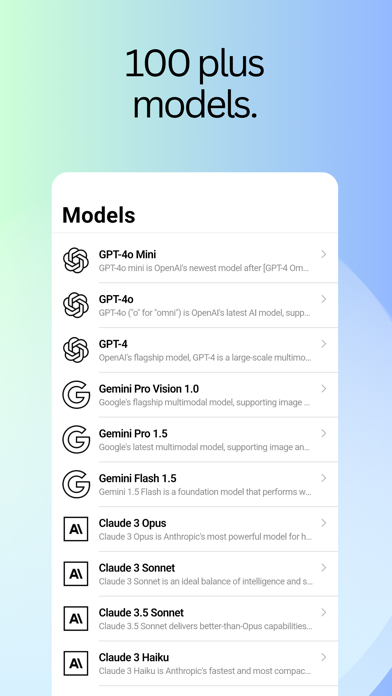
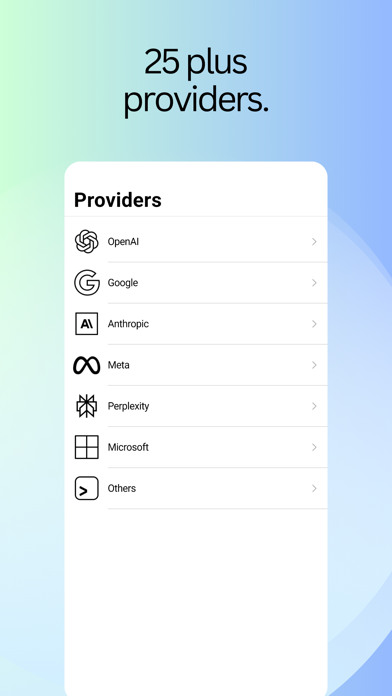
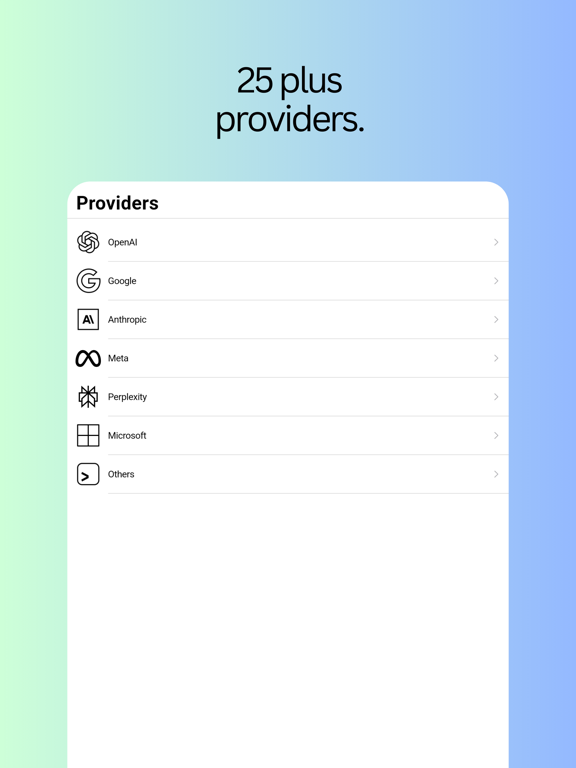
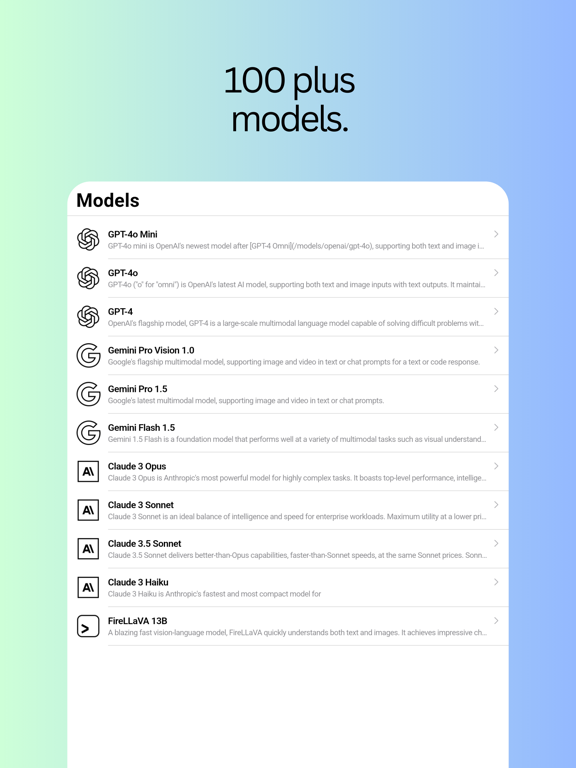
~ Access 100+ models with chat interface, brainstorm about ideas, get creative inspiration
~ Summaries PDF documents, ask questions about the documents & generate reports
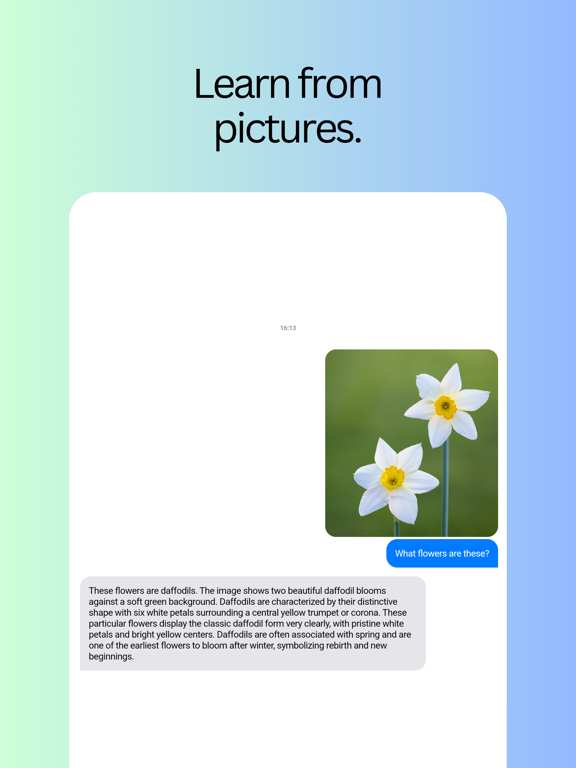
~ Learn from images with wide range of multimodal models that recognize images
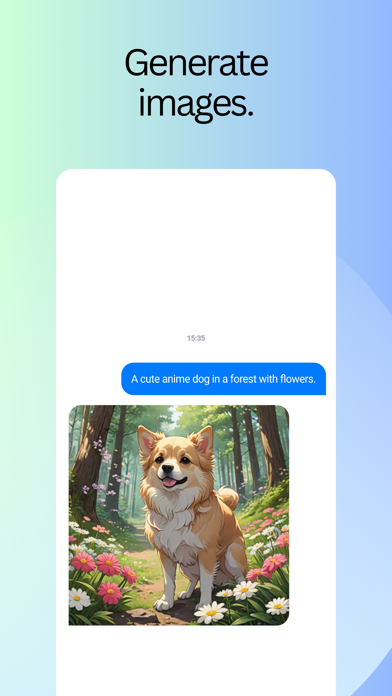
~ Generate beautiful images from wide range of image generation models
~ Generate videos from text and images, bring your imagination to life
~ Explore models through categories like Marketing, Science, Technology, Trivia etc
~ Light and Dark mode based on system theme with a clean interface to stay focused at the tasks
Tokens/Credits T&C - https://muse-mesh.com/t&c.txt
Privacy Policy - https://muse-mesh.com/privacy.txt
EULA - https://www.apple.com/legal/internet-services/itunes/dev/stdeula/
Quoi de neuf dans la dernière version ?
- Tools and MCP servers are back, on a slash command. Type / in any chat to turn on the built-in tools or connect an MCP server, alongside the model, system prompt and reasoning settings that already lived there. Everything a chat can be configured with is now in one place.
- Chats name themselves. A new conversation gets a real title from its first message instead of the first fifty characters of what you typed — so a chat that starts with a pasted error is called something you can recognise later.
- Claude Haiku is the new default model. Fast, inexpensive, and it now tracks Anthropic's latest Haiku release automatically, so new chats stay current without you changing anything.
- Speech and transcription in the Media Studio. Generate spoken audio or turn a recording into text, in the same place you make images and video.