Microsoft Whiteboard
iOS Universel / Productivité
Update : The App performance has been significantly improved & there are also a ton of other features which have been added. Check out the “What’s new” section for more details!!
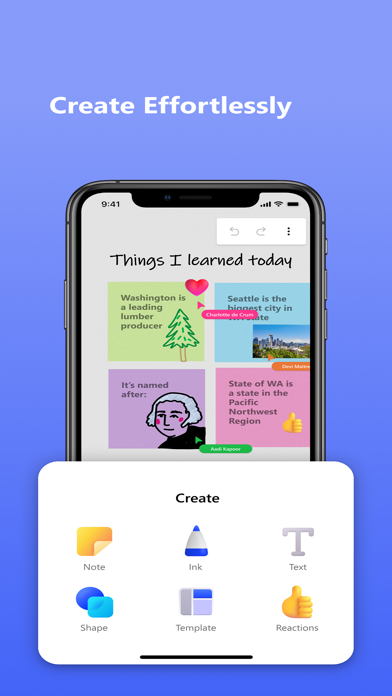
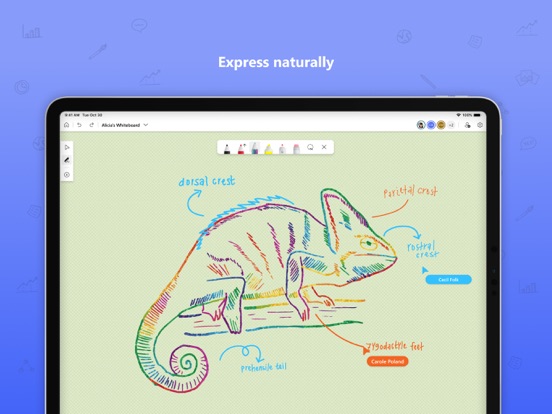
Microsoft Whiteboard provides a freeform intelligent canvas where individuals & teams alike can ideate, create, and collaborate visually via the cloud. Designed for touch, type & pen, it lets you write or draw as smoothly as you would with ink, you can even type in text, add sticky notes or notes grid to express your ideas & use reactions to visually communicate your thoughts. It enhances teamwork by allowing all team members to edit the canvas in real time, no matter where they are. Get started quickly by inserting a pre-built template or draw your own flowchart using our expansive shapes library. No matter what your use case, we have the right set of tools for you and all your work stays safe in the cloud, ready to be picked back up from another location or device.
-- Create freely, work naturally –
Microsoft Whiteboard provides an infinite canvas where imagination has room to grow: draw, type, add a sticky note or a notes grid, move them around – it’s all possible. The touch-first, pen-first interface frees your ideas from the keyboard, and the intelligent inking technology transforms your doodles into great-looking shapes and lines that can be copied, pasted and combined with other objects. Moreover, you can also, ink on your sticky notes & text boxes and magically see the ink get converted to text using Apple Scribble functionality (on iPads with Apple Pencil).
--Collaborate in real time, wherever you are—
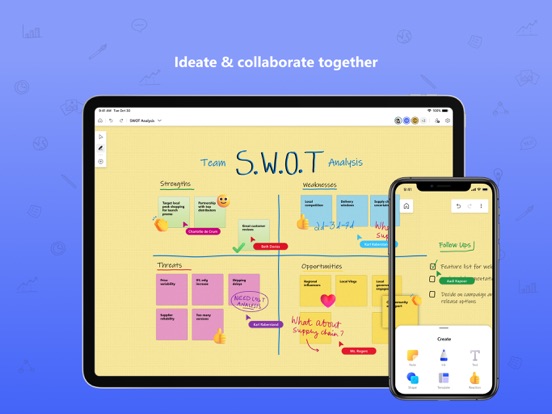
Microsoft Whiteboard brings every member of a team together working from their own devices across the globe. On the Whiteboard canvas, you can also see what your teammates are doing in real time and start collaborating on the same area. It’s about getting everyone on the same page – or board.
--Save automatically, resume seamlessly –
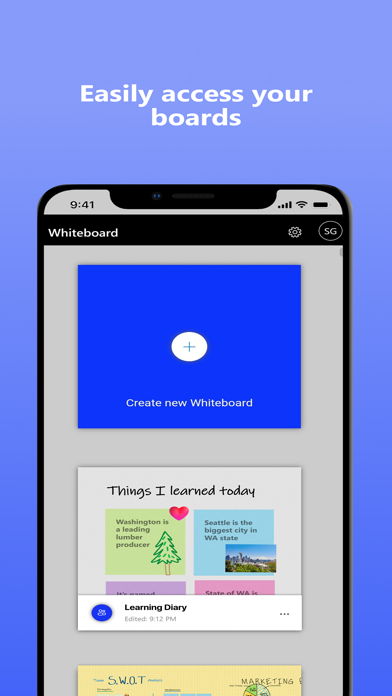
Forget having to take photos of your whiteboards, or marking them with “Do Not Erase.” With Microsoft Whiteboard, your brainstorming sessions are saved automatically to the Microsoft cloud, so you can pick up where you left off, whenever – and wherever – inspiration strikes next.
What’s new:
• Improved App Performance & Reduction in crashes which has been a strong customer ask.
• Modern look and feel:
1. Streamlined user experience - an unobtrusive app UI maximizes your canvas space.
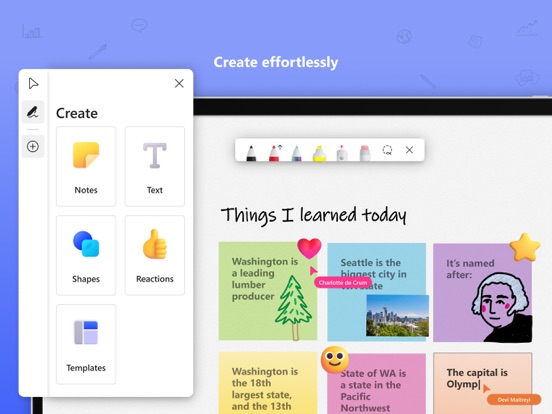
2. Creation gallery - a highly discoverable, simple way of finding and using objects and features in the application.
• Interactive content features:
3. 40+ customizable templates – get started quickly and collaborate, brainstorm, and ideate with brand new templates.
4. Shapes & Lines - Choose from an expansive library of shapes & lines to visually collaborate & ideate with your team members
5. Reactions - provide lightweight, contextual feedback with a set of fun reactions.
• Inking features:
6. Apple Scribble – Ink on text boxes & sticky notes and see your ink strokes magically convert to text (on iPads with Apple pencil)
7. Ink arrows – smoothly draw single and double-sided arrows using ink to better facilitate diagramming.
Dichiarazione di accessibilità: https://www.microsoft.com/it-it/accessibility/declarations
Quoi de neuf dans la dernière version ?
1. Updated Intune Company Portal support for access by work & school accounts
2. General fixes