Grape Notes Pro
iOS Universel / Productivité
Grape Notes Pro is a local-first notes and document workspace for iPhone and iPad.
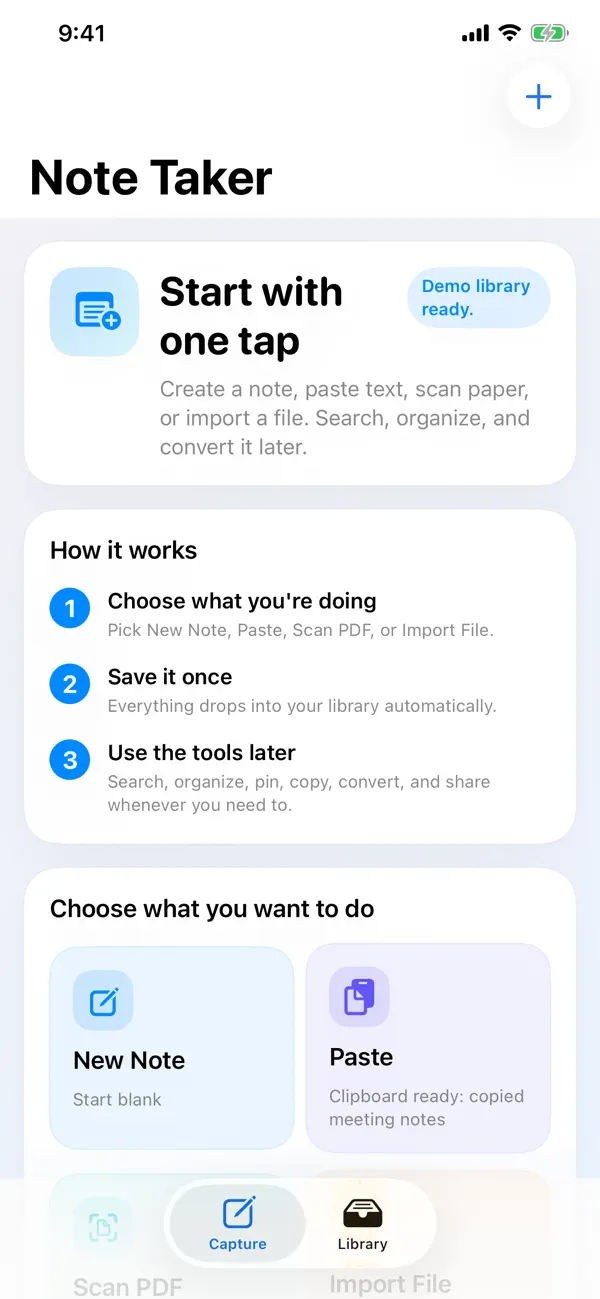
Start quickly with a blank note, clipboard paste, PDF scan, or file import. Once your content is saved, Grape Notes Pro keeps it searchable, organized, and ready to convert.
Features include:
- note capture
- clipboard capture
- PDF scanning
- file import
- OCR search for scans and images
- simple collections and pinning
- safe duplication of stored attachments
- export to TXT, Markdown, JSON, or PDF
Grape Notes Pro is designed to stay quiet and useful:
- no account creation
- no sign-in
- no ads
- no subscriptions
- no analytics or tracking
Your notes, scans, and imported documents stay on your device.
Quoi de neuf dans la dernière version ?
This update sharpens the interface: the iPad layout now uses a centered, comfortable reading width instead of stretching edge to edge, plus small display fixes. iPhone is unchanged.