Blackout Lighting Console
iPhone / Productivité
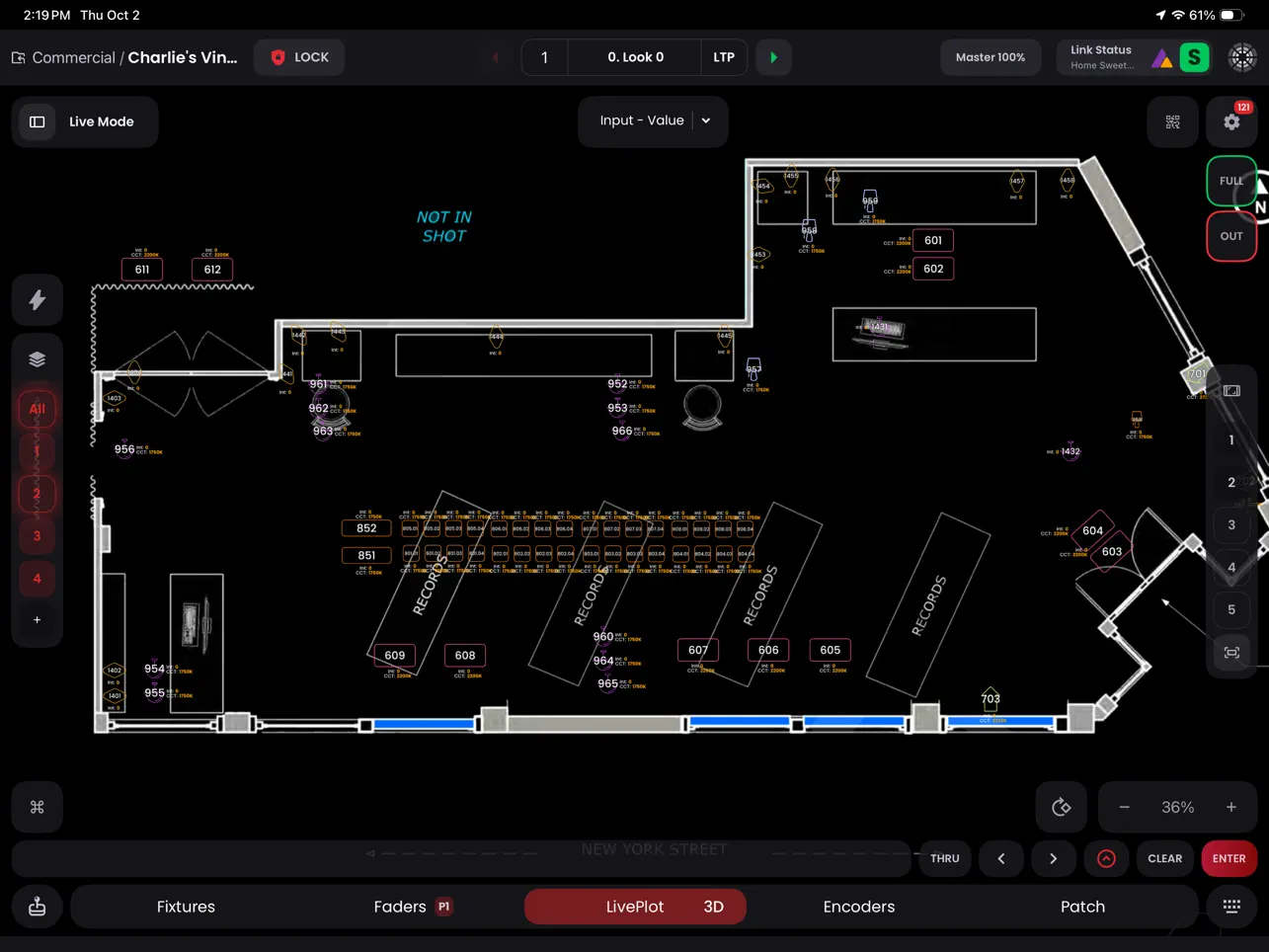
Blackout is a revolutionary professional Art-Net/sACN DMX Lighting Console app for the iPad.
Redefine your lighting with our incredibly intuitive interface and powerful effects engine.
Features:
- Cloud Fixture Database: Access over 44,000 fixture profiles licensed from Carallon, the leader in fixture profile services.
- Create Custom Fixtures: Utilize our Fixture Creation Wizard to design your own profiles, perfectly matching your specific lighting needs.
- Fixture Patching Made Simple: Effortlessly categorize and label LED fixtures with a streamlined Patch interface, ideal for batch management.
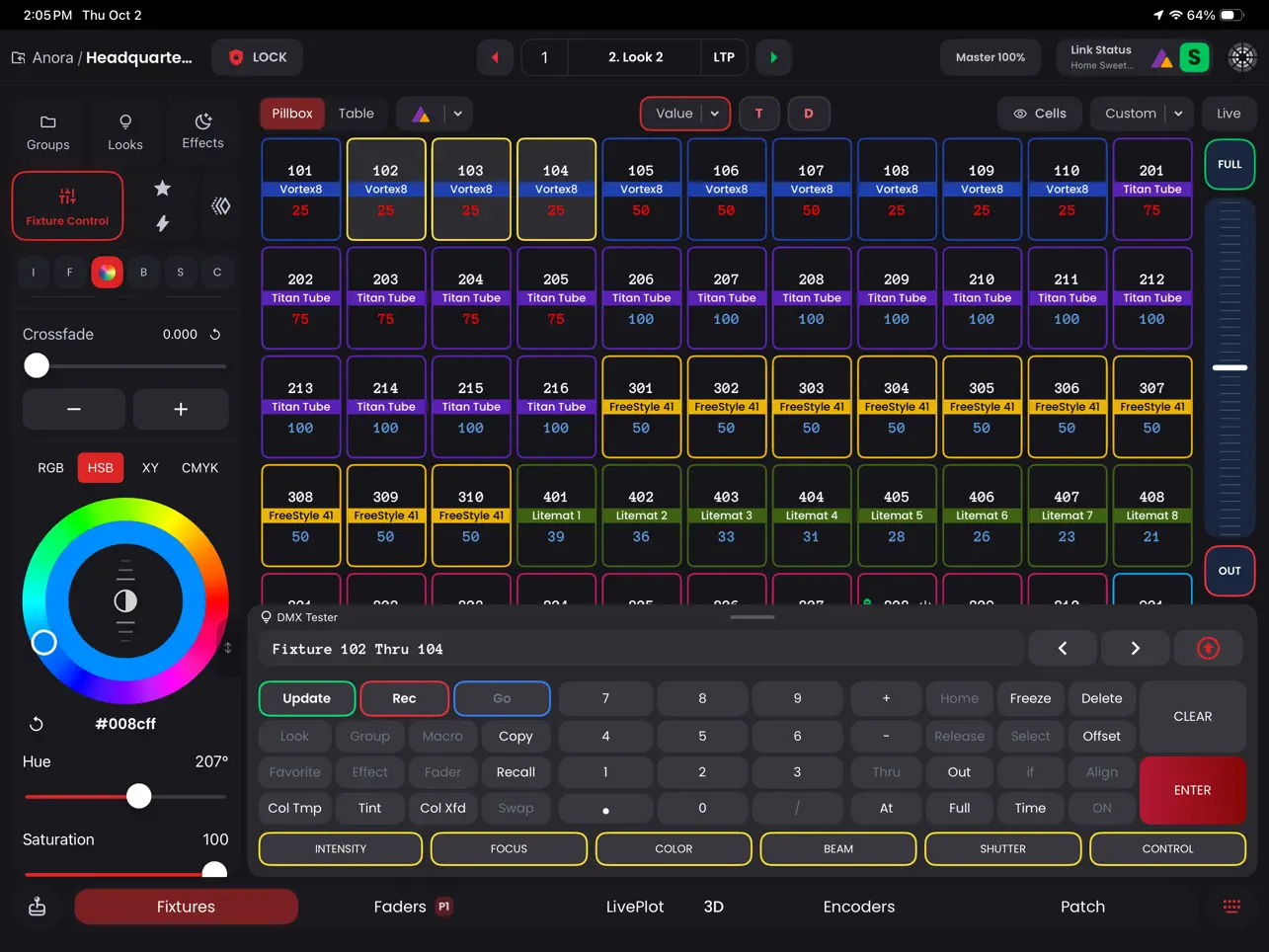
- Intuitive Fixture Controls: Adjust parameters with ease in Fixture Controls and experience our NEW multi-dimensional color picker.
- Robust Multi-Cuelist Platform: Organize and save lighting looks within Sequences, complete with customizable fade times, delays, and links.
- Presets for Quick Access: Save and recall fixture parameters instantly, streamlining batch changes across multiple fixtures through our Favorites.
- Dynamic Effects Engine: Explore limitless creative possibilities with our advanced Effects Engine, featuring intensity chases, color loops, and more.
- Macro Functionality: Simplify complex lighting tasks into single-button actions for maximum efficiency.
- Enhanced Data Visibility: Experience our reworked UI with new view states for displaying data in various formats, aiding quicker analysis and decision-making.
- Advanced MIDI Support (Input & Output): Gain tactile control over your lighting with MIDI compatibility, suitable for both wired and wireless controllers.
Quoi de neuf dans la dernière version ?
v2.6.4
- fix: import "Merge" button
- fix: MIDI triggers in encoder page
- fix: Astera linking key popup
- fix: database stability