BetterLists
iOS Universel / Productivité
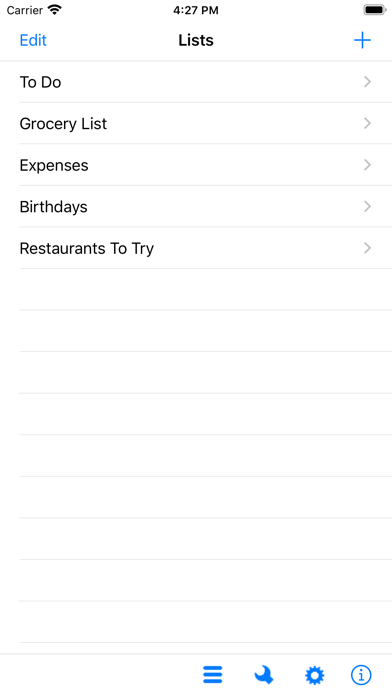
BetterLists is an easy to use and flexible app for quick access to all your information. Now you can have your To Do list, expenses, and grocery list all in one place.
BetterLists comes with:
To Do
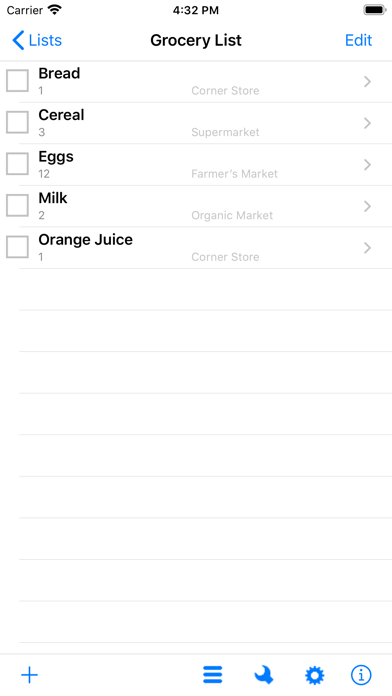
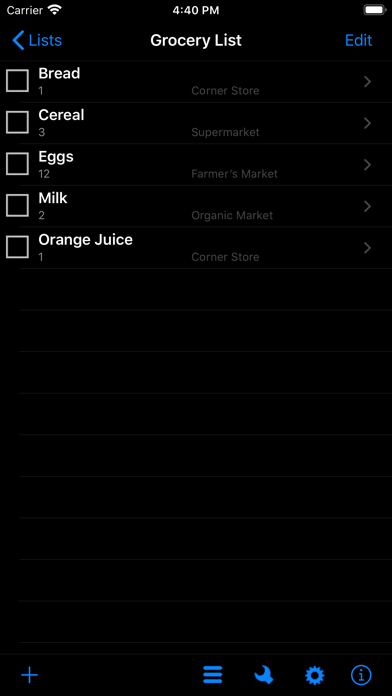
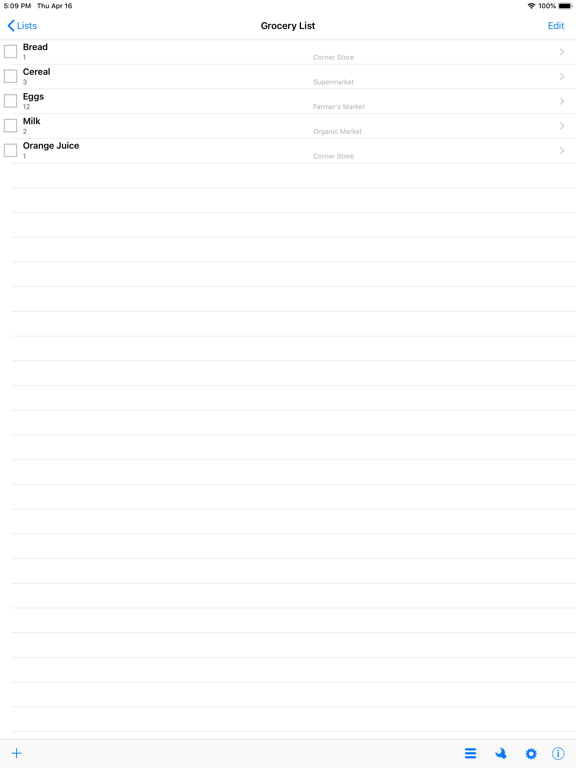
Grocery List
Expenses
Birthdays
Restaurants To Try
You can use them as is, or modify them exactly how you want. Add your own.
FEATURES
- Create as many lists as you like.
- Your lists can contain fields holding text, dates, times, and numbers.
- Fields can be formatted many different ways. Notes, phone numbers, currency, and more.
- Your lists can be modified anytime. Add or delete a field, change it's type or name.
- Check and uncheck items so you can reuse a list over and over.
- Delete items just by swiping your finger across them.
- Email your lists to yourself.
- Use Phone, Email, and Web address fields to dial, email, or go to a web address.
- Sort your list by any field, and view up to 3 fields in List View.
- Add Choice Lists so you can set fields from a preset list of choices, instead of typing each time.
- Import CSV files to add lists.
- Simple to use, yet powerful enough to handle all your lists.
NOTES AND TIPS
- To show multiple fields in List View. Go to Preferences (the gear icon) while in a list. Change the number of fields in list view to 1, 2, or 3. It will display up to the first 3 fields from each list.
- To check off an item, touch to the left of the item in the list.
- To delete an item from a list swipe the item and hit the delete button that appears, or touch the Edit button and then touch the red minus sign to the left of the item you want to delete.
- To reorder items, touch the Edit button and then drag the items to the order you want.
- To add a choice list to a field, add the choice list and choices by touching the choice lists icon in the toolbar, then edit the list and the field you want to associate with the list. Choose "Choice List" for the field type, and then the choice list you want to use for the field format.
- To Backup and Restore your data go to the Tools icon and select Backup/Restore to get to the different options.
- To Import CSV files go to the Tools icon while on main screen. If you have questions regarding CSV files please email me and I am happy to help.
***** Please email me at info@haspelsoftware.com with any questions. I can't respond to reviews, and I am very responsive to questions and feedback.
Quoi de neuf dans la dernière version ?
Added support for iCloud Drive.