Axon Device Manager
iOS Universel / Productivité
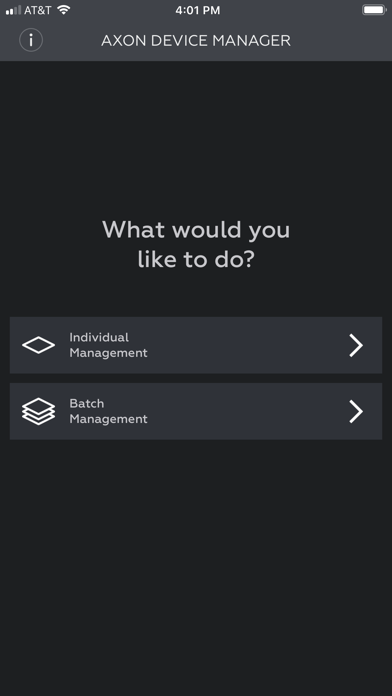
Axon Device Manager is an application designed for law enforcement professionals to quickly and accurately manage Axon devices.
The application lets users register and assign Axon devices in Evidence.com using Near Field Communication (NFC) or 2D code scanning. With the app running, the device manager taps the device or scans the 2D code printed on the device to register the device to their agency and assign or reassign it to a specific user. The supported devices are outlined in the help section in the application.
Axon Device Manager (ADM) allows users to scale Axon device deployment and management in a simple and efficient way.
This application requires an Evidence.com account for access. You must have an iPhone 7 or later equipped with Near Field Communication (NFC) and iOS13 or later.
Quoi de neuf dans la dernière version ?
Axon Body Mini — New Device Support
ADM now supports the Axon Body Mini, Axon's newest body camera. Users can register and manage the Axon Body Mini directly from the app.
Redesigned Home Screen
The home screen now features two distinct primary tiles — Tap a device and Scan a code — for faster access to your preferred connection method. Update Firmware and Register & Set Up are displayed as full-width cards below.
Signal Sensor (SSR) — Setup and Calibration Improvements
The calibration flow now separates sensor assignment and mount selection into two clearer steps. A new firmware update preference screen lets officers save their update preference for future sessions. When calibration fails, an Upload Logs option offloads diagnostic data from the sensor to help support resolve issues faster.
Other Quality Improvements
ADM v3.2622 for Android and iOS includes behind-the-scenes improvements to enhance reliability, reduce errors, and support a smoother user experience.