DuoLens: Dual Camera Video
iPhone / Photo et vidéo
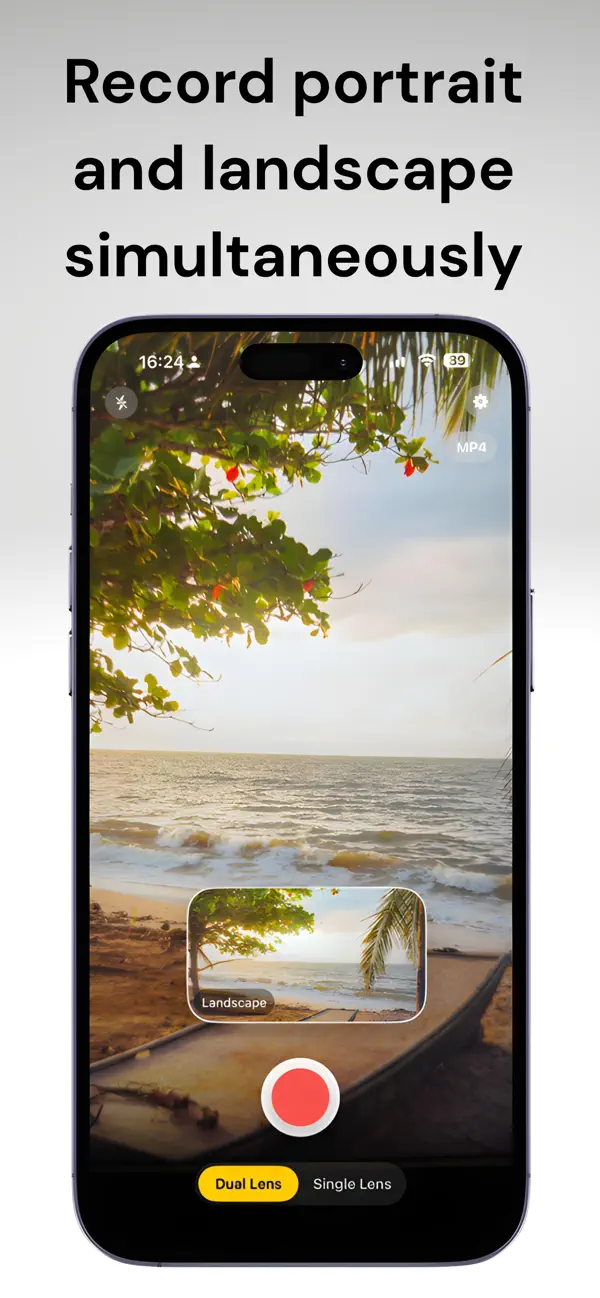
Record once. Get portrait and landscape video at the same time, including Front + Back mode for recording with the front and rear cameras at the same time.
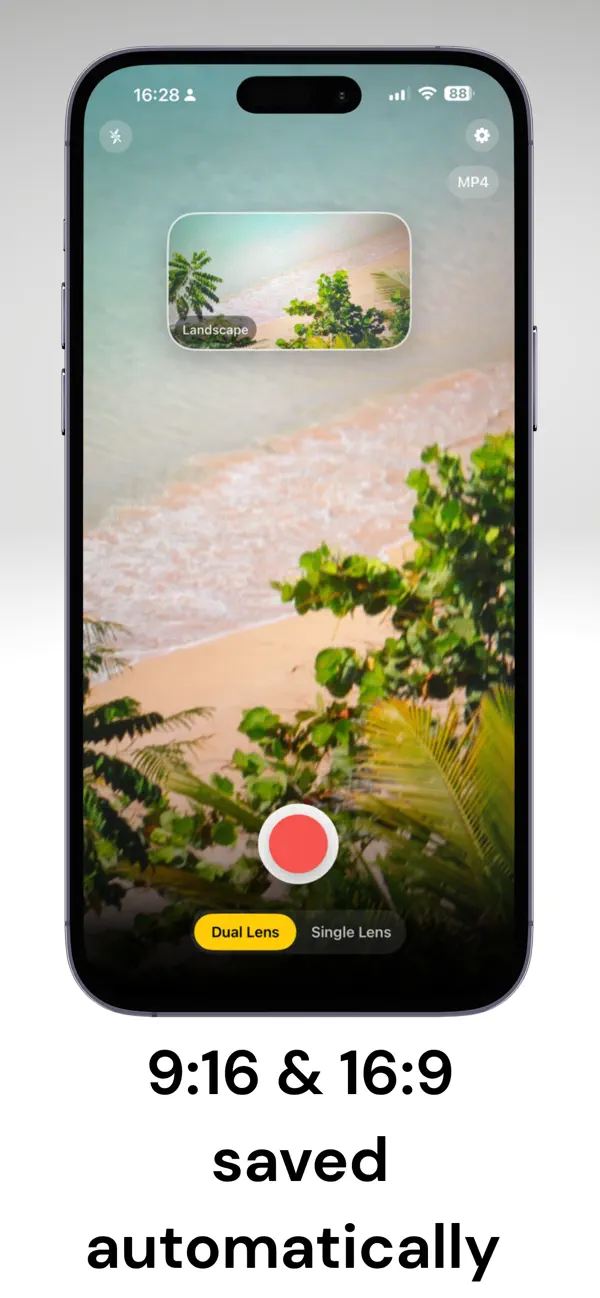
DuoLens helps creators stop filming the same take twice. Capture vertical 9:16 and horizontal 16:9 video together, then save two synced files straight to your Photos library.
Built for TikTok, YouTube, Shorts, Reels, tutorials, reactions, and any workflow that needs both vertical and horizontal footage from one recording.
One take. Two formats. More control.
- Record portrait and landscape video simultaneously
- Save 9:16 and 16:9 clips automatically
- Dual rear camera mode for true dual-format capture
- Front + Back reaction recording for creator-style reactions
- Single-lens mode with front or back camera support
- Time-lapse mode for both single and dual lens
- Pause and Resume without restarting your take
- Manual controls for Zoom, ISO, EV, and Focus
- Tap to focus and expose, with AE/AF Lock for steadier shots
- Apple Log support in compatible single-lens modes for 10-bit color grading workflows
- Apple Log LUT preview and color grading controls
- Bitrate presets: Data Saver, Standard, High Quality, and Max Quality
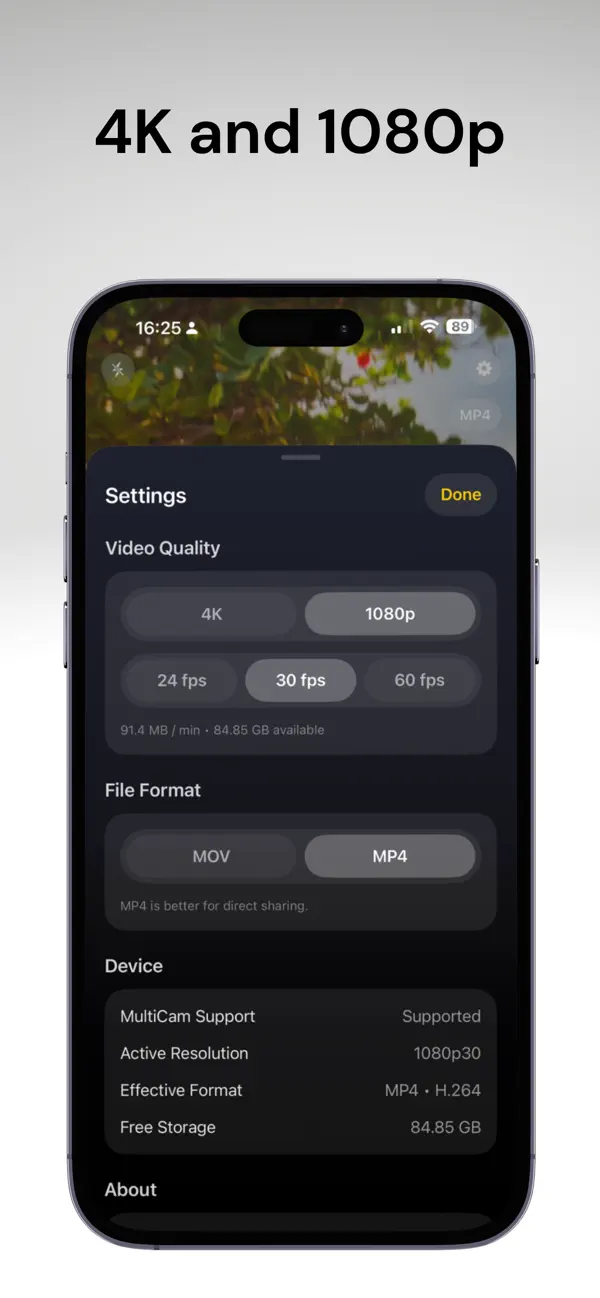
- 4K and 1080p recording at 24, 30, or 60 fps
- MOV or MP4 export options
- Improved stabilization and safer fallback behavior for dual 4K recording
- Quick Gallery access to open your latest take
- Clear settings, storage estimates, and effective format details
- Torch control built in
- No account required to start recording
- Your footage stays on your device
Free users can try Dual Capture with a watermark. DuoLens Pro unlocks the full creator toolkit, including advanced capture modes and professional controls.
Dual-lens and Front + Back modes require compatible iPhone camera hardware. Apple Log availability depends on device support and capture settings.
Start creating. Stop repeating.
Quoi de neuf dans la dernière version ?
Smoother recording, more reliable camera preview updates, and improved Quick Gallery behavior for reviewing your latest clips.