Booth.Events - pro photo booth
iOS Universel / Photo et vidéo
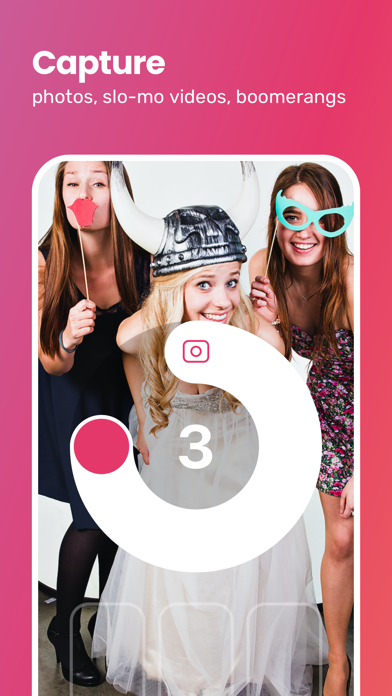
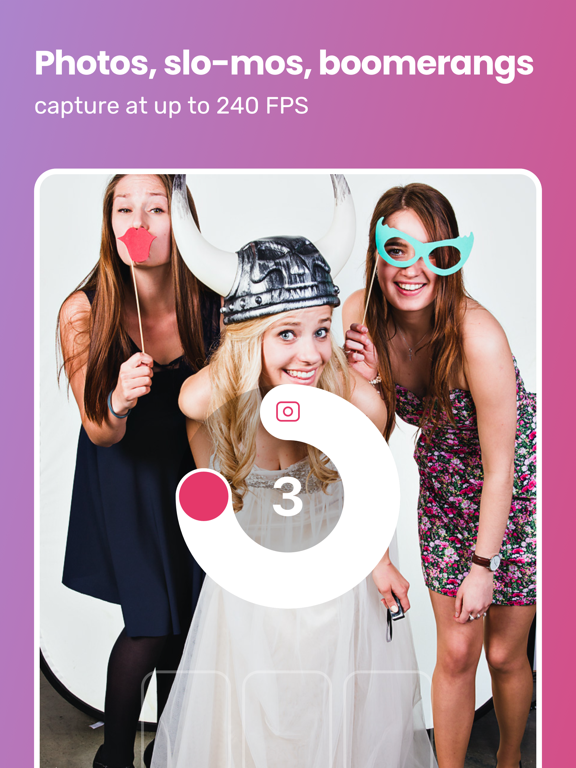
Ready to try the next generation photo booth app? Promote your business, get your brand out there, and impress your guests with the photo booth app that's actually easy to use. Designed for traditional and 360 / spinner booths.
Booth.Events is the first photo booth app that can connect directly to your Canon EOS, Nikon, or Sony camera via USB (lightning and USB-C iOS devices supported). You can also use your device camera with as much or as little manual control as you prefer.
With powerful technologies like our popular AI Glam Filter, SceneSelect for background AI removal, color & black/white filters, offline queuing, and our easy-to-use template creation system you'll be able to deliver an awesome branded experience to your customers without spending lots of time setting up each event.
Booth.Events comes with all of the features you'd expect in a pro photo booth app:
- sharing via text/SMS and email
- slow-mo videos
- boomerang & GIF
- filters (AI Glam, black & white, color filters)
- online galleries
- printing
- branding / white-labeling
- customization
- green screen
- camera settings (iOS device camera or connected Canon EOS camera)
- template-created collages
- multiple templates per event
- stickers
- guest data capture with a configurable consent screen
... and much more.
Quoi de neuf dans la dernière version ?
- NEW: support for guest signature dynamic element type in templates
- NEW: connected cameras can have a different White-Balance for liveview versus capture
- IMPROVED: "Take More" can now be set to a number/limit instead of just on/off
- IMPROVED: uploaded photos now have the capture date/time encoded in EXIF data
- FIXED: when using the device's camera, ISO and Shutter Speed are now independent settings, giving you far more control over your device camera
- FIXED: an issue that could cause printing to fail if the Print.Events PC and the iPad had a complex networking setup
- FIXED: an issue that could cause prints to timeout and fail over hotspot or direct-ethernet connections
- FIXED: the printing troubleshooter could show an empty state if location access was denied
- FIXED: several cases where you could launch an out-of-app process from a Remote-In session, which would lock you out of Remote-In until someone was physically at the iPad
- FIXED: a brightness flicker when using the device's camera in very bright situations (like sunlight)
- FIXED: an issue with the exposure slider stalling in mid-adjustment
- FIXED: the camera settings screen could show a choppy liveview (low framerate) when using the device camera
- FIXED: auto-generated GIFs from taking multiple photos were uploaded to the gallery but did not show on the iPad (ie. while entering share information)
- FIXED: if your passcode is a number the keypad could cover the alert buttons
- FIXED: long button labels could get truncated on smaller iPads