Before and After Photo Compare
iOS Universel / Photo et vidéo
Important: please read the app's description before downloading the app. The app only saves/shares a screenshot of the current 2 Image Slide, so you will not be able to drag the slider after sharing on a social platform. This can only be done inside the app.
Main features of Before and After Photo Compare:
- easy to use (please follow the instructions in the How to Use screen)
- the settings and images are automatically saved and will be used when you start the app again
- animated tutorial that will be shown the first time you open the app
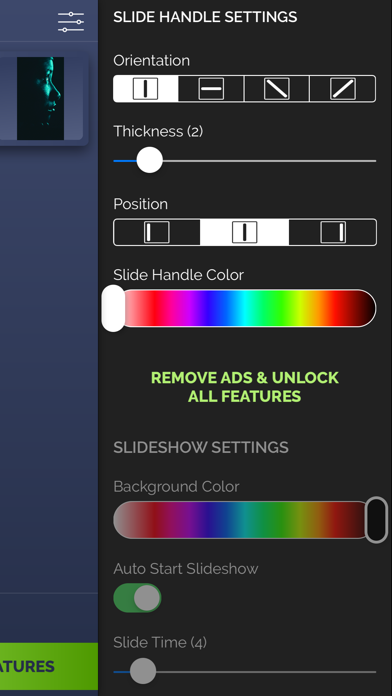
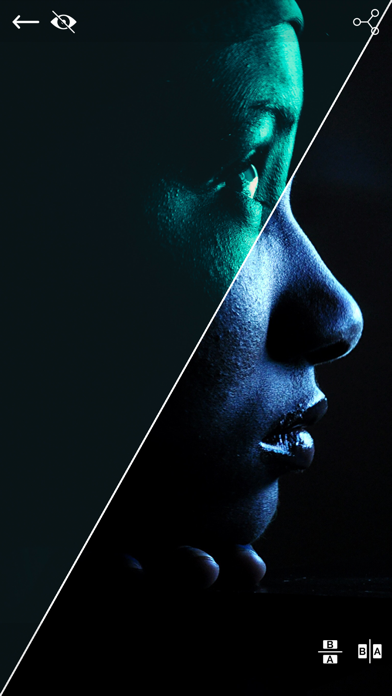
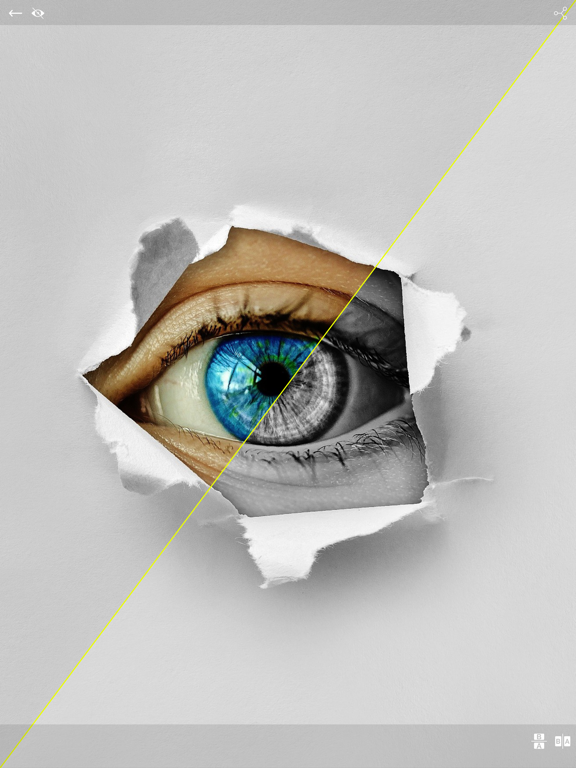
- 2 Image Slider mode where you can manually drag the slider (vertically, horizontally, oblique or reverted oblique) to reveal the After image
- you can preview the existing before/after image when taking a new picture
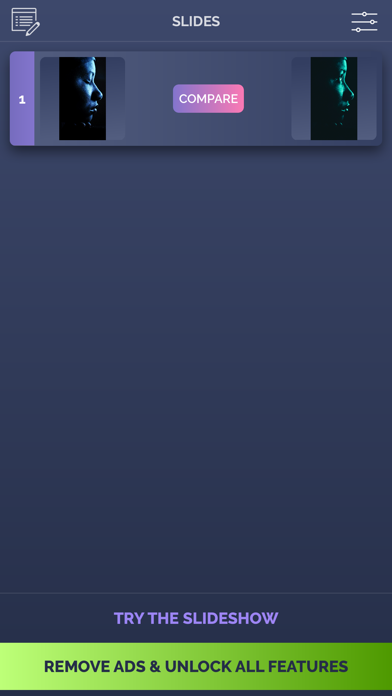
- Bonus: Now you can try the Slideshow mode to get a taste of the upgraded app
- ability to save/share (Facebook, Messenger, Instagram) the resulting snapshot. Only a screenshot will be saved/shared, so you won't have the slider functionality when you perform this operation.
In the upgraded version, you gain access to:
- full Slideshow mode where you can present your before/after slides (30 max) in an animated way. The reveal animation will run by itself for each slide and you will also have the option of adding a logo over the slideshow
- ability to record the slideshow using the operating system's built-in recording function starting with iOS 11 (if you're on iOS 10 or below, you will be able to record directly from the Slideshow screen)
How to use:
- tap on the before/after image slots to load an image from the Library (or take a new one with the camera)
- once both images are loaded, modify the slider settings to match your needs then tap on the 2 Image Slider screen and drag the slider with your finger
- to hide the top control bar in 2 Image Slider mode, tap on the eye icon in the top right corner. To show it again, double tap or long press on the device's screen.
The app is suitable for those who want to compare the before and after images (to see weight loss or diet/fitness program results, makeup transformation etc) or to impress their friends/bosses/clients with the work they've done, by presenting them the stages of their work in a cool way.
The images in the video preview/screenshots are not included!
Enjoy this app and don't forget to contact us through the app's contact form if you have something to say!
Quoi de neuf dans la dernière version ?
- iOS 14 update