Album Saver: Fast and Secure
iPhone / Photo et vidéo
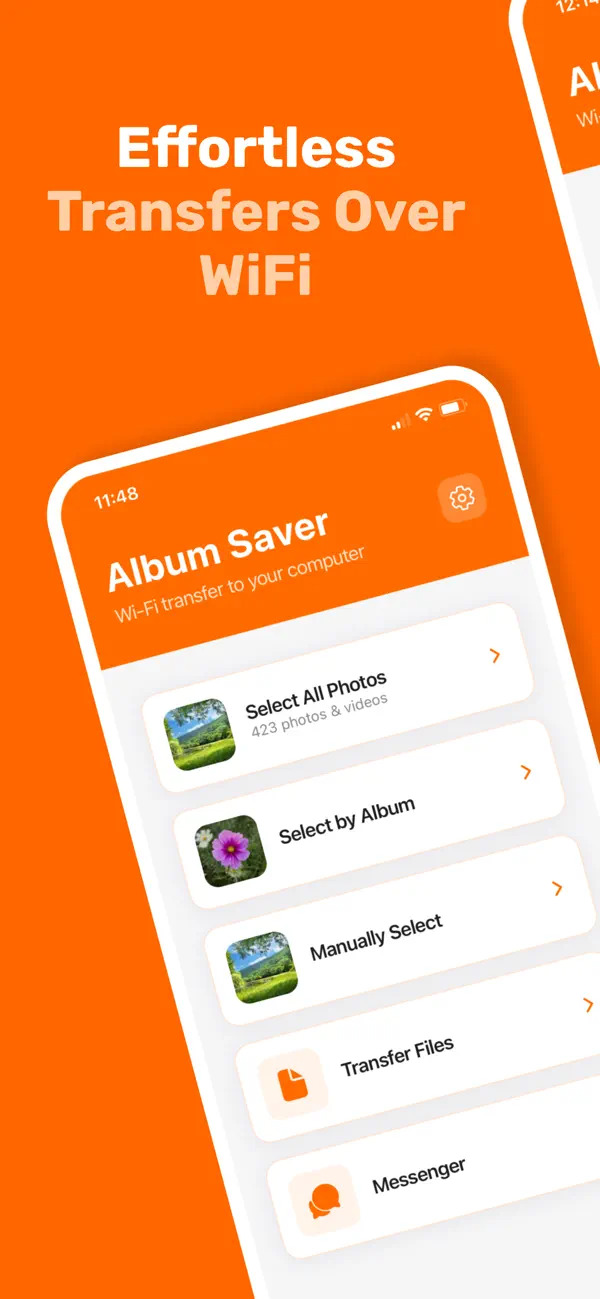
Album Saver is the easiest way to transfer your entire photo library to your computer over local WiFi — with one crucial advantage: it preserves your album organization right in the filename.
SMART FILE NAMING
Photos are automatically renamed with their creation date and album names, so you never lose track of which album each photo belonged to. Example: "YYYY-MM-DD_HH-MM-SS_[album names].jpg"
TRANSFER PHOTOS & VIDEOS
• Transfer your entire camera roll or select specific albums
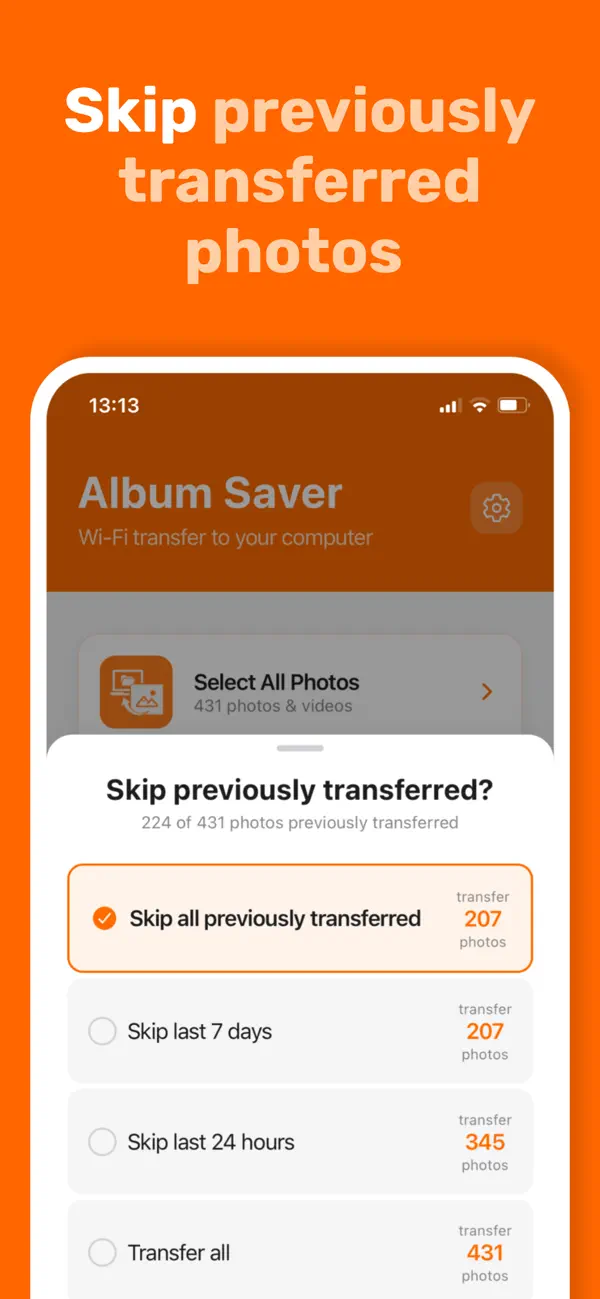
• Skip already-transferred photos to save time
• Works with photos and videos of any format
• Track transfer progress in real-time
SEND FILES TO YOUR PHONE
• Transfer any file from your computer to your phone
• Supports all file formats — documents, music, archives, and more
• Fast local WiFi transfer with no size limits
INSTANT MESSAGING
• Quickly send text, links, or notes between devices
• Perfect for sharing URLs, code snippets, or quick reminders
• No sign-up or account required
PRIVACY FIRST
• All transfers happen over your local WiFi network
• Your photos never touch the cloud
• No account required — just connect and transfer
HOW IT WORKS
1. Open Album Saver on your phone
2. Visit the displayed URL on your computer's browser
3. Start transferring — it's that simple
Perfect for backing up your photos while keeping them organized, moving files between devices, or freeing up phone storage without losing your album structure.
Terms of use: https://albumsaver.app/terms
Privacy Policy: https://albumsaver.app/privacy
Quoi de neuf dans la dernière version ?
Faster transfer speeds!!