AI Photo Enhancer & Filters
iOS Universel / Photo et vidéo
Turn blurry, old, and low-quality photos into clear, polished images with AI.
AI Photo Enhancer gives you powerful photo editing tools in one simple app. Enhance photo quality, restore old memories, unblur images, remove haze, colorize black-and-white photos, remove backgrounds, and create fresh looks with AI photo templates.
Whether you're improving a portrait, restoring a family photo, or creating content for social media, getting better-looking photos takes just a few taps.
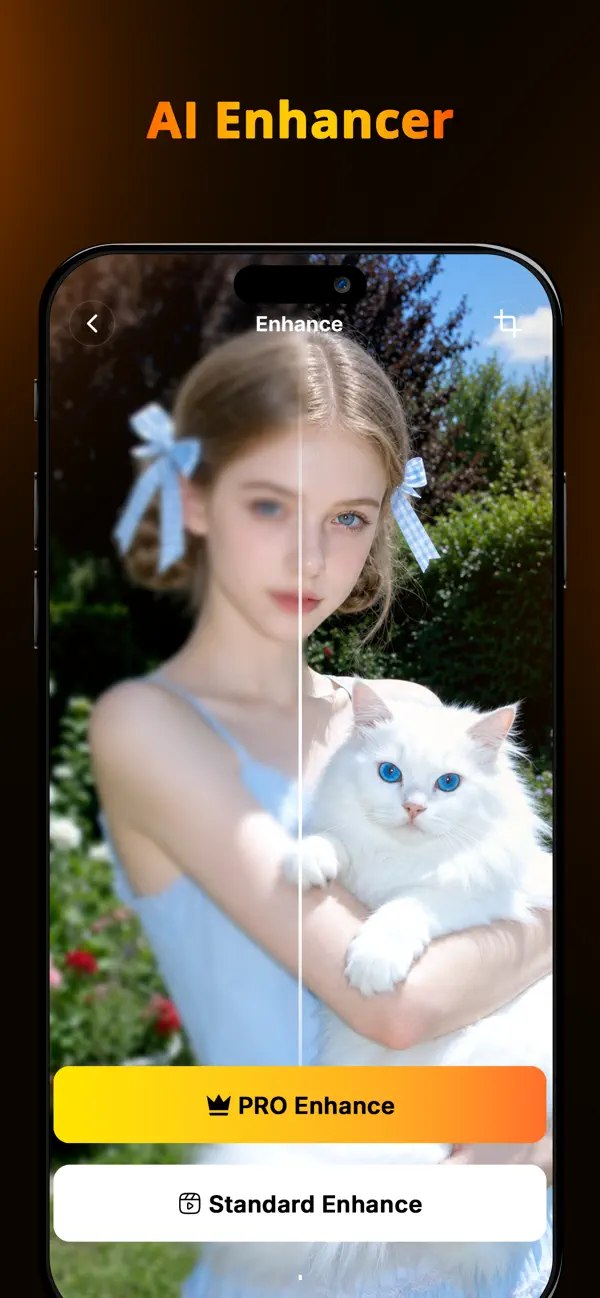
AI PHOTO ENHANCER
Improve photo quality instantly with AI. Enhance portraits, selfies, and everyday photos with greater clarity, sharper details, and a cleaner overall look.
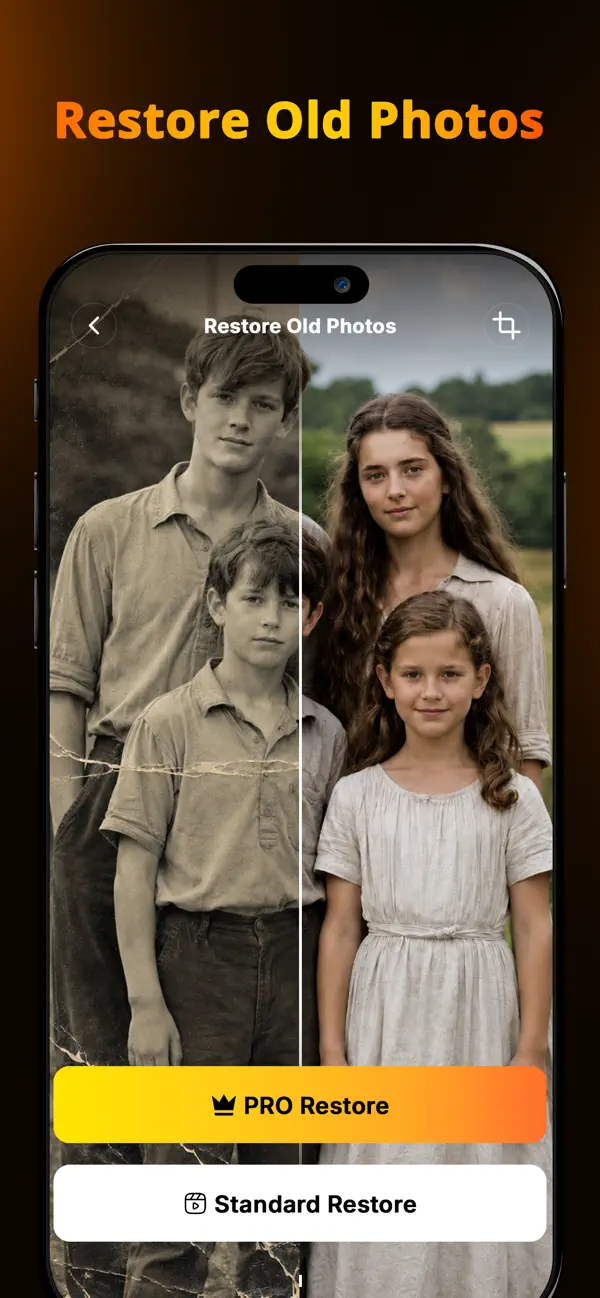
RESTORE OLD PHOTOS
Bring your favorite memories back to life. Restore faded, scratched, damaged, or low-quality photos and give old pictures a refreshed appearance.
UNBLUR PHOTOS
Make blurry images look clearer and more detailed. AI helps improve sharpness and bring out details in soft or unclear photos.
DEHAZE PHOTOS
Reduce haze and improve visibility in dull or foggy images. Reveal clearer details and create a cleaner, more polished photo.
COLORIZE PHOTOS
Add color to black-and-white photos and rediscover old memories in a new way. Give vintage and family photos a fresh, vibrant appearance.
REMOVE BACKGROUNDS
Automatically detect the subject and remove unwanted backgrounds with AI. Replace the background with a solid color or another image to create a clean new look.
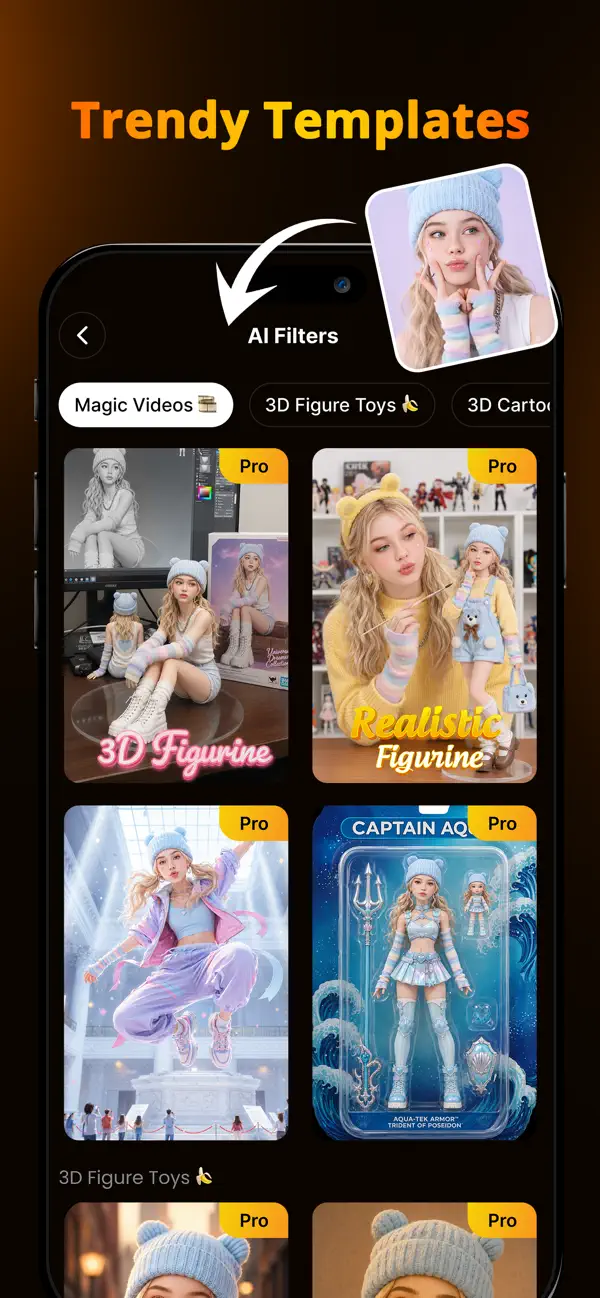
AI PHOTO TEMPLATES
Explore creative AI templates and transform your photos into eye-catching new styles. Create trendy images for social media, profile pictures, and more.
Perfect for:
Portraits and selfies
Old family photos
Blurry or low-quality images
Travel photos
Social media content
Product photos
Creative AI transformations
Enhance details. Restore memories. Reimagine your photos with AI.
Download AI Photo Enhancer and give your photos a fresh new look.
Subscribe to have unlimited access to premium features as well.
• Subscription length: weekly, yearly
• Your payment will be charged to your iTunes Account as soon as you confirm your purchase.
• You can manage your subscriptions and turn off auto-renewal from your Account Settings after the purchase.
• Your subscription will renew automatically, unless you turn off auto-renew at least 24 hours before the end of the current period.
• The cost of renewal will be charged to your account in the 24 hours prior to the end of the current period.
• When canceling a subscription, your subscription will stay active until the end of the period. Auto-renewal will be disabled, but the current subscription will not be refunded.
• Any unused portion of a free trial period, if offered, will be forfeited when purchasing a subscription.
Terms of Use: https://www.apple.com/legal/internet-services/itunes/dev/stdeula/
Quoi de neuf dans la dernière version ?
Fix some mirror bugs