Adobe PaintCan
iOS Universel / Photo et vidéo
"With PaintCan, anybody can paint"™
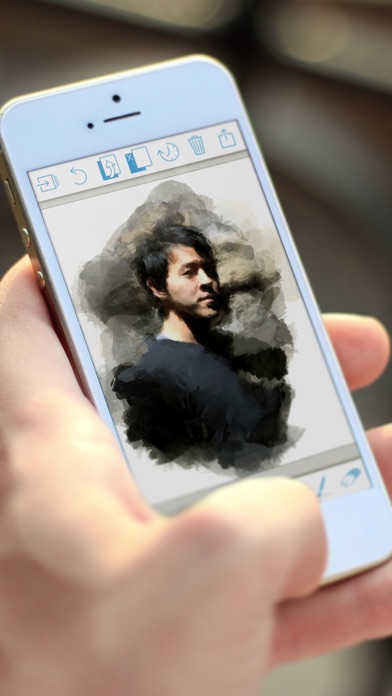
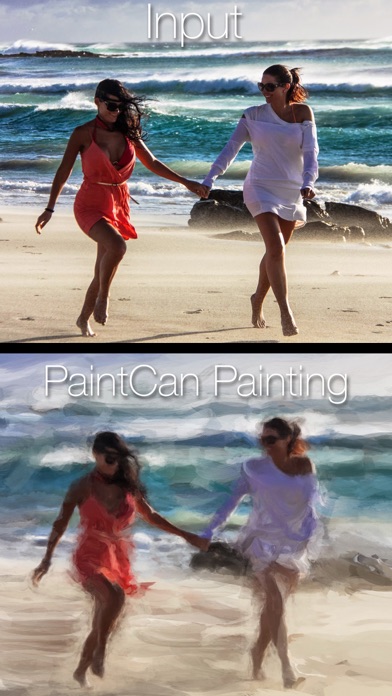
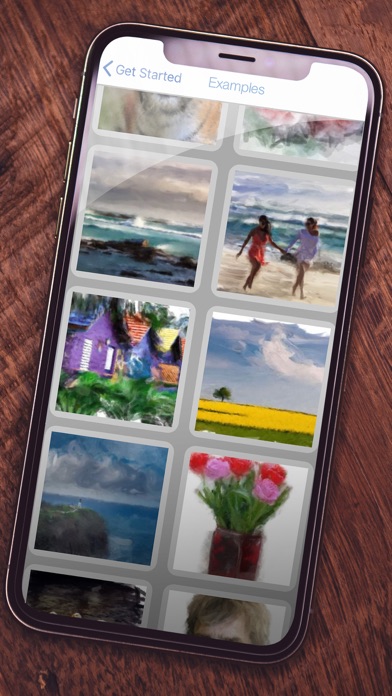
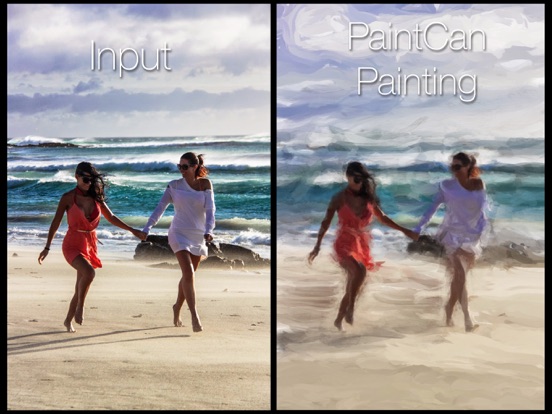
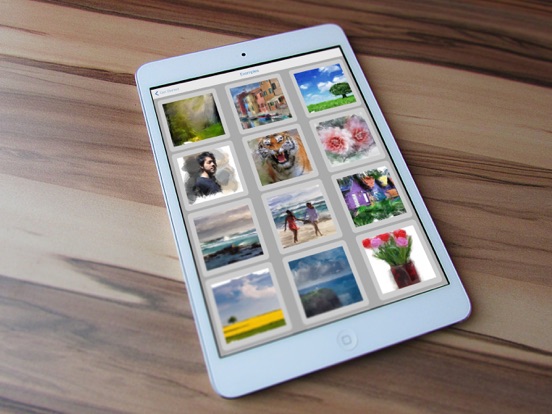
PaintCan helps you paint beautiful artworks from your favorite photographs within minutes.
PaintCan is not a painterly effect applied to your image—you really are the painter! But don't worry, anybody can do it. PaintCan helps you paint, with smart brushes that configure themselves based on the image you are painting on, so that you are free to explore your creativity, instead of configuring settings.
So what are you waiting for? Create your first masterpiece today!
Please rate and review the app to help us make it the best product we can. If you have issues, don't write a bad review, but contact us at paintcan@adobe.com and we will try to help.
Connect with other PaintCan fans on Facebook: https://www.facebook.com/PaintCanApp, and share your favorite paintings with the hashtag #PaintCanApp
FAQ:
iPad vs. iPhone UI:
=============
Due to the size difference between the devices, the interface for the iPhone is different from the iPad, but retains all of the most critical tools. In the future we will work to create a more similar interface for all devices based on user feedback and usage statistics.
Image resolution:
=============
Resolution of paintings doesn't depend on input image size, but on the device you're using. We currently support output up to 16 Megapixels. We've printed PaintCan paintings from an iPad Mini on a 24"x18" canvas without pixelation artifacts. Note that high-resolution output may be slow on older devices. In that case, lower the resolution to "Legacy" mode in Preferences>Settings>Advanced>Resolution.
Suggested Workflow:
===============
Working in PaintCan is mostly about where to add more or less brushing detail, and what brushing styles to combine. If you want coarse, broad brush strokes, zoom out. If you want to add intricate detail, zoom in. Try this: Cover the photo roughly with large paint brushes (Background presets, available on iPad) and then add details where desired (Detail presets). If you added too much detail, simply go over it again with a background preset, or try one of the Extras presets to add or smooth textured areas. Most of all: Explore and have fun.
Document size:
===========
While the app itself is small (~10MB), the data it generates to function is closer to ~150MB (more for newer devices). This is to support the multiple levels of UNDO. Saving snapshots of paintings increases this data-size. You can always delete unused snapshots by going to the Start menu and selecting "Edit". Note: only your snapshots are automatically backed up to iCloud (not the app's cache).
Selecting Colors (and other low level control):
================================
Colors are chosen automatically, based on where you paint. This is done intentionally to give you the easiest, quickest, and most successful painting experiences possible. In the future, we may support additional color choices.
Quoi de neuf dans la dernière version ?
*** High-resolution output: We finally got around to adding this highly requested feature. PaintCan now offers two output modes: Legacy (max. resolution up to 4 Megapixels) and Maximum (up to 16 Megapixels). You can select this option via Preferences>Settings>Advanced>Resolution. Changes take effect on next new project.
* Updates: We made numerous changes to our code for better compatibility with recent iOS versions. These changes should not be noticeable to our users, so if you spot something that's broken, please let us know. Thanks :)