Anchor Sentry
iOS Universel / Navigation
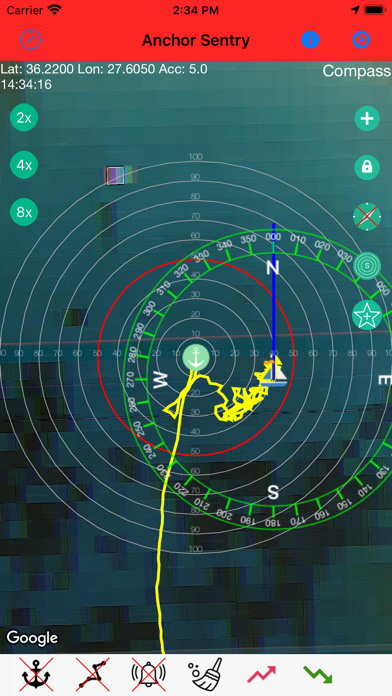
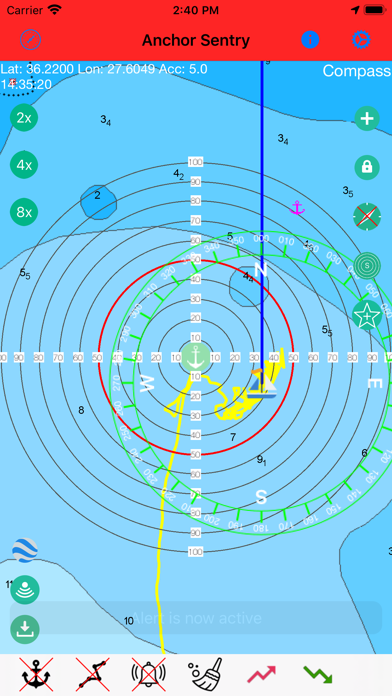
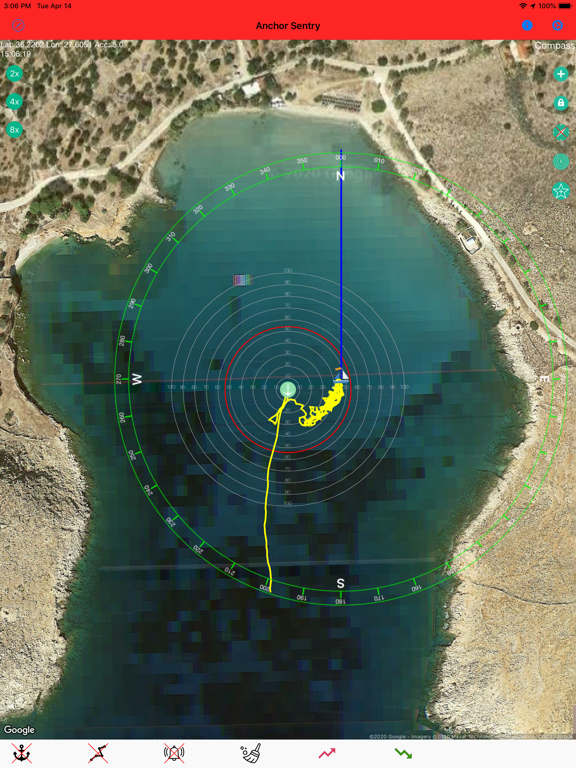
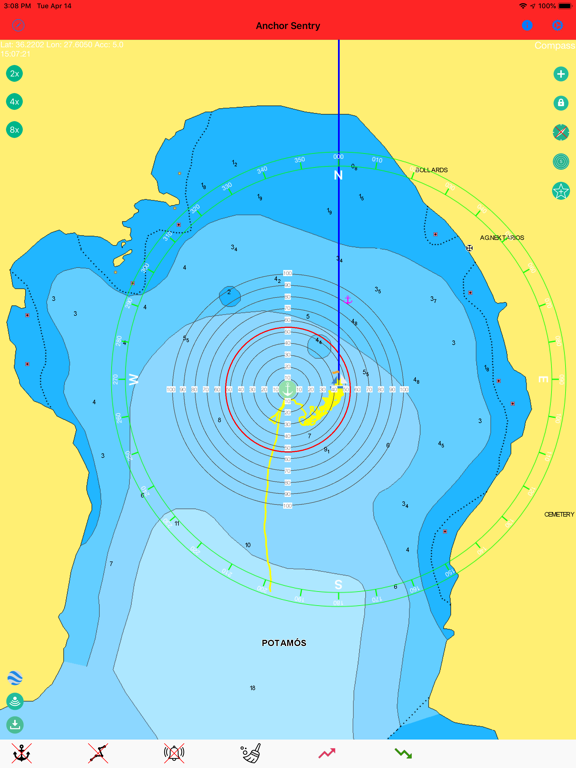
Anchor Sentry is an app to monitor the ship's position at anchor and inform the skipper when the anchor is dragging and thus the ship leaves the setup perimeter.
Features:
- Show current position on GoogleMaps map or Navionics map (To gain
access to Navionics maps from this application, users with an active Navionics
subscription in the Navionics Boating application must register with their Navionics
credentials)
- Distance circles to help finding a good anchor position
- Drop anchor by tapping on map or by position or by bearing and distance
- Can be used for anchoring with shore lines by watching the heading rather than the position
- Tracks can be saves as GPX file for later processing
- Option to set up prohibited zones which will trigger an alert when entered. These can be used indepent of the anchor state
- Runs in the background even while other apps are used
- Unique sync functionality which allows to pair two or more devices together to see the ships position even while out to shore for dinner
- Barograph function included
- Display real echo sounder data from a providing NMEA server
- Optional compass overlay to help finding the bearing to the anchor
- Option to show current position visible to friends and family on the Anchor Sentry website
- Proximity alert between ships both using Anchor Sentry. To get warned when your neighbours anchor is dragging.
- Automatic anchoring feature
- Display maximum swinging circle
- Save favorite anchoring places with pictures
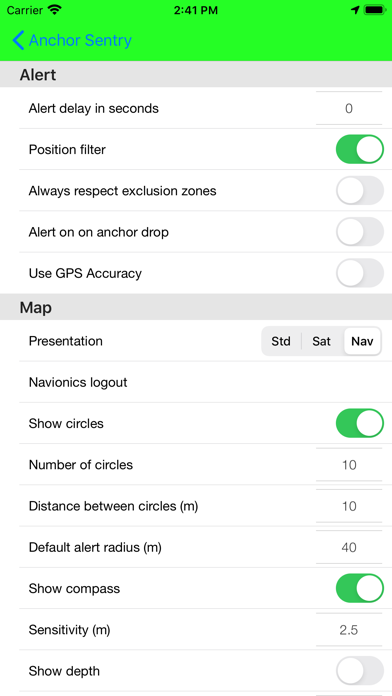
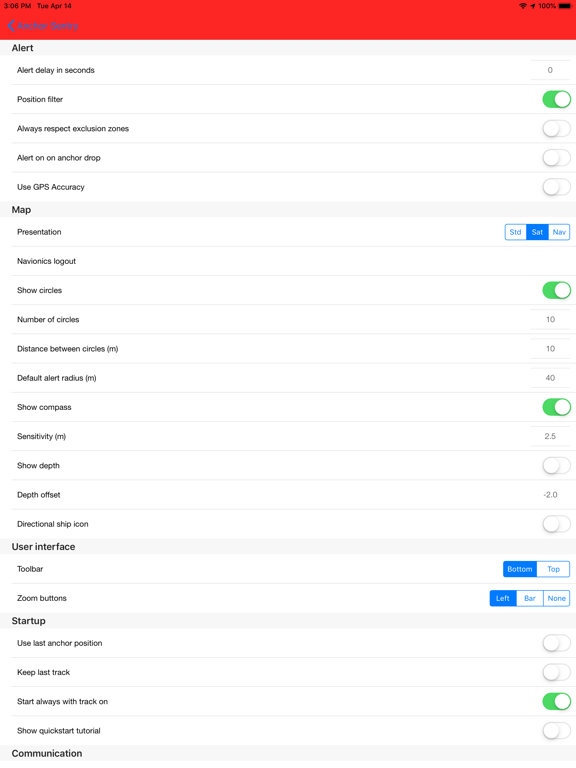
- Several setup options to customize your app
Quoi de neuf dans la dernière version ?
- Fixed the alert and anchor state shown on the mirroring/proxy server sometimes getting stuck after an alarm was acknowledged, even though the boat was no longer in an alarm condition. The current state is now sent immediately when an alarm ends or transmission is stopped, and is repeated on every transmission instead of only when it changes locally, so a single lost update can no longer leave the server out of sync permanently.
- Long-tapping a saved anchor place on the map now offers "Show Picture(s)" (if any are saved for that place) and "Edit". Pictures open directly in a new, simple full-screen viewer with the picture's description shown underneath, without going through the place editor.
- Fixed a possible app hang at startup. Navionics initialization is no longer done synchronously during app startup, and a redundant, near-immediate rebuild of the Navionics map screen right after launch has been removed.