Alignment Viewer
iOS Universel / Navigation
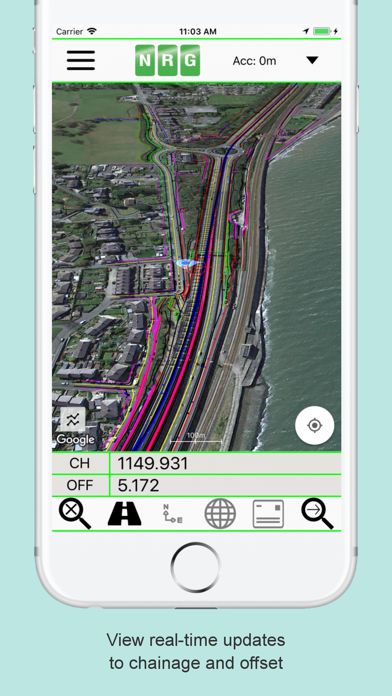
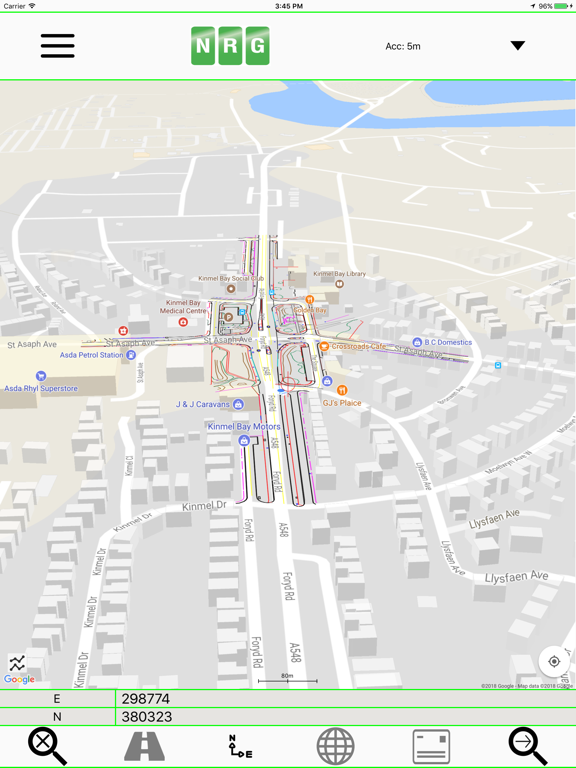
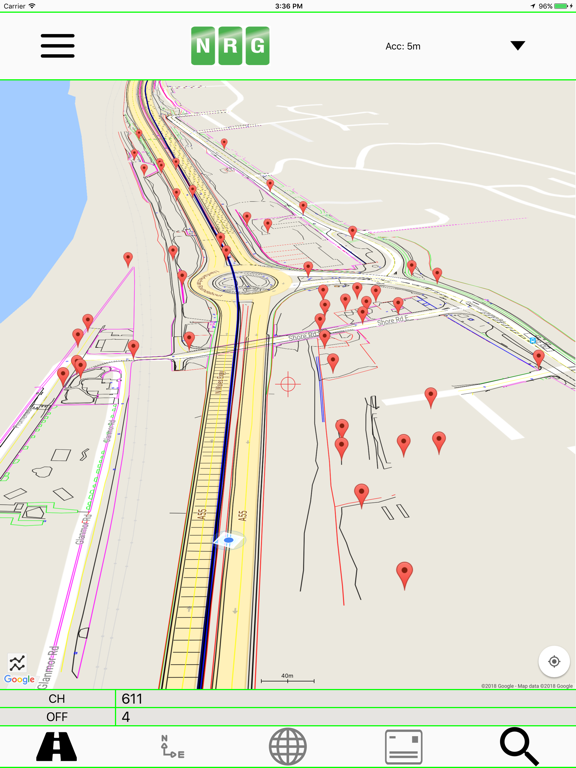
NRG Alignment Viewer is a Civil Engineering tool that allows the display of Geometric alignments, lines, points, cross sections, and the creation of photos watermarked with chainage / station and offset.
Designed to assist highway and railway construction/maintenance the NRG Alignment Viewer allows the conversion between Geodetic WGS84/ETRS89 World coordinates (Latitude Longitude) to Cartesian Easting Northing and Geometric Alignment coordinates based on a given transformation. By default Alignment Viewer supports hundreds of different coordinate transformations and allows users to load custom transformations.
**Geometric Alignments**
Alignments can be loaded by the following methods:
Loading an NRG Alignment file(.nst).
Importing a LandXML file (.xml) to NRG Alignment file.
NRG Alignment Viewer provides support for Geometric Alignments incorporating Curves, Spirals, Clothoids, Parabolas and Straights.
Provides support for Alignments using Chainage/Station/Meterage and Offset.
**Geometric Pins/Points**
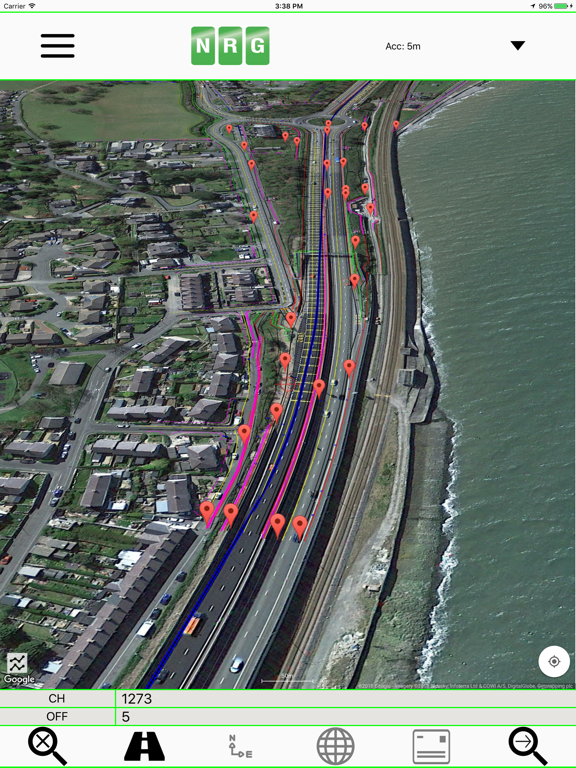
Allows the import of pins from Google earth files (.kml), NRG Pin files (.gpf) and ASCII/CVS files (.txt).
Pins can be manually placed based on Geodetic, Cartesian EN or Geometric Alignment coordinates.
Allows for editing of imported pins.
Allows for the export of new Pin files(.kml, .gpf or .txt).
**Geometric Lines**
Lines can be imported from Google Earth files (.kml).
Lines can be loaded to the map, loaded to the cross section or loaded to both.
Cross section display colour can be selected for each line file.
Provides support for loading multiple line files at once.
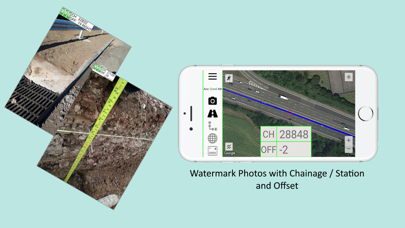
**Watermarked Photos**
Photos can be taken which will then be watermarked with the coordinates of the current location.
Watermark coordinates can be displayed in Chainage/Station and offset, Cartesian East North or Latitude Longitude depending on user preference.
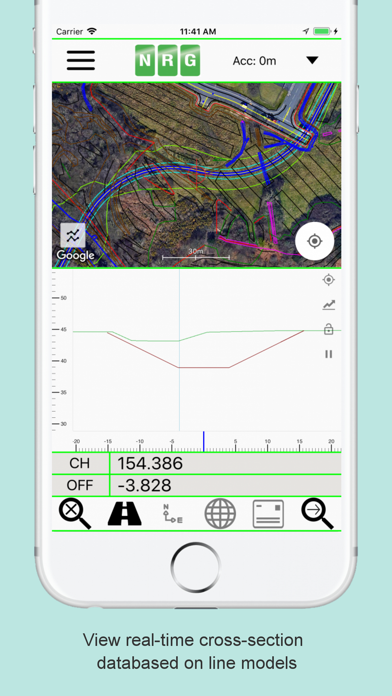
**Cross sections**
Allows the creation of a cross section perpendicular to a given geometric alignment.
Cross section can be updated in real-time (Track mode) or on demand (Search mode).
Cross section mode supports pausing updates, locking scale / transformation and importing ground elevation data.
**Landscape mode**
Perfect for placing on your vehicle dashboard NRG Alignment Viewer landscape mode provides clear and real-time updates to the device position in terms of WGS84, Cartesian EN and Geometric Alignments (Chainage/Station/Meterage) coordinates.
NRG Alignment Viewer provides many user defined preferences to customise your use of our tool.
**Geometric Alignment Configuration Options**
Offset display format: -/+ or Left/Right.
Alignment distance: Change/Station/Meterage.
Alignment format: 10000/10+000.
Decimal places display for Alignment/EN.
**Map Configuration Options**
Enable / Disable real-time map scrolling.
Street, Satellite and Hybrid map types.
Enable / Disable centre point Crosshair.
Enable / Disable distance scale bar.
Select scale bar unit of measurement: Imperial/Metric.
**Cross Section Configuration Options**
Cross section centre Mid-Point or user defined Offset.
User defined scale section / Cross section distance.
Vertical Exaggeration.
Google Elevation segments distance.
Enable / Disable Scale bars.
**Manual**
NRG Alignment Viewer manual can be found at:
http://www.nrgsurveys.co.uk/downloads/alignmentviewer.pdf
It is strongly recommended that new users view the manual to make full use of the NRG Alignment Viewer.
Quoi de neuf dans la dernière version ?
Improved app performance for a smoother and faster user experience.