Audiquo Tuning Fork
iPhone / Musique
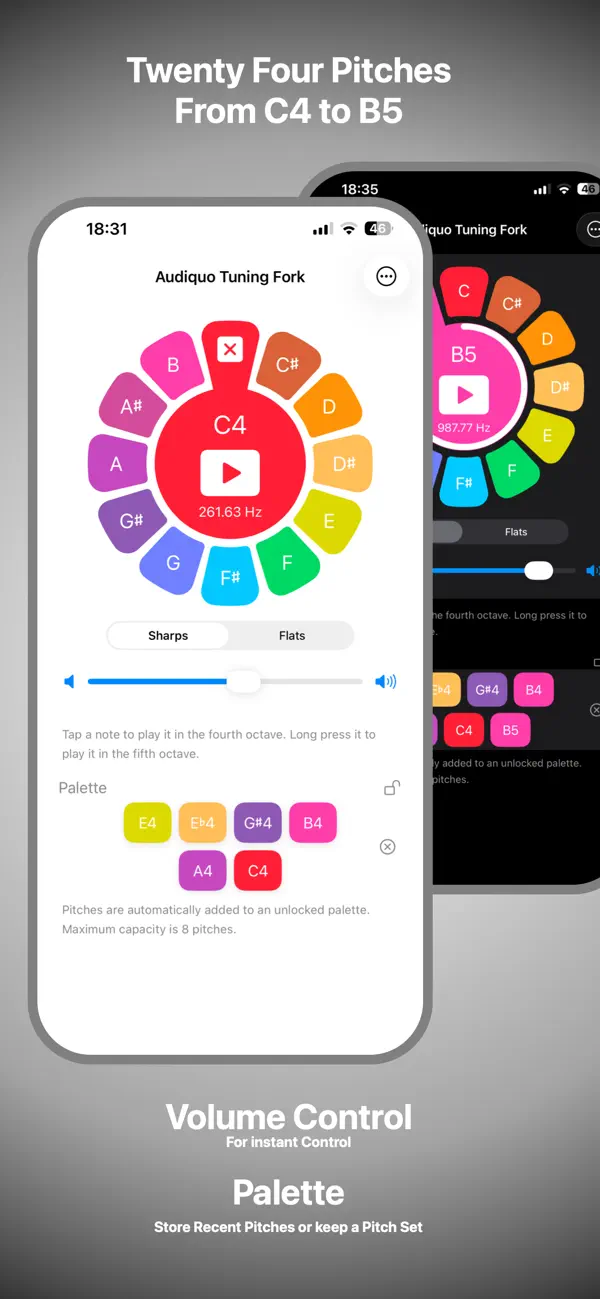
Audiquo Tuning Fork, for iPhone and Apple Watch, plays the 24 musical pitches in Octaves 4 and 5. The pitches are from C4 to B4 in Octave 4 and from C5 to B5 in Octave 5. Pitches play and slowly fade away, just like a tuning fork.
Pitches are arranged on the familiar and intuitive Equal-Tempered Chromatic Circle and are based on A4 at 440 Hz -- "Concert Pitch".
To play a pitch in Octave 4, tap it on the Chromatic Circle. To play a pitch in Octave 5, long-press it on the Chromatic Circle. When a pitch is played, it moves to the center of the display and becomes the currently-selected pitch. Once selected, you can use the Play button to replay it. To stop playing, tap where the note came from on the Chromatic Circle. Tap there again to deselect the pitch and return it to its position on the Chromatic Circle.
On iPhone, when a pitch is played, it is added to the Recent Pitches panel for quick replay.
All current Apple Watch models – along with Apple Watch Ultra 2 and Apple Watch Series 10 – can play pitches on their built-in speakers. Older models must be connected to an external (e.g. Bluetooth) audio device.
On Apple Watch, tap the center of the display (avoiding the play button, if present) to switch quickly between sharp and flat accidentals.
On supported Apple Watches, the Double Tap gesture replays the currently-selected pitch. Also on Apple Watch, you can add complications to your watch face for quick access, and you can add a Smart Stack widget to replay the currently-selected pitch or to open the app.
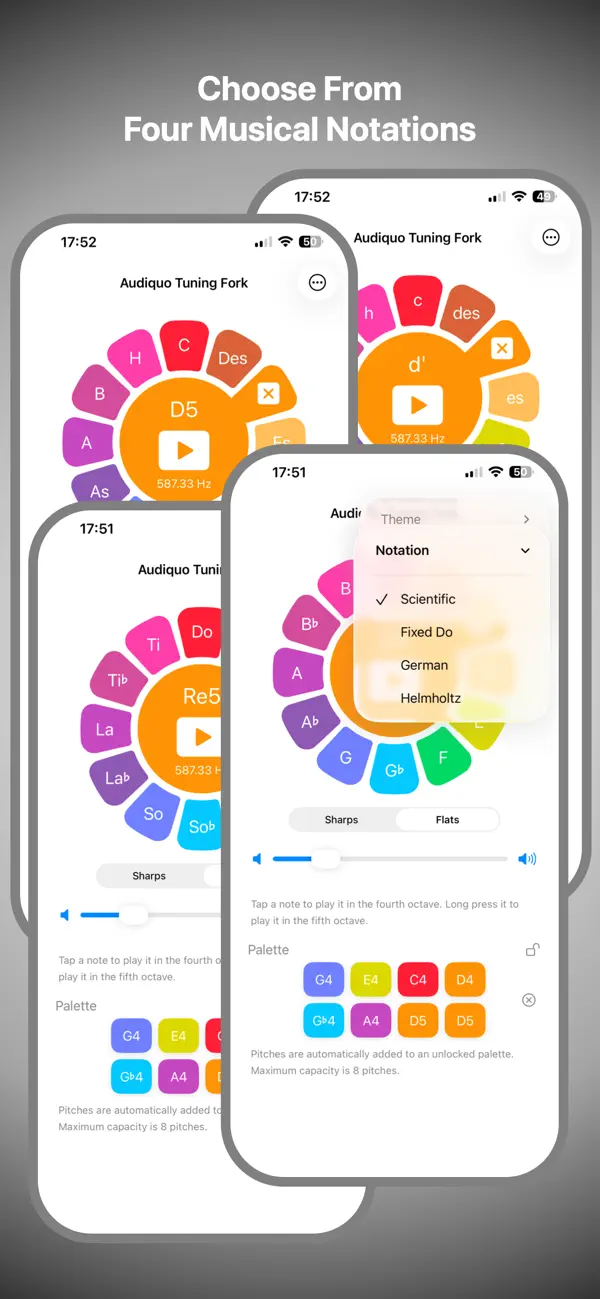
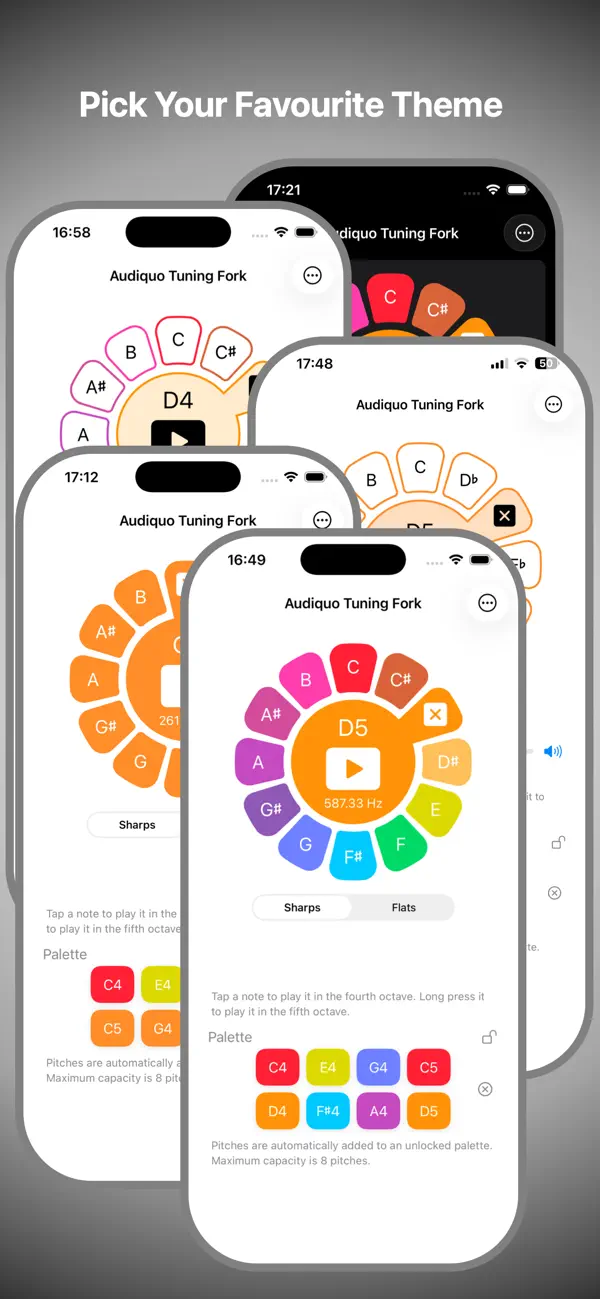
Audiquo Tuning Fork offers four attractive color themes and four music notations: Scientific, Fixed-Do, German and Helmholtz.
On iPhone, theme and notation settings are accessible directly from the app screen. Other settings are accessible via the Settings app. On Apple Watch, long-press the center of the display to access the settings.
Whether you're performing, practicing, rehearsing or listening to music, Audiquo Tuning Fork can provide just the pitch you need, right there on your iPhone and Apple Watch, one tap away, instantly ready.
Quoi de neuf dans la dernière version ?
Thank you for using Audiquo Tuning Fork. We are always trying to improve it to make it more convenient, more useful and, of course, more beautiful!
In this update, we have updated the iPhone app. We have added an in-app volume control and doubled the capacity of the Palette to eight pitches. You can now lock the Palette so that you can keep a set of pitches there for fast access.
To do all this, we have moved the preferences up to the top right to make space for all these extras.
We hope you continue to enjoy using Audiquo Tuning Fork.