i-NTER SHOT2 for microscope
iPhone / Medecine
"i-NTER SHOT" is an innovative application which supports high quality microscope photographing.
In order to attach an iPhone to a microscope, please use the dedicated adaptor “i-NTER LENS”.
Here is the information site of “i-NTER LENS”
https://www.microscope-net.com/products/smartphone/inter-lens-eng/
[ NEW functions in i-NTER SHOT2 ]
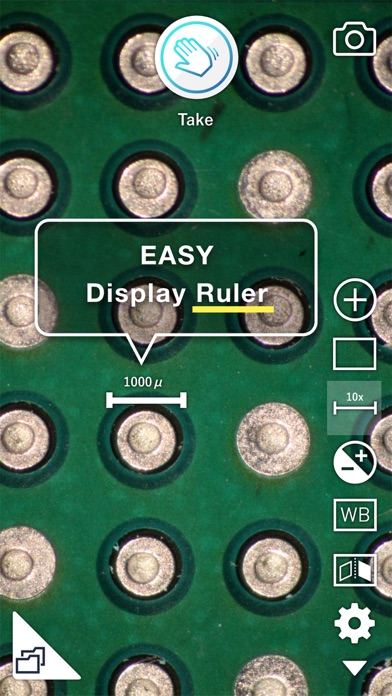
- Display Scale and put into a picture
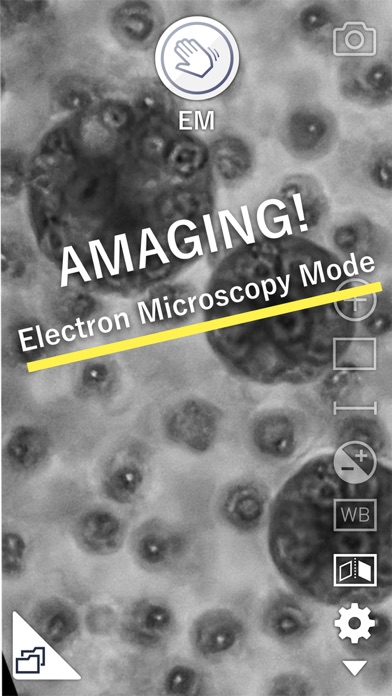
- Electron Microscope mode
- Monochrome mode
- Capture information and comment record / put into a picture
- Video mode
[ Valuable functions for the microscope imaging ]
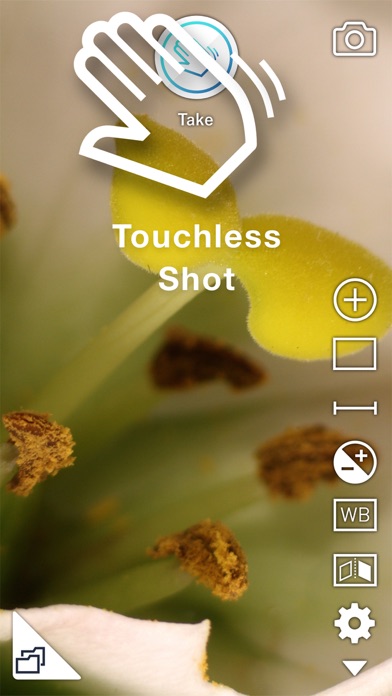
- Pass Shutter
Passing your hand over the front speaker becomes a shutter of a camera without touching the screen. You can take pictures without vibrations.
- Magnification
- Grid display
Three grids are available for an accurate alignment.
- Erect and Invert
In order to adapt the display and photo to the inverted microscope, elect and invert function is available.
- White Balance
In addition to Auto White Balance Correction, manual adjustment is available.
Two metrics (Color Temperature and Tint) adjustments enable the ideal color representation.
- Exposure Correction
In addition to Auto Compensation of the brightness, you can modify the brightness manually.
This enables you to take a suitable picture of even the dark fluorescent specimen.
- Full screen display
In order to check the details of the displaying image, you can temporarily disappear whole items on the screen and display the image with full screen.
- Dedicated photo list
In order to manage the photos taken by this application, a dedicated photo list is available.
- Disclosure/Non-Disclosure mode of photos
In order not to mix private photos and photos taken by this app, you can hide photos taken by this app on Moment.
- External Display
Camera preview on an external display by way of AppleTV and HDMI is available.
Remarkable full screen display of the camera preview is available with the rotation of the preview on the display in steps of 90 degrees.
In order to utilize this application, i-NTER LENS that is a attachment lens between iPhone and Microscope is necessary.
https://www.microscope-net.com/products/smartphone/inter-lens-eng/
Quoi de neuf dans la dernière version ?
Now supports iPhone 17e