BrowserSwitch
macOS / Utilitaires
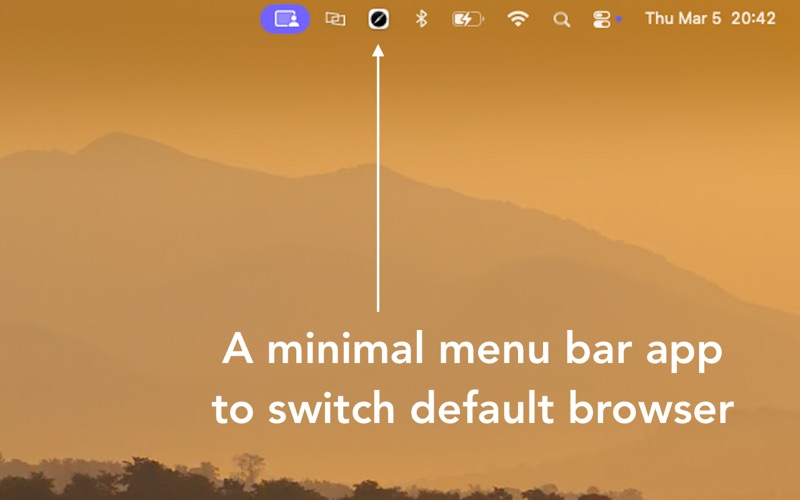
Switch your default browser instantly from your macOS menu bar.
BrowserSwitch is a lightweight menu bar app that lets you change your Mac’s default browser in one click, without opening System Settings. If you use different browsers for different parts of your life, this app makes switching effortless.
Why use BrowserSwitch?
When you click a link in Slack, Mail, Messages, or any other app, it opens in your default browser. If your default browser is set for work, personal links end up there too.
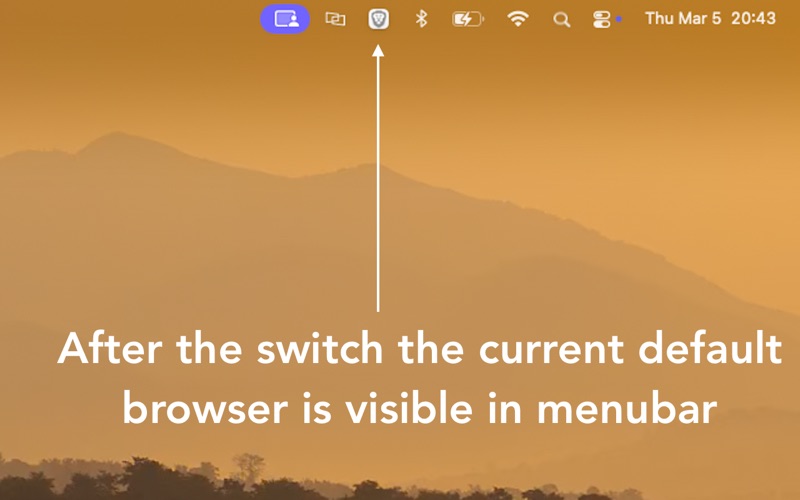
Instead of copying and pasting links or digging through System Settings, just click the BrowserSwitch icon in your menu bar and switch instantly.
Perfect for people who:
Use Chrome for work and Safari or Firefox for personal browsing
Keep separate browsers for different accounts
Want to keep work and personal history separate
Frequently open links from chat or email apps
Built for focus and simplicity.
Many of us compartmentalize our digital lives. Work browser. Personal browser. Side projects. Testing browser. BrowserSwitch helps you move between them in one click.
Privacy first.
BrowserSwitch performs no network activity, no analytics, and no tracking. It only displays the browsers installed on your Mac and changes your system default when you choose.
If you regularly switch browsers, this small utility can save you time every single day.
Quoi de neuf dans la dernière version ?
- Now you can hide specific browsers from suggestion (about screen)
- Even lighter, takes up less space
- Improved battery consumption further
- Uses latest Apple APIs
- minor fixes