Calculator Pro • Topbar App
macOS / Utilitaires
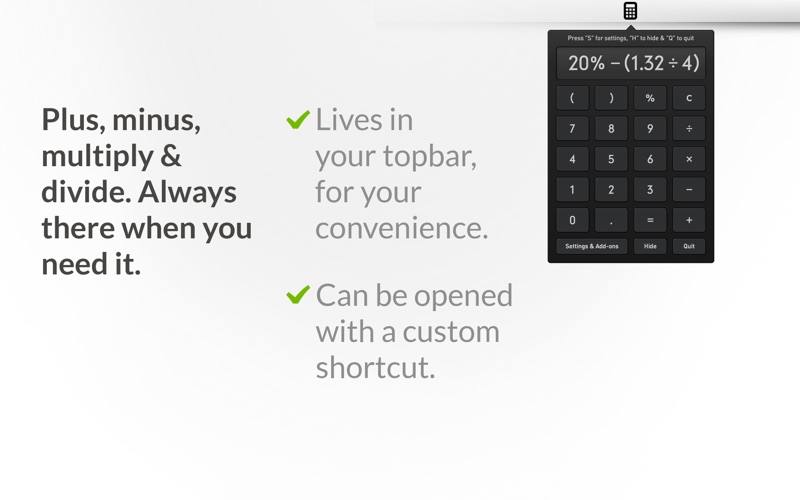
A simple calculator that will suit your everyday calculation needs. Calculate decimals, percentages & much more in this beautifully crafted top bar app.
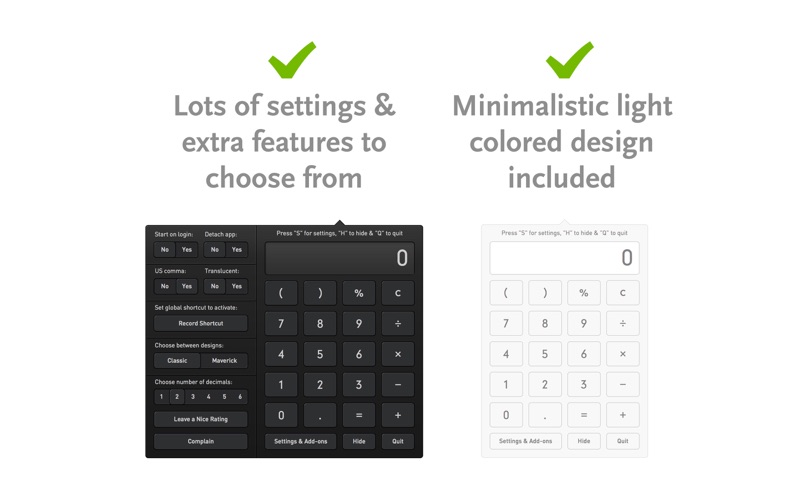
This calculator is a simple and beautiful calculator, that will handle all your everyday calculation needs. It's retina ready, can be moved around in the window or stick to the top bar, you can make it transparent so it's not that noticeable, set it to start at login, make a global shortcut to activate the app or even change the design!
If you have any questions, feedback or complaints about the calculator, don't hesitate to contact us using the support link. If you like the calculator a positive review is always appreciated.
• FEATURES
• Basic calculations
• Up to 40 numbers in display
• Retina optimized
• Can open on startup
• Transparency can be toggled
• Multiple design choices
• Copy/Paste numbers
• Option to set global shortcut
• Can be moved around in window
• Calculation operators visible in display
• Adjust number of decimals shown
• HIGHLIGHTS
• Compatible with OSX Mountain Lion (10.8) and optimised for OSX Maverick (10.9)
• Minimalistic and professionally designed graphics
• Numpad keys fully supported
• Visual response in calculator when keyboard buttons are used
• Active operand is show inline in the calculator display
• Copy/Paste numbers to and from the calculator by using the normal copy/paste shortcut
• Calculator supports %
• Dot is showed as "," or "." depending on the region of the world you live in
• HOT KEYS
• Copy number to clipboard: [Command + C]
• Quit the calculator: [Command + Q]
• Hide the calculator: [Command + H]
• Show settings and add-ons: [Command + S]
• 1, 2, 3, 4, 5, 6, 7, 8, 9, 0: [Numbers]
• Add: [+]
• Subtract: [-]
• Multiply: [x or *]
• Divide: [/]
• Percent: [%]
• Evaluate: [Return or Enter]
• Dot: [. or ,]
• Clear: [C or Clear]
• Delete single number: [Delete]
Quoi de neuf dans la dernière version ?
Improved menu bar launch reliability and fixed an issue where long calculations could appear to stop accepting input.