Jewish Date Menu Bar
macOS / Références
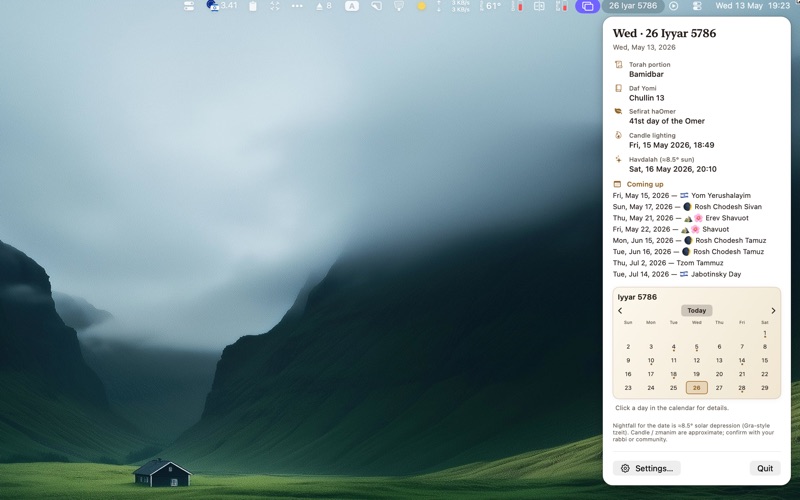
Jewish Date lives in your menu bar and keeps today’s Hebrew date one glance away—then opens into a clear panel when you need more context.
At a glance
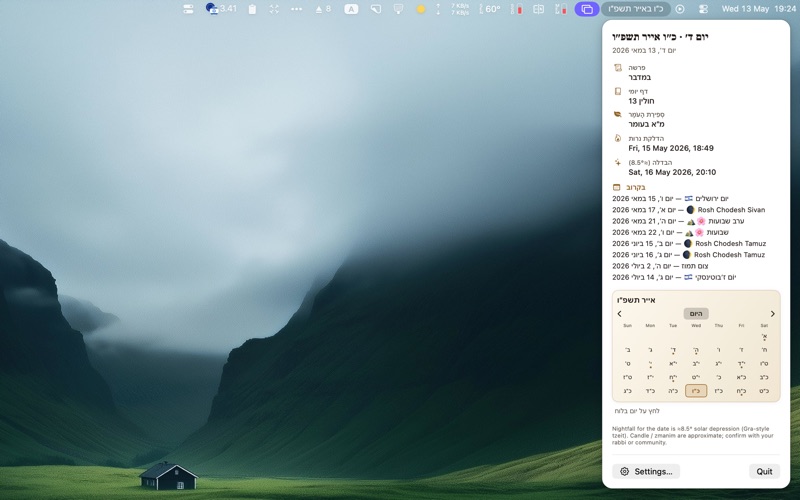
See the halakhic Hebrew day in the bar (after local nightfall), with optional English or Hebrew in the panel.
Inside the panel
• Torah portion (parsha) and Daf Yomi
• Sefirat haOmer during the counting
• Candle lighting and havdalah using your location and a Gra-style tzeit (about 8.5° solar depression)—handy as a reminder, not a substitute for your community’s times
• Holidays today and a “Coming up” list of notable days ahead
Hebrew month calendar
A compact month grid with previous / today / next month controls, markers on special days, and tap a day for a short summary of that day’s events.
Settings
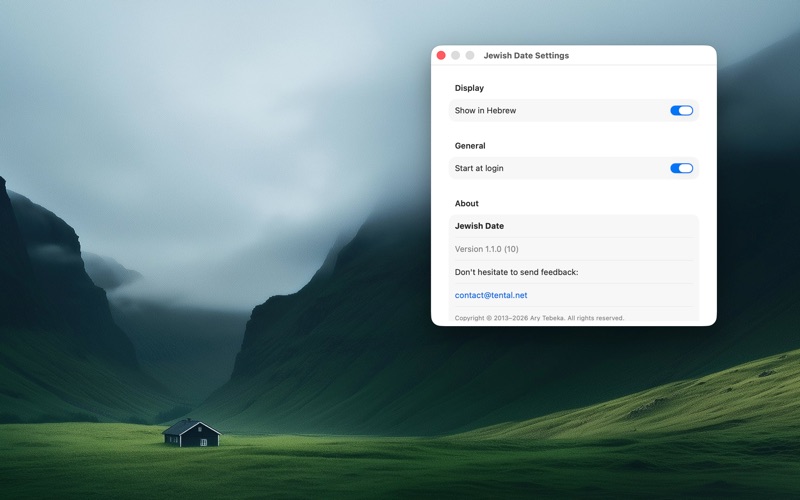
Open Settings from the panel, choose Launch at login if you like, and use About for version notes and support.
Jewish Date is a practical desk companion: fast, readable, and respectful of the fact that halakhic details vary—always confirm critical times and dates with your rabbi or congregation.
Quoi de neuf dans la dernière version ?
• Light & dark appearance — In Settings, choose Auto (System), Light, or Dark. The menu and settings follow your choice.
• Improved dark mode — The menu calendar and overview are easier to read in dark mode.
• Settings only when you need it — Settings opens from the Settings button in the menu. It no longer appears every time you launch the app. New installs still see Settings once to get started.
• Reliable Settings button — Opening Settings from the menu works consistently.
• Start at login — Fixed the launch-at-login toggle in Settings.