WarrantyManager
macOS / Productivité
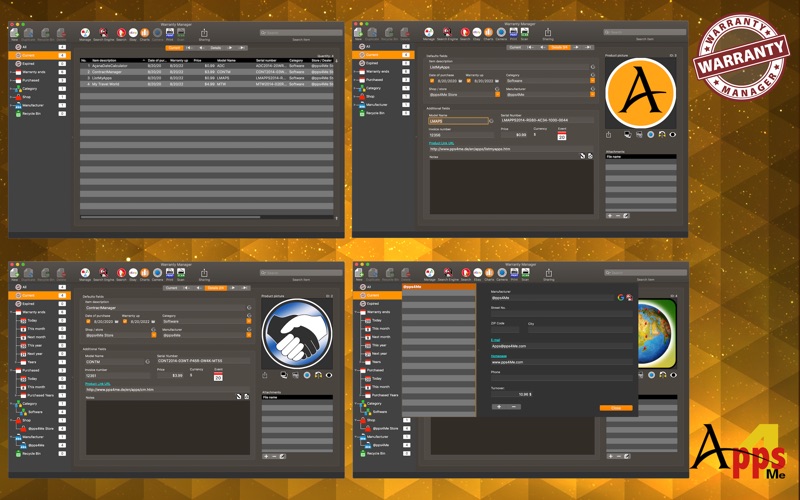
Finally, the long search has come to the proof of purchase in case warranty is over - thanks «WarrantyManager». «WarrantyManager» manages the warranties of all your products. You can add anything to «WarrantyManager» and build you own inventory database. Products can be assigned to any of the categories, manufacturers and suppliers. You can add any document (receipt, warranty, product photo, e-mail, etc.) to your product entry. E-mails can be imported directly from e-mail application. The attached files can be viewed instantly via Quick Look.
Features:
• Preview all pictures and attachments
• Attach all documents
• Attach e-mail from mail application
• Add picture via macOS image playground
• Import Picture, sketch or PDF document via iOS device (iPhone or iPad) in format
• PDF
• PNG
• JPEG
• as item picture
• as additional picture
• as attachment
• as EAN 13 barcode
• Rename attachment
• Add unlimited folders and subfolders in the attachtment management
• Automatically save all attachments
• Automatically save all changes
• Rename attachment
• Full screen support
• Support macOS Notification Center
• Support Retina Display
• Support Dark Mode
• Search on Ebay®
• Search with bing®, Excite®, Fireball®, Google®, GoTo, Wolfram Alpha® and Yahoo®
• Search for a product picture on Google®
• Drag attachment to product picture
• Save product picture as PNG or JPG file
• Backup/Restore
• Export data as CSV file
• Export data as Excel XLSX file
• Create an event in the calendar at the end of warranty
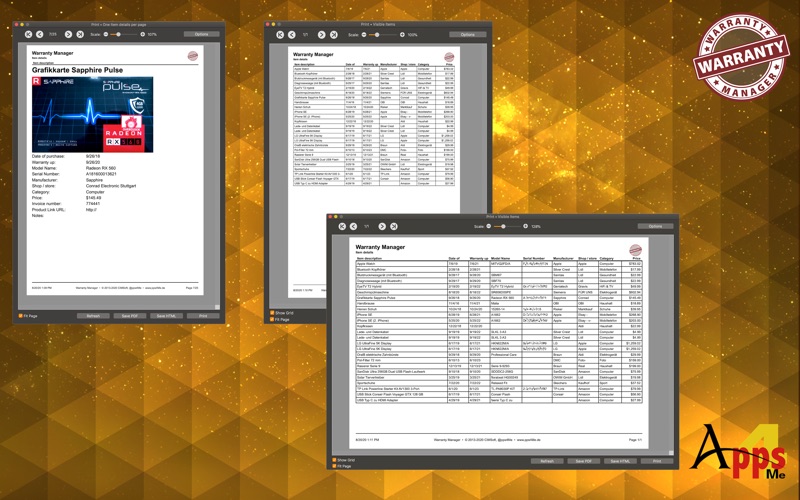
• Print a list of items with or without details
• Share your items with in your system available sharing services
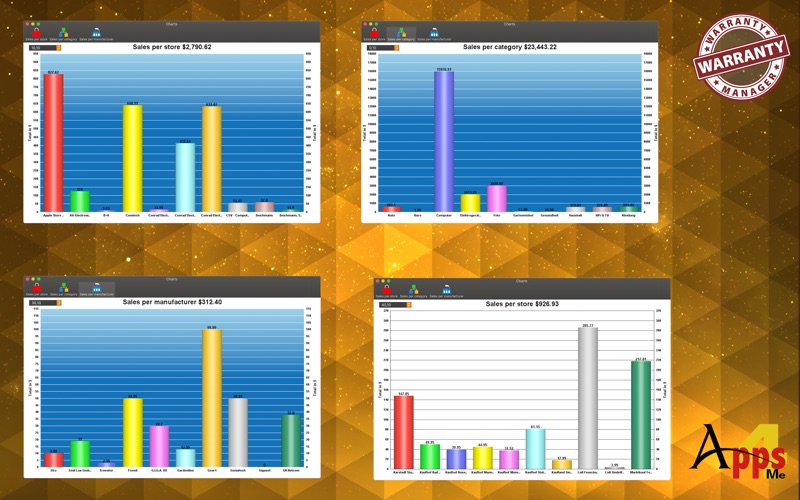
• All graphical overviews can be saved in the following formats:
• pixel format:
• BMP
• GIF
• JPG
• JPEG2000
• PNG
• TGA
• TIFF
• WebP
• Vector format:
• PDF
• SVG
• Listing of all entries by
• All
• Current
• Expired warranty
• Guarantee ends
• Today
• This month
• Next month
• This year
• Next year
• Years
• one subcategory for each year
• one subcategory for each month
• Bought
• Today
• This month
• Years
• one subcategory for each year
• one subcategory for each month
• Categories
• Store / Shop
• Manufacturer
• TAGs
• Trash
Quoi de neuf dans la dernière version ?
When creating a new entry, the name can only be changed directly