Snip: Batchcrop Scanned Photos
macOS / Photo et vidéo
Scanning Photos? Experience AI Batch Cropping Magic FOR FREE.
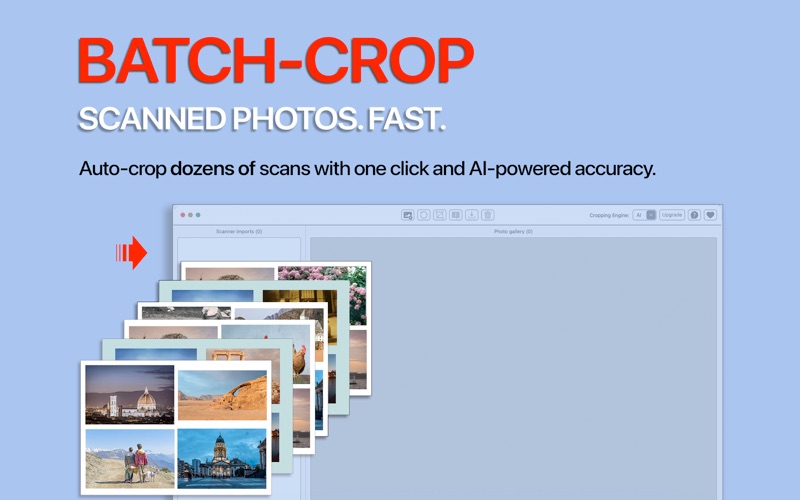
When digitizing hundreds of old printed photos, manually cropping individual images from each scan takes huge amounts of time and effort. Its painfully slow, tedious, and inaccurate. SNIP makes it incredibly easy, turning a days-long chore into a ONE-CLICK delight on your Mac.
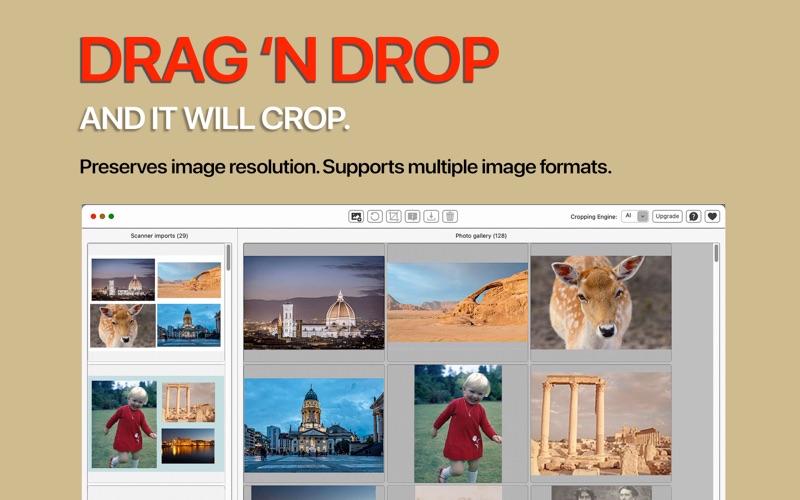
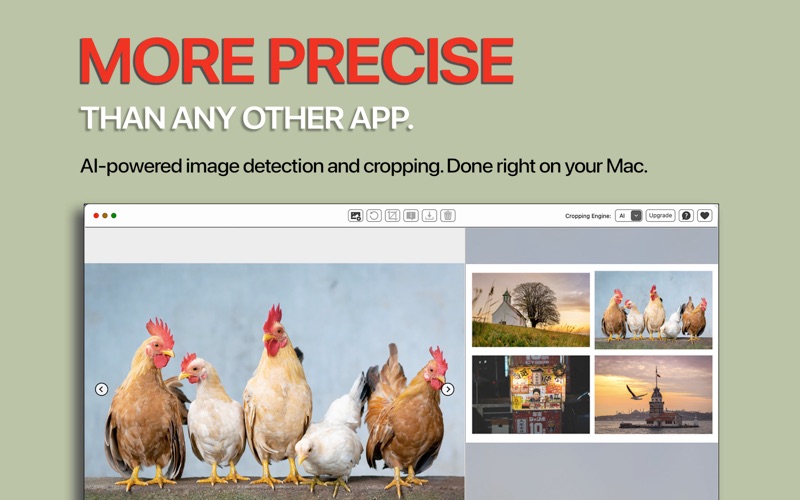
Our custom-trained, AI-driven cropping engine is designed for speed and precision. Scan multiple photos per frame using any scanner, digital camera, or smartphone. Import all multi-photo scans into SNIP, and watch as every photo is detected, perfectly cropped, and saved individually. To safeguard privacy, all processing is done locally on your Mac.
***
SNIP - The Ultimate Auto-Cropping Solution for Mac:
- AI-Powered Precision: Our proprietary algorithm ensures highly accurate image detection and cropping, outperforming other such apps.
- Batch-Cropping Magic: Automatically crops dozens of scans with a single click - saving you countless hours of repetitive, mindless work.
- Total Privacy and control: Everything is done on your Mac. Nothing is uploaded to a server, guaranteeing your memories remain private.
- Preserve Original Quality: SNIP maintains the original image format and resolution (PPI, DPI) for pristine digital copies of cherished prints.
- Wide Format Support: Seamlessly handles all popular image formats, including JPG, HEIC, TIFF, PNG, and BMP.
- Incredibly Easy to Use: Simple and intuitive. Follow our concise User Guide and scanning tips, and you'll be batch-cropping like a pro in minutes!
Traditional image editors are useless for scans containing multiple photos - you need to crop each photo manually. Even apps that can crop 3-4 photos from a scan only do it for one scan at a time. SNIP offers the unique power of ONE-CLICK BATCH-CROPPING of multiple scans, each containing multiple photos. This means less time struggling with software and more time enjoying your family memories. Or using the many hours you save for useful tasks like adding metadata (dates, locations, etc.) to your archive.
Try SNIP free today and discover how effortless digitizing your photo collection can be!
***
PRICING (Great value!):
FREE VERSION: Allows unlimited cropping of your scans, but limits exports to two photos per day. Basically meant to let you evaluate the app before buying.
ONE-TIME PURCHASE: Permanently unlocks unlimited cropping and exports, for a low, one-time fee. Plus prompt, personalized support - if you need it.
***
NEED METADATA EDITING TOO?
For advanced metadata editing (e.g., correcting the 'Date Taken' for scans) in addition to powerful cropping, get our app SnipTag (www.sniptagapp.com).
Quoi de neuf dans la dernière version ?
Updated screenshots.