Photo Text Editor - Add Effect
macOS / Photo et vidéo
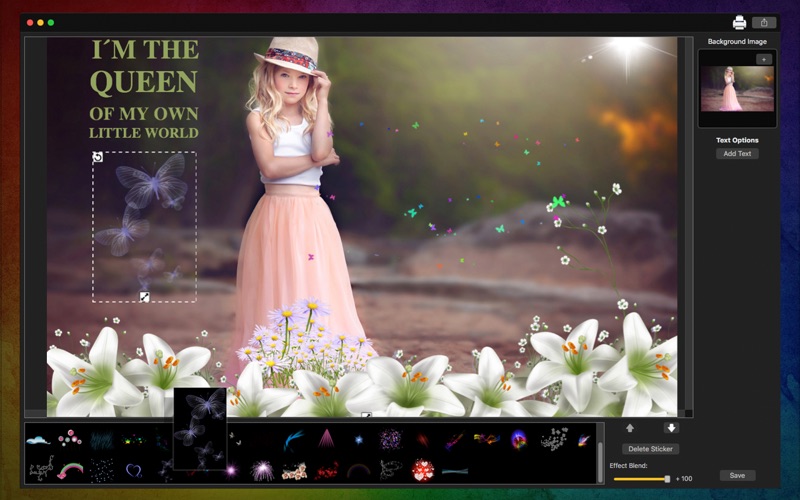
Have you thought about creating images with beautiful quotes to share with your friends? Photo Text Editor - Add Effect is essential for those who like to create and share images with quotes. Share with your friends by Facebook or Twitter or simply save and send by email.
No more complicated programs. No more spending hours trying to learn the big commercial programs only to give up halfway. Each customization option in th Photo Text Editor - Add Effect comes with a help so you don't have to waste your time.
••••••••••••••••••••••••••••••••••••••••••••••••••••••••••••
Enjoy our features:
••••••••••••••••••••••••••••••••••••••••••••••••••••••••••••
• Add Text with multiple fonts.
• 50 effects to apply on your photos.
• Effect Blend.
• Easy to use interface.
• Backward and Forward.
• Share on social media.
• Print images.
• Save Images with PNG, JPEG, JPEG2000, TIFF and BMP formats.
••••••••••••••••••••••••••••••••••••••••••••••••••••••••••••
How to use:
••••••••••••••••••••••••••••••••••••••••••••••••••••••••••••
1. Drag your photo or click in [+] to add your photo.
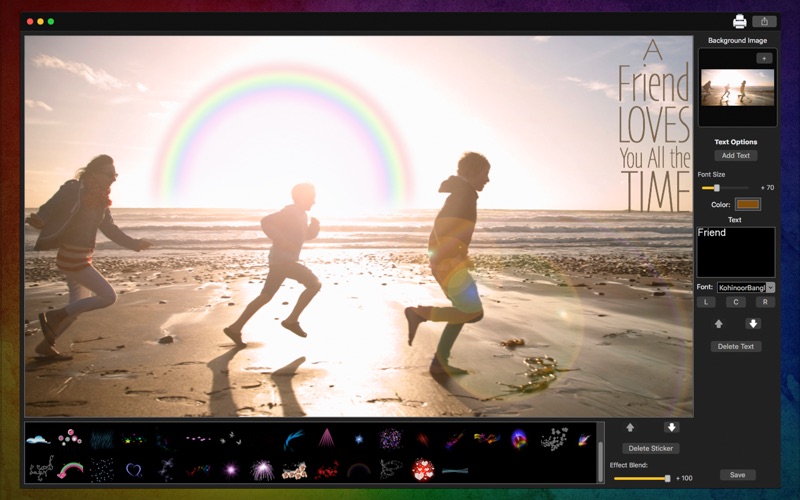
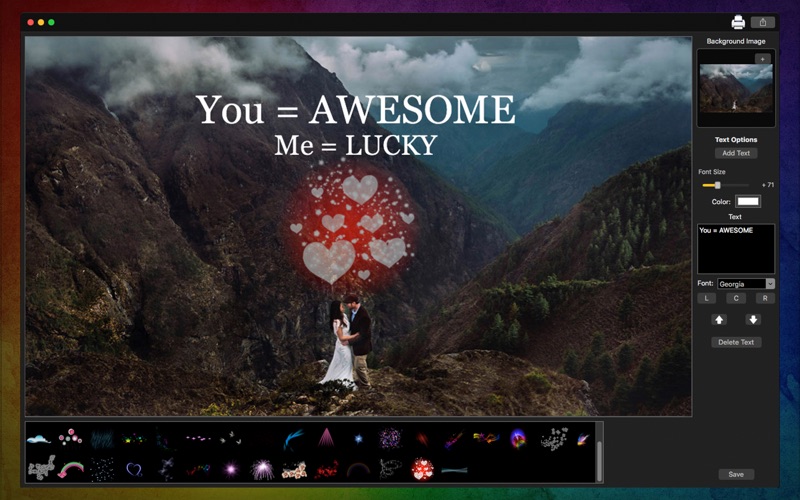
2. Click [ Add Text ] to add your messages.
3. Right above, you can edit your text like you want - Font Size, Color, Font and more.
4. Click [ Delete Text ] if you don't want to use the text you've added anymore.
5. On the bottom of the app, you can select the effect you want.
6. Use the Effect Blend slide to change the transparency. You can also use Backward and Forward buttons.
7. If you want to delete the affect you've added, click [ Delete Sticker ].
8. Click [ Save ] button to save your image, choosing between PNG, JPEG, JPEG2000, TIFF and BMP formats.
9. To print your image, you can click on the Printer button.
10. To post your image on social media, you can click on the Share button and choose the social network you want to post.
••••••••••••••••••••••••••••••••••••••••••••••••••••••••••••
If you need help?
••••••••••••••••••••••••••••••••••••••••••••••••••••••••••••
Do you need any help? If you have any doubt or trouble with our products and company, like to make a suggestion or submit a request for a new feature, you can use the following tools:
Go to our website: ••• bravecloud.org
There you can find:
• Frequently Asked Questions
• List of applications
• Tutorials
and more…
You can also send an email to: ••• support@bravecloud.org
We’ll respond as soon as we can. Your contact is very important and with it we can constantly improve our apps.
Quoi de neuf dans la dernière version ?
• 50 effects with blend to use on your picture.
• Upgrades on our Text tool to make it easier.