SmashTunes for Music & Spotify
macOS / Musique
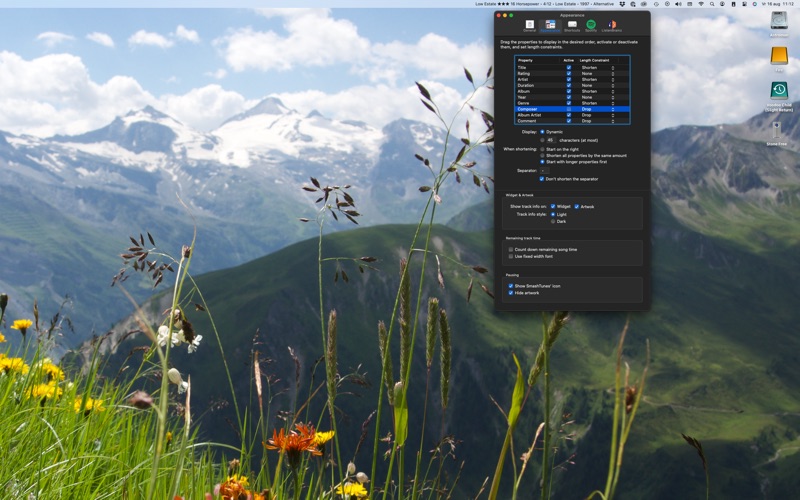
SmashTunes is a very nice menu bar item that lets you control Music as well as Spotify. It displays information about the currently playing song as well and can also display artwork.
SmashTunes offers shortcut keys to control Spotify or Music too. These hot keys control both apps system wide. Besides that, SmashTunes makes sure that Spotify is paused when you start listening to Music and the other way around.
Apart from these basic functions there's a lot more:
- Song information in the menu bar
- Music and Spotify control from the menu bar
- Artwork display
- System-wide shortcut key support for all control functions
- Song ratings and love tracks
- Direct playlist selection
- Automatically rate tracks that are loved (and love tracks that are rated)
- Dislike tracks
- Volume control
- Count down of song time
- Add tracks to the library or playlists (if you want through configurable hot keys)
You can try SmashTunes for 30 days, after which you have to take a subscription for a year. It's a small fee to help me cover costs and be able to enjoy a new vinyl record now and then. I helps me enjoy my side project even more.
SmashTunes follows the standard Apple End User License Agreement: https://www.apple.com/legal/internet-services/itunes/dev/stdeula/.
Quoi de neuf dans la dernière version ?
Internal changes. And: starting next month, Spotify will require you to re-authorize SmashTunes so it can access your Spotify playlists and liked tracks. This fix supports that flow.