Birthday Cards Maker - Collage
macOS / Graphisme et design
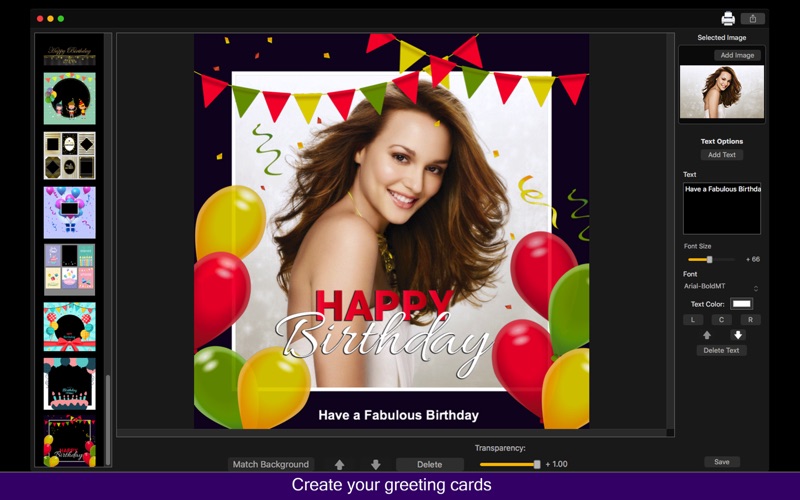
When you search for a card to gift someone you love, you can't find a creative and exclusive card to give? And if you want to make a card with your own photos but don't know how to design it? Birthday Cards Maker - Collage is the best application if you want to make an fancy and incredible card with your photos and send a gift to your friends, family your love and more.
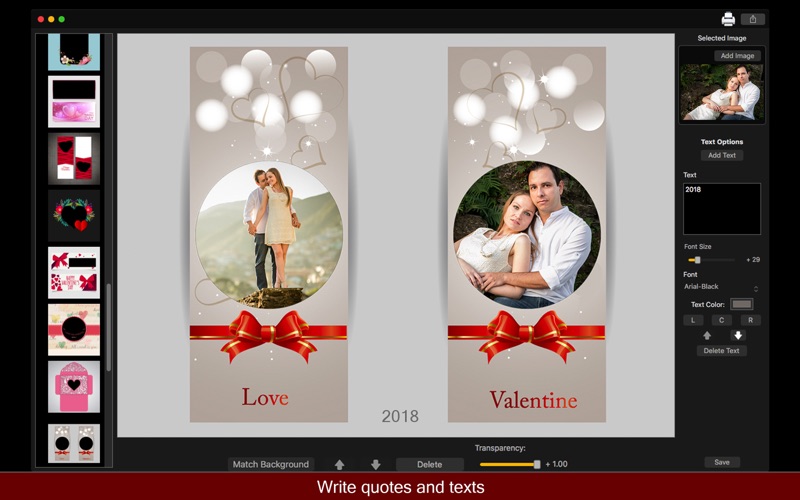
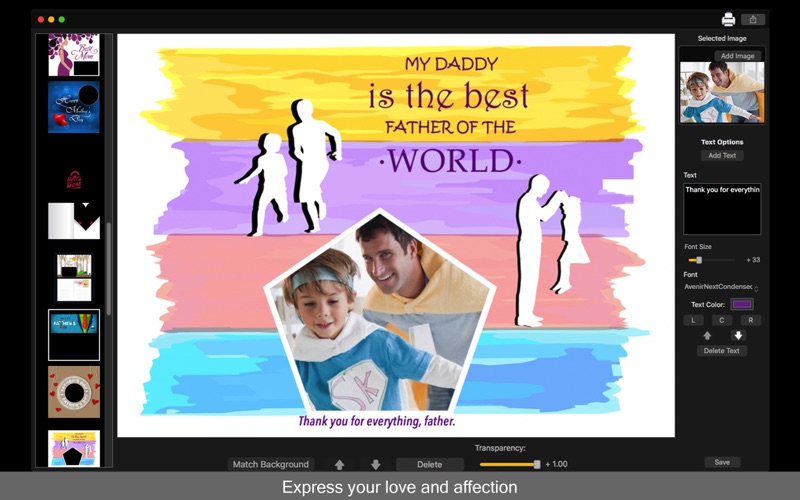
We designed 175 cards templates in 5 categories, which are Baby, Birthday, Friends, Love and Mother & Father. And not just that! You can also add your own text on your card and write a beautiful message to the person you want.
Release your imagination and create beautiful cards and photos to share with your friends and family!
• Card Templates: We have 175 card templates separated in 5 categories - Baby, Birthday, Friends, Love and Mother & Father. Each category have 35 cards.
• Write your messages: You can add a text directly on our app to make your card even more sentimental.
• Backward and Forward: You can select if your image will stay backward or forward the card template.
• Share on social media: With just a simple click, you can share your photo directly in social network.
• Print images: You can print your new image with just one click.
• Export Images: Select the format you want between PNG, JPEG, JPEG200, TIFF and BMP.
••••••••••••••••••••••••••••••••••••••••••••••••••••••••••••
Enjoy our amazing features:
••••••••••••••••••••••••••••••••••••••••••••••••••••••••••••
• 175 Card Templates.
• 5 Categories - Baby, Birthday, Friends, Love and Mother & Father.
• Add Text with Multiple Fonts.
• Simple and easy interface.
• Backward and Forward.
• Share on social media.
• Print images.
• Save Images with PNG, JPEG, JPEG2000, TIFF and BMP formats.
••••••••••••••••••••••••••••••••••••••••••••••••••••••••••••
How to use:
••••••••••••••••••••••••••••••••••••••••••••••••••••••••••••
1. On the left of the app, select the category you want.
2. Choose the template you like to load it.
3. Add the image you want to put on your card. You can rotate and resize using the arrow's buttons.
4. On the right of the app, you can click [ Add Text ] to add text on your card.
5. On the bottom of the app, you can use Backward and Forward tools to manipulate the image you've added.
6. If you want to delete the image you've added, click [ Delete ] button.
7. Click [ Save ] button to save your image, choosing between PNG, JPEG, JPEG2000, TIFF and BMP formats.
8. To print your card, you can click on the Printer button.
9. To post your card on social media, you can click on the Share button and choose the social network you wanna post.
Quoi de neuf dans la dernière version ?
* Performance Improvements.