Animatrice
macOS / Graphisme et design
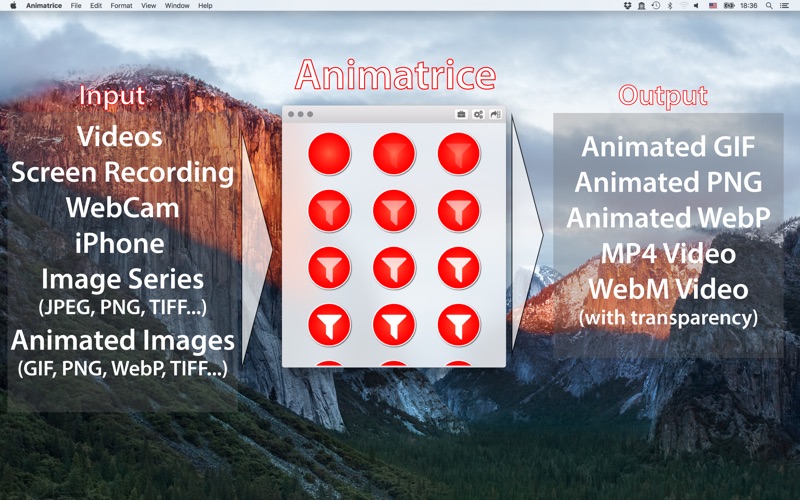
Animatrice is your one-stop-shop for animations on macOS. Create, edit, annotate or convert animated image files with ease.
Starting from scratch? Use Animatrice to record from your Mac's screen, your Mac's Webcam, or even directly from your iDevice.
You already have a video? Anything Quicktime can read, Animatrice will read as well.
Whether you have an animated image or a series of individual images, Animatrice got you covered.
Make a video from an animated GIF? No problem!
Trying to extract frames from an animated PNG? Sure!
Making an animated WebP from an iPhone screen recording? Done in just a few clicks! Went to convert a nifty Live Photo? Easy!
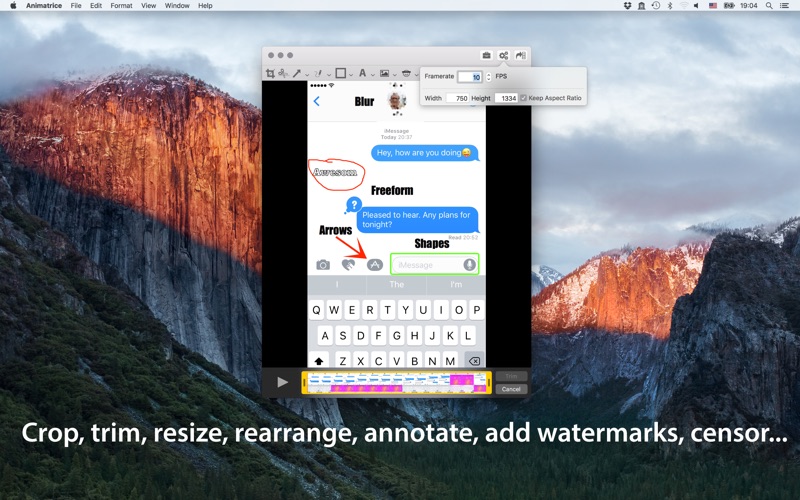
Of course Animatrice supports all the editing and output options you would expect from a modern Mac application. You can trim, crop, and resize videos or animations, change the framerate, and add annotations (shapes, arrows, freeform drawings, and text) and watermarks. You can even selectively blur regions of your input files to mask faces or sensitive data.
The only thing lacking? Ridiculous restrictions! Animatrice will faithfully create your animations with no arbitrarily imposed limits on file size, number of frames, image size, or anything else. The only limits are your creativity and patience!
Built from the ground up using the latest Apple technologies and supporting a large variety of input and output formats, Animatrice will transform how you create, edit, and transform animated images or videos.
Supported input formats:
- individual JPEGs, PNGs, TIFFs (images must be the same size)
- TIFF stacks (For the scientists among us. The dynamic range will be reduced to the lowest 8 bit. Let me know if this is a problem).
- animated GIFs
- animated PNGs (APNG)
- animated WebP
- video files (Quicktime, MP4, essentially anything the Quicktime Player will open)
- HEIC videos
- HEIF stacks
- screen recordings (whole screen or region of interest, multiscreen aware - great for making annotated tutorials or for converting web videos to animated images)
- recordings from a Webcam
- screen recordings from a connected iDevice
Supported output formats:
- animated PNG (Millions of colors with transparency. You can can chose between the fast system encoder or APNGasm which is slower but produces highly optimised files ideal for frame-by-frame animations. Supported in Safari and Firefox)
- animated GIF (only 256 colors with transparency, but widely supported)
- animated WebP (Millions of colors with transparency. Supports lossless encoding. Supported in Google Chrome or Firefox)
- MP4 videos
- WebM videos (VP8 with optional transparency, ideal for animations and much, much smaller than animated image files. Please note that playback of WebM with transparency is not supported in all players. Google Chrome supports WebM with transparency.)
- TIFF stacks
- HEIC videos
- HEIF stacks
Animatrice supports almost any combination of input and output format - with the notable exception of converting between video formats (there are better and faster tools for that). Screen recordings etc. can of course be saved for later conversion.
Quoi de neuf dans la dernière version ?
- compatibility with macOS Tahoe