Virtual Teleprompter Pro
macOS / Economie et entreprise
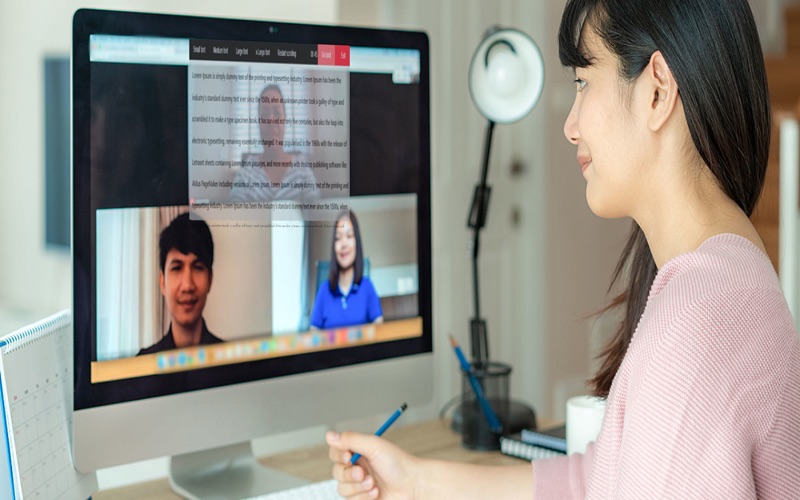
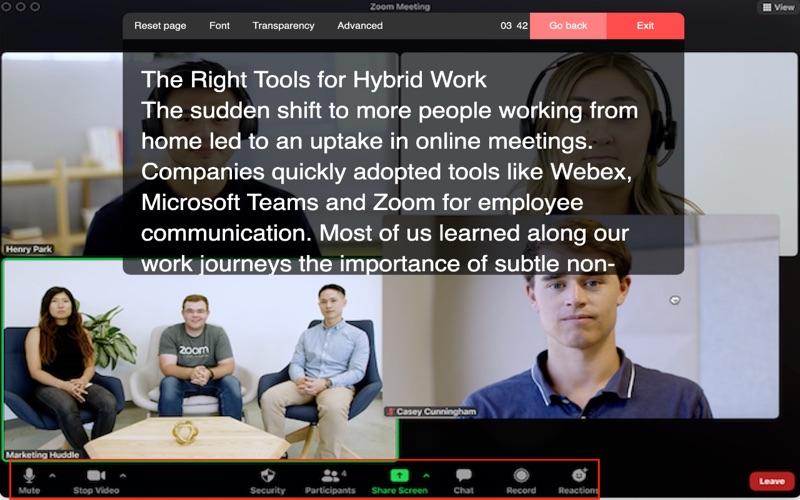
Online meetings can be challenging - juggling speaking notes, your appearance, talking speed, and all the pressures of hybrid working. Virtual Teleprompter Pro helps you stay on script while looking natural and confident on camera.
Ideal for online meetings, interviews, presentations, live streaming, and pre-recorded content. Adjust scroll speed, font size, and colours to suit your style.
Compatible with all major platforms including Zoom, Microsoft Teams, Google Meet, Webex, GoToMeeting, BlueJeans, and YouTube Live.
Why use a teleprompter?
*Speak naturally without looking down at notes
*Stay precise - essential for legal, budget, or technical presentations
*Free your hands for gestures and nonverbal communication
*Project confidence and professionalism without awkward pauses
*Spend less time memorising, more time refining your delivery
Frequently Asked Questions
Does it work with Zoom, Teams, Google Meet and other platforms?
Yes - Virtual Teleprompter Pro works alongside any meeting or streaming platform on your Mac.
Is it an online tool?
No. It runs entirely on your Mac as a dedicated native app, using minimal system resources so it won't impact your meeting performance. No internet connection required.
Quoi de neuf dans la dernière version ?
Version 1.0.39
-Menu repositioning: Move the menu bar to the bottom of the screen to position your script closer to your webcam for more natural eye contact
-Timer show/hide: Hover over the timer and click to hide it when you don't need it. Your preference is saved between sessions
-Bug fix: Resolved a display issue on older Macs (pre-2017) where a ghost of the script would appear behind the scrolling text