SQLPro for MSSQL
macOS / developpeurs
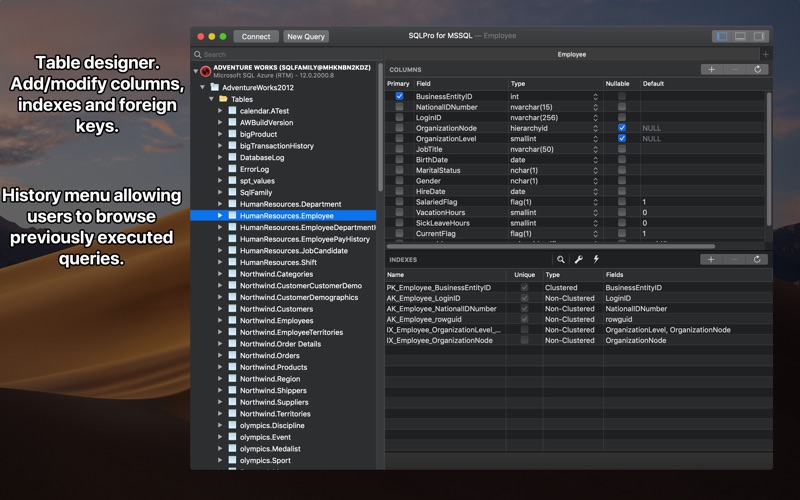
SQLPro for MSSQL is a lightweight Microsoft SQL Server database client, allowing quick and simple access to MSSQL Servers, including those hosted via cloud services such as SQL Azure or Amazon RDS.
Features include:
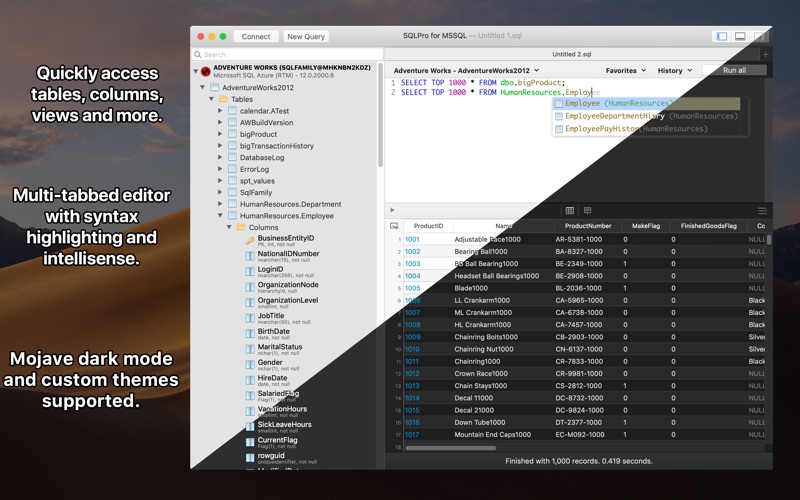
+ Syntax highlighting (including customizable themes).
+ Intellisense.
+ Tabbed based interface.
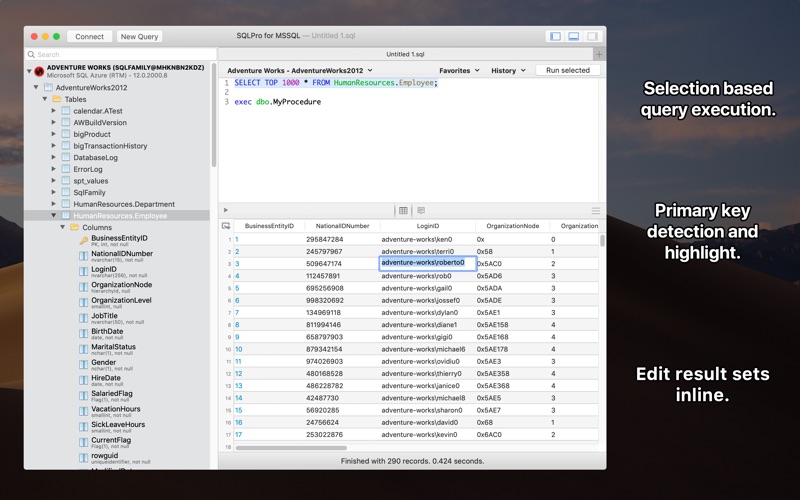
+ Support for executing multiple queries at once.
+ Quick access to tables, columns and more.
+ Stored procedure execution.
+ NTLMv2 supported (but not required).
SQLPro for MSSQL can be used to connect with the following databases:
+ Microsoft SQL Azure
+ Microsoft SQL Server 2005
+ Microsoft SQL Server 2008
+ Microsoft SQL Server 2008 R2
+ Microsoft SQL Server 2012
+ Microsoft SQL Server 2014
+ Microsoft SQL Server 2016
Thanks to the FreeTDS project (http://www.freetds.org/) for their great library.
This SQL Client does NOT work with MySQL or Postgres. Please ensure that your server is a Microsoft SQL Server (2005 or above).
Note 1: SQL Server Express is supported, however using it makes me sad. Please confirm that the SQL Server Express installation has been configured properly for remote connections over TCP/IP, and that you can connect remotely from another windows pc before requesting support.
Note 2: SQLPro for MSSQL can connect to Microsoft SQL Server 2000 however it is not supported.
Privacy Policy:
https://hankinsoft.com/privacypolicy.html
Terms of Use:
https://hankinsoft.com/termsofuse.html
Price:
SQLPro offers Premium subscriptions in order to interact with database result sets. Premium subscriptions are available as either a Monthly, or a Yearly duration. Subscriptions auto-renew within 24 hours of the expiration date unless auto-renewal is turned off in the iTunes account settings. Payment will be charged to your iTunes Account at confirmation of purchase.
Quoi de neuf dans la dernière version ?
This release focuses on reliability and refinements:
- Improved licensing and activation handling
- Performance and stability improvements
- Various bug fixes
If your purchase isn't detected, tap "Restore Purchase" to reactivate it.
Thanks for using SQLPro! If you're enjoying the app, a rating or review is always appreciated.