Tumbler Wizard
iPhone / Jeux
CLASSIFIED: EYES ONLY
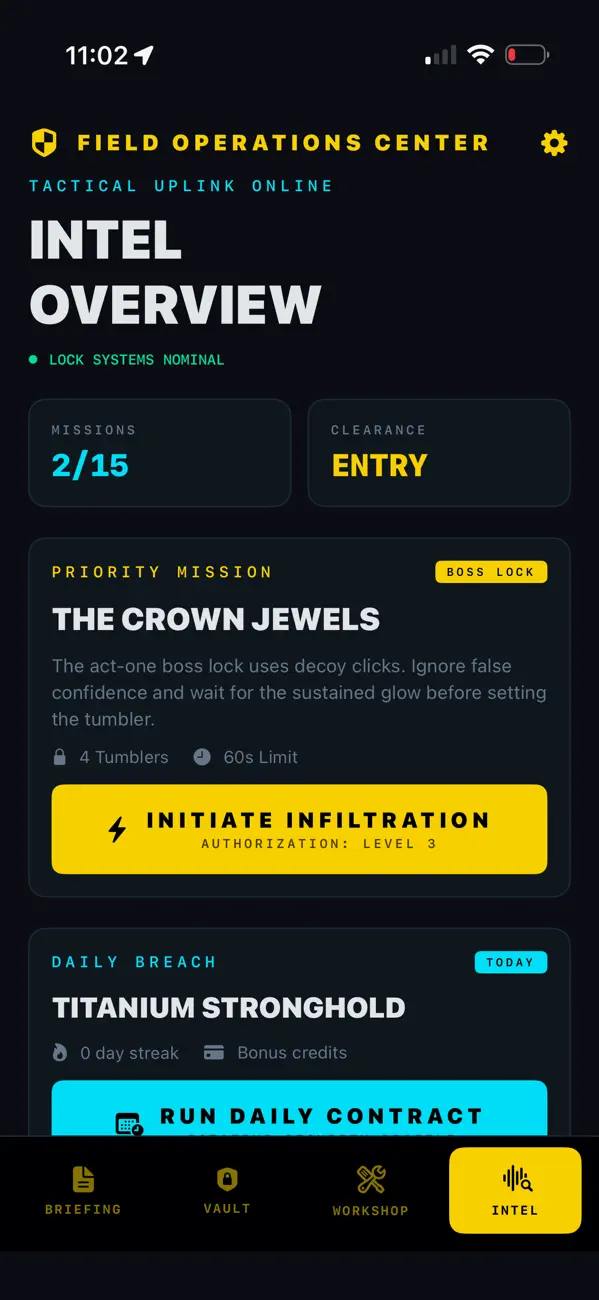
Welcome, Agent. Your mission, should you choose to accept it, is to infiltrate the world's most secure facilities. Tumbler Wizard transforms your device into a high-tech vault cracker, challenging your precision, stealth, and nerves of steel.
THE MISSION Rotate your device like a real safe dial. Feel every tick and tumbler click through advanced haptic feedback designed to mimic mechanical locks. Find the "sweet spot," hold steady, and decrypt the security protocols.
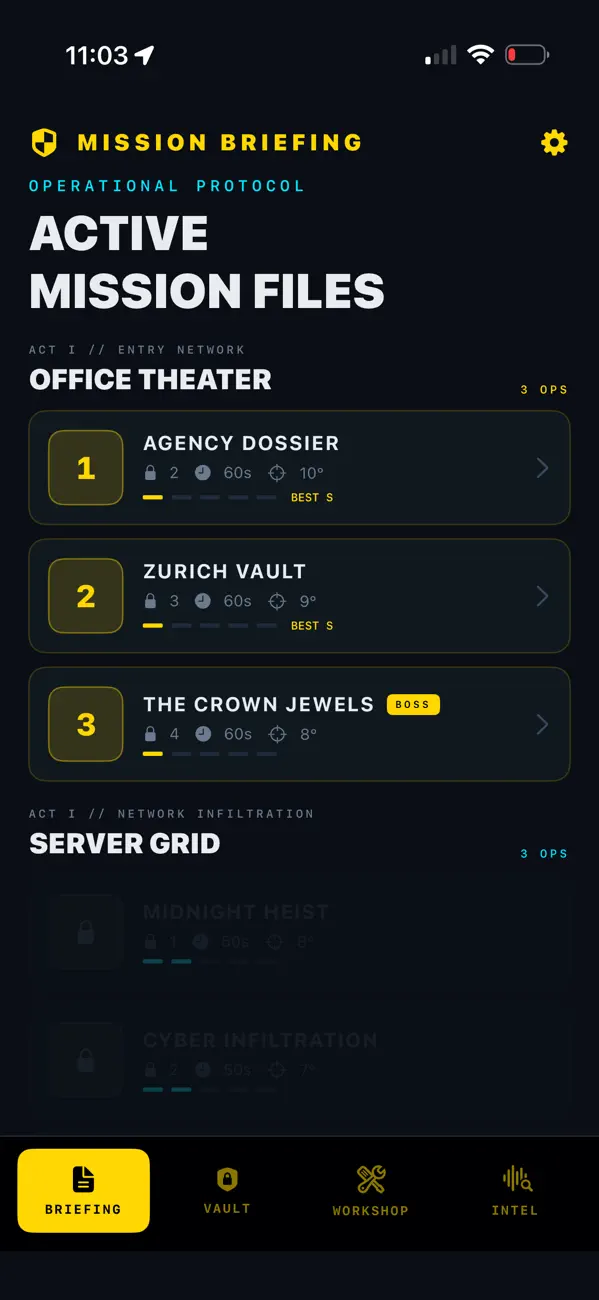
MISSION FILES Progress through 15 increasingly difficult operations across 5 classified environments:
Agency Dossier: Prove your skills at headquarters.
Zurich Vault: Infiltrate high-security banking systems.
Penthouse: Crack the private safes of the elite.
Bunker: Bypass military-grade encryption.
The Laboratory: Unlock experimental tech in the Omega sector.
OPERATIVE TOOLS
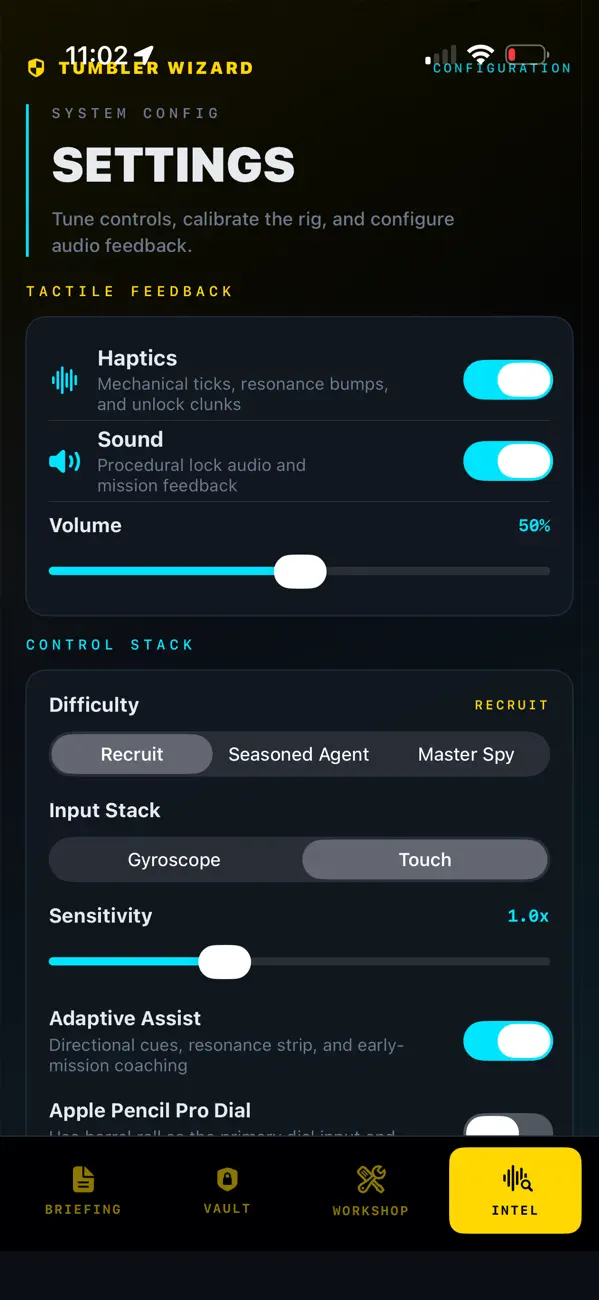
Tactile Feedback: Realistic haptic ticks verify every movement.
Gyroscope Precision: 1:1 dial rotation for surgical accuracy.
Live Intelligence: Track mission progress via Lock Screen Live Activities.
Global Rankings: Compete with other agents on Game Center leaderboards.
Special Ops: Squeeze Apple Pencil Pro to pause/resume on supported iPads.
The vault is waiting. Good luck, Agent.
https://www.apple.com/legal/internet-services/itunes/dev/stdeula/
https://jamsoftinc.com/privacy-policy-apple
Quoi de neuf dans la dernière version ?
New in this update:
Ghost Trace is here. After a successful mission, Tumbler Wizard now saves your best route for that lock so you can race against it on future attempts. Mission reports now show whether you beat, matched, or fell behind your saved trace, helping you find cleaner angles and faster unlocks.
This update also includes stability improvements around saved traces, training runs, and premium contract access.