Audio for Wikipedia
iOS Universel / Education
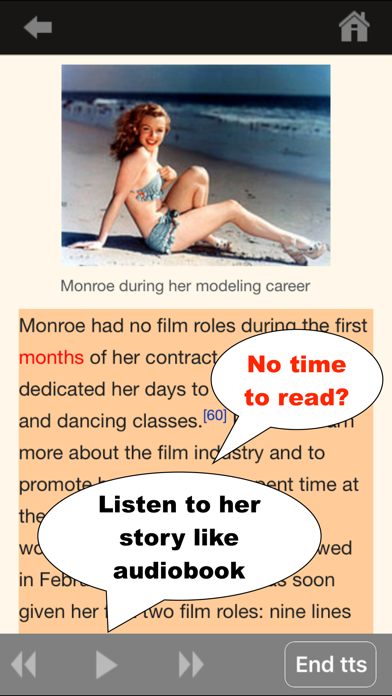
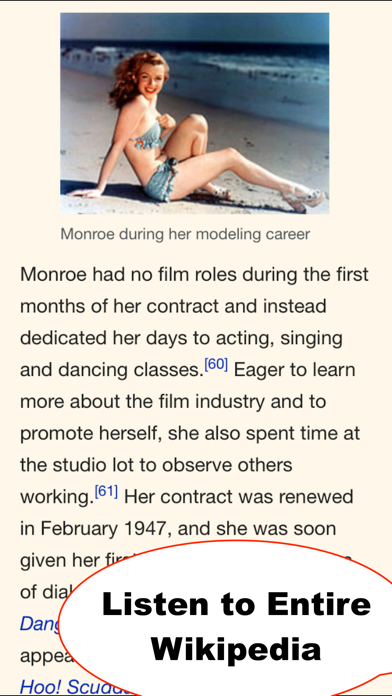
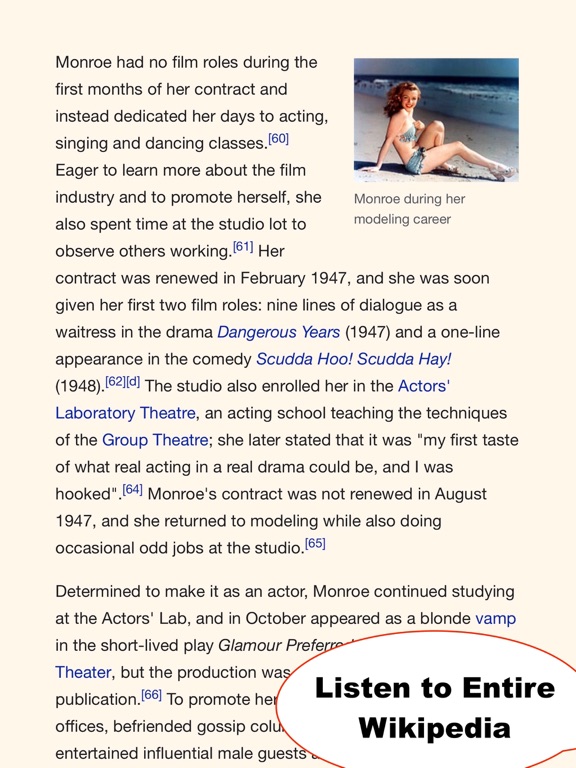
【No time to read?】 Listen to any article on Wikipedia. Seamlessly switch between reading and listening anytime. Content is live from wikipedia.org, so you always have access to current articles.
Wiki Audio is built to make Wikipedia listening easy. Use voice commands to control playback and keep listening without touching the screen at all. As the app reads aloud, each word is highlighted in sync with the spoken audio, so it is easy to follow along whenever you want to look at the screen.
Why You’ll Love Wiki Audio
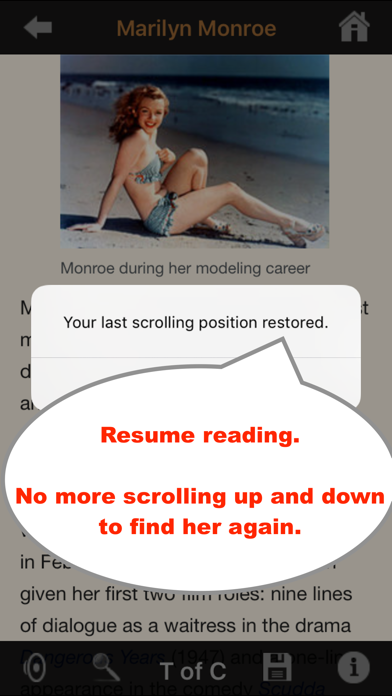
Pick up where you left off.
Your reading position is saved automatically, so you can return to an article and continue without searching for your place.
Change text size without losing your spot.
Adjust the font size while keeping your current reading position on screen.
Jump quickly with the table of contents.
Go straight to the section you want without endless scrolling.
Search within any article.
Find text inside an article and jump directly to the part that interests you most.
Enjoy a clean, elegant reading experience.
Read with fewer distractions and a beautifully simplified page layout.
Read and listen your way.
Move naturally between listening and reading whenever it suits you.
Quoi de neuf dans la dernière version ?
Improved where listening begins in an article
Better playback start from table of contents sections
More reliable resume after pausing or scrolling
Improved text size setting behavior
Bug fixes and overall polish