
Missive - Email, Chat & Tasks
iOS Universel / Economie et entreprise
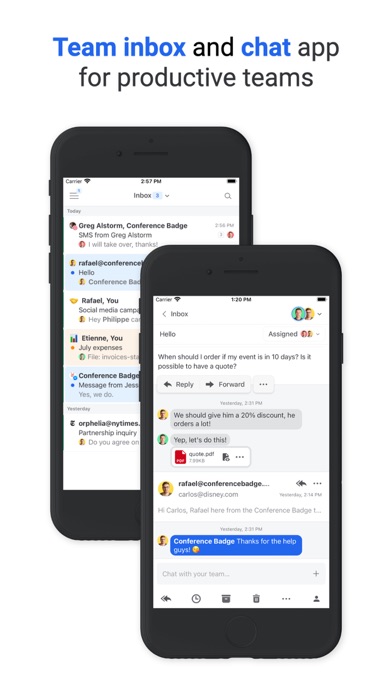
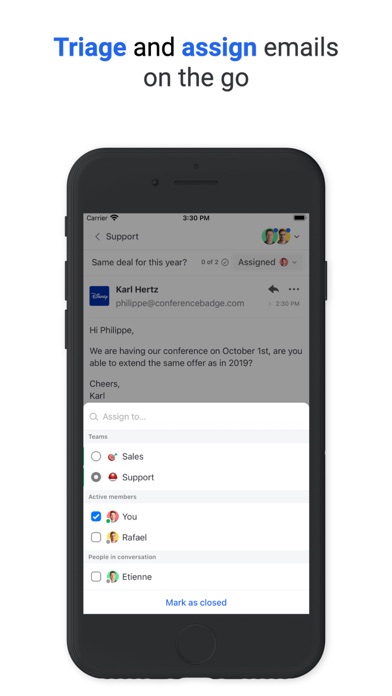
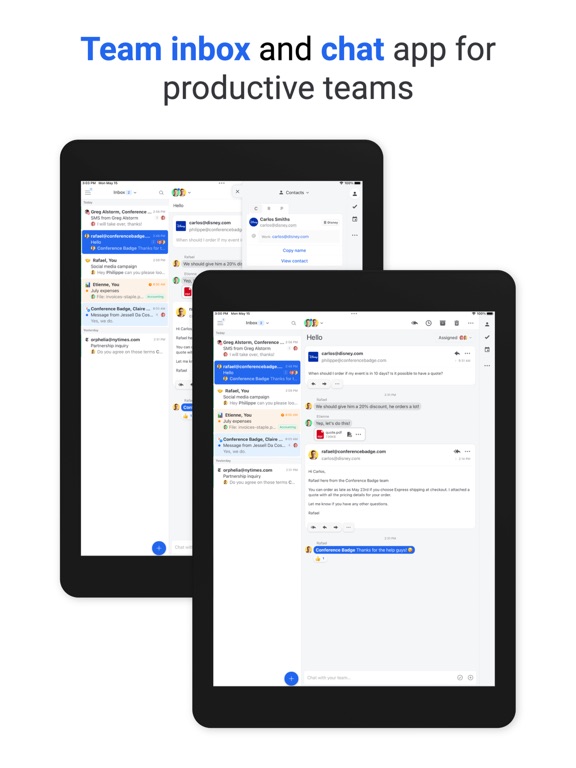
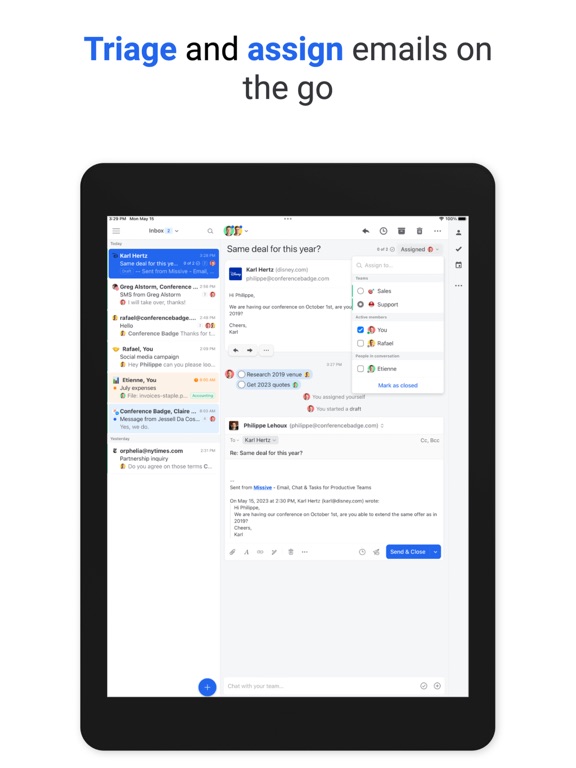
Missive lets teams manage shared inboxes and collaborate around emails. Chat, share attachments and assign tasks right from your inbox. Use shared labels to organize conversations by project or department.
• Canned Responses - Create reusable templates to save time on repetitive emails.
• Collaborative Writing - Compose emails together and get reviewed in real time.
• Snooze - Set reminders on emails and chats to clean up your inbox.
• Send Later - Draft an email and schedule it to be sent at just the right time.
• Pinned Conversations - Drag important conversations to the sidebar for quick access.
• Rules - Apply filters to automatically archive or assign conversations to anyone in your organization.
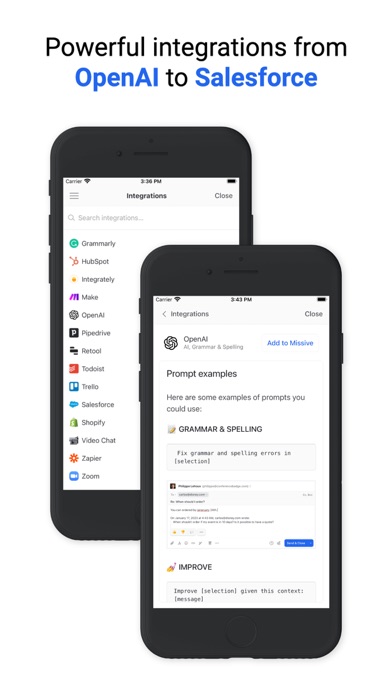
• Integrations - Asana, Pipedrive, FullContact, Todoist, Trello, and possibility to develop your own.
And much more…
• Auto CC / BCC
• Snooze only if nobody replies
• Push notifications
• Rich text and HTML signatures
• Connect with Google
• Gmail search syntax
• Sharable conversation links
• Unified inbox
Quoi de neuf dans la dernière version ?
New:
• Connect a Quo number to send and receive SMS right inside Missive, alongside your email and other channels. Route incoming messages to a team, and collaborate on replies with comments before sending.
• After the assistant drafts a reply, you can now approve and send it without leaving the sidebar. Missive verifies the draft has not changed since you reviewed it before sending.
• The character that triggers label suggestions in comments is now configurable, and suggestions can be turned off entirely under Settings > Appearance.
• Two newer AI models are now available in the model picker: Claude Sonnet 4.5 and Claude Opus 4.8.
Improvements:
• AI context tokens now respond consistently to clicks: left-click opens the referenced item, and right-click opens its context menu.
• Tasks in the Tasks list now show snooze and star indicators, matching the conversation list.
• Middle-clicking a conversation in the desktop app now opens it in a new window.
• Typing "unwatch" in the command bar now surfaces the Stop watching action.
• Removing a user now requires typing a confirmation, reducing the risk of triggering the action by accident.
Fixes:
• Switching the From address on a reply now removes that address from To/Cc, so you no longer email yourself.
• Code blocks in the assistant no longer show encoded characters instead of the actual symbols.
• Copying text from an email in Firefox no longer shows a spurious clipboard error when the copy actually succeeded.
• Arrow-key navigation in the sidebar no longer enters sub-mailboxes in collapsed team spaces.
• Fixed an issue that could create duplicate conversations when the same email arrived across multiple connected accounts.
• The "Mark as read" rule action now correctly marks the labeled copy as read when the label folder is in a different connected account.
• On mobile, selecting text in the composer drawer no longer accidentally drags the drawer when you’re trying to select text.