
ScanCam: Scanner for iPhone
iOS Universel / Economie et entreprise
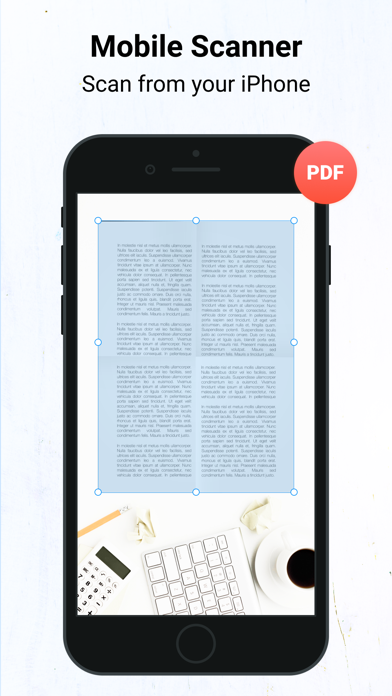
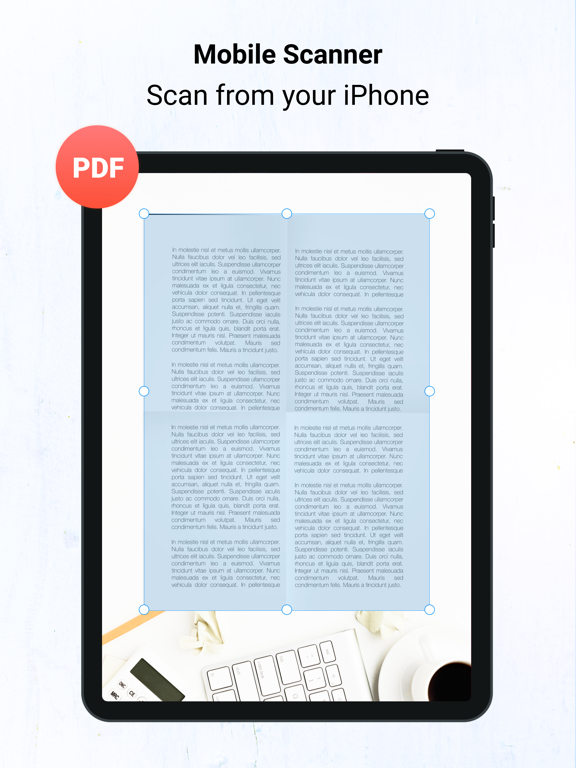
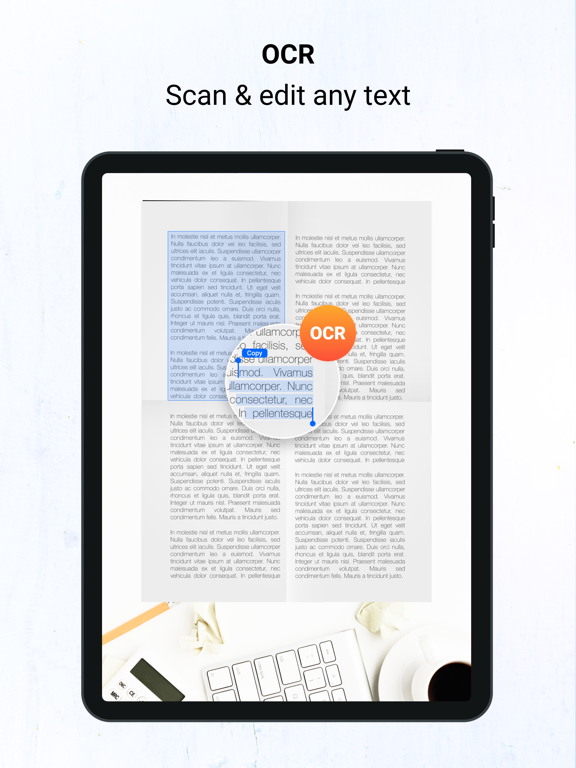
Scan, Sign & Send! Turn your iOS device into a portable scanner! Scan and edit any document, put your e-signature on each page and share it in PDF or JPEG format.
# Key Features:
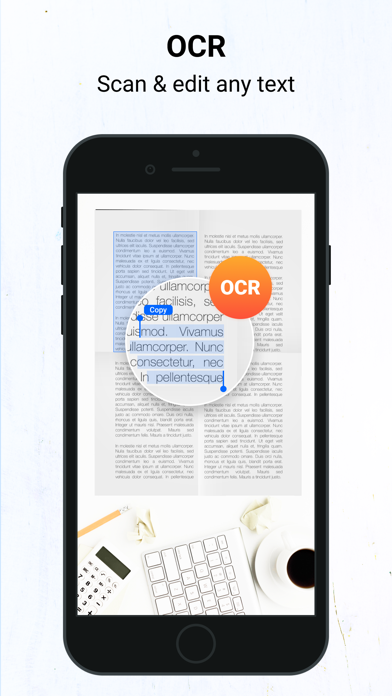
* A handy iOS scanner app that can scan any document including receipts, images/photos, cards, paper notes, book pages etc
* Fast, easy & perfectly designed for both iPhone and iPad
* Has both single & batch mode for multiple scans.
# Advanced PDF Scanner app:
* Scan by camera or choose photos from Camera Roll
* Save scans in gray scale, black & white or color
* Automatic shutter& border detection for any scannable object
* Multipage scanning - scan as many pages as you like
# Document Editor:
* E-sign any document by adding your signature to scans within the app
* Re-size, rename & rotate pages by Biz Scanner
* Change effect by adding grayscale, B&W or color.
# Document Sharing Tools:
* Share your scans via email
* Easy print your scans with any Wi-Fi printer
* Share and upload scanned documents to cloud services like Dropbox, Evernote, Yandex Disk, Box, Google Drive or OneDrive.
* Export files as PDF
* Save files to Camera Roll
# Choose from different subscription options:
- 1 Week Subscription
- 1 Month Subscription
- 3 Months Subscription
- 6 Months Subscription
- 1 Year Subscription
# Subscription Information:
Please note:
* Your subscription will automatically renew unless auto-renew is turned off at least 24-hours before the end of the current period
* You can cancel subscription anytime cancelling your subscription through your iTunes account settings. This must be done 24 hours before the end of subscription period to avoid being charged. The cancellation will take effect the day after the last day of the current subscription period, and you will be downgraded to the free service.
* Payment will be charged to your iTunes Account at confirmation of purchase
* Your account will be charged for renewal within 24-hours prior to the end of the current period and the cost will be identified.
* Subscriptions may be managed by the user and auto-renewal may be turned off by going to the user’s Account Settings after purchase
EULA: https://people-talent.com.my/Privacy/terms_and_conditions.html
Privacy Policy: https://people-talent.com.my/Privacy/Privacy_Policy.html
Got questions or suggestions? Please don’t hesitate to email us at info@people-talent.com.my Or reach us on Facebook to get immediate support
Facebook : https://www.facebook.com/peopletalenttech/
We will constantly keep Docs Scanner updated for our users by adding new features & fixing bugs, so please write your review by rating us, it will help us to improve the Docs Scanner.
Quoi de neuf dans la dernière version ?
This is our biggest update yet a ground-up redesign that makes scanning and organizing faster than ever.
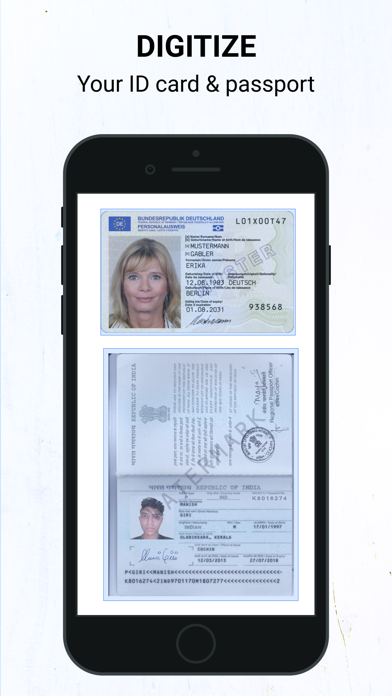
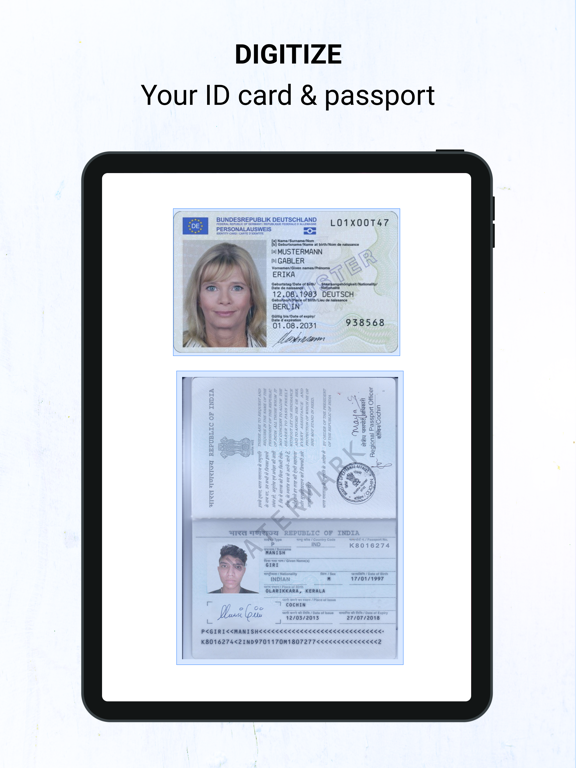
ID Folder - keep every card in one place
A dedicated home for your IDs, licenses, and passports. Drop cards into preset slots, lock the folder behind Face ID / Touch ID, and export a clean A4 sheet when you need a copy.
Redesigned, simpler layout
A new 5-tab layout - Home, Files, Scan, Tools, and M puts everything one tap away. Less hunting, more scanning.
Powerful PDF Toolbox
New tools to do more with your scans:
• Stitch pages into one long image
• Split large PDFs
• Password-protect a PDF
• Compress to save space
• Add a timestamp
Better file management
Sort your documents your way, switch between grid and list views, create folders from templates, and share straight from the selection bar.
Home Screen & Lock Screen widgets
Start a scan without opening the app. Add the scan widget to your Home Screen, Lock Screen, or Control Center.
ID Photo Maker
Create passport- and ID-sized photos right inside the app.
Plus stability improvements and performance tuning throughout.
Love the update? A rating helps a lot. Questions or ideas? Reach us from Settings we read every message.