iPhoneAddict Apps
  • Actualités
  • Accueil Apps
  • iPhone
  • iPad
  • Universelles
  • Mac
  • Apple TV
KG KultureGeek
App
iPhone / iPad Télécharger iAddict v5 Mac Télécharger iAddict Mac
  • Actualités
  • Accueil Apps
  • iPhone
  • iPad
  • Universelles
  • Mac
  • Apple TV
  • Archives keynotes
  • Firmwares & iTunes
  • Contactez-nous
  • Comparateur de prix
  • KultureGeek
Accueil » Liste des Apps » Apps Universelles » Economie et entreprise » BacBack
L'application n'est plus disponible sur l'App Store français
1.5 iOS €179,99€ Ali golmohammadi 0 0 BacBack is designed to Backup and Transfer contents of your Mac directory to any of your Devices(iPad, iPhone, etc) and back in one simple command. You may transfer from one Device to Another(iPhone, iPad, iPod) as well under WiFi. For additional...
BacBack

BacBack

iOS Universel / Economie et entreprise

179,99€
Acheter sur l'App Store
Facebook X E-mail

BacBack is designed to Backup and Transfer contents of your Mac directory to any of your Devices(iPad, iPhone, etc) and back in one simple command. You may transfer from one Device to Another(iPhone, iPad, iPod) as well under WiFi. For additional info visit http://agole.me

This App is designed for your Mac to Send and Receive the entire content of a designated Directory to any of your devices(iPhone/iPad) under a “WiFi” network. This App is Communicating with 'DirBackup', and other file transfer Apps from "Agole Tech Solutions" on your device.
Here is How:
1- Download and install the “MultiFileBackup”
2- Run the App on your Mac and Follow the
instructions displayed on your Mac view.
3- Create Two Folders under user
/Downloads directory named :
Folder. ‘SendFile’ and ‘RcvFile’ like this:
/Downloads/SendFile
and
/Downloads/RcvFile
---------------
4- To Transferre from your Mac’s to your device:
A- Copy all your files from any directory to
'Downloads/SendFile’
and follow instruction on screen.
5- To Received files from your device follow the
instruction on your screen.


Note: Always remember the ‘Receiving’ device is to Pick the name of joining device during the pairing process.

En voir plus...

Quoi de neuf dans la dernière version ?

update to higher iOS

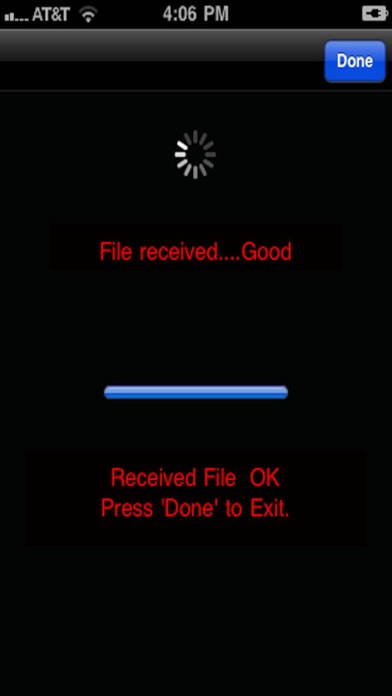
  • Screenshot #1 pour BacBack
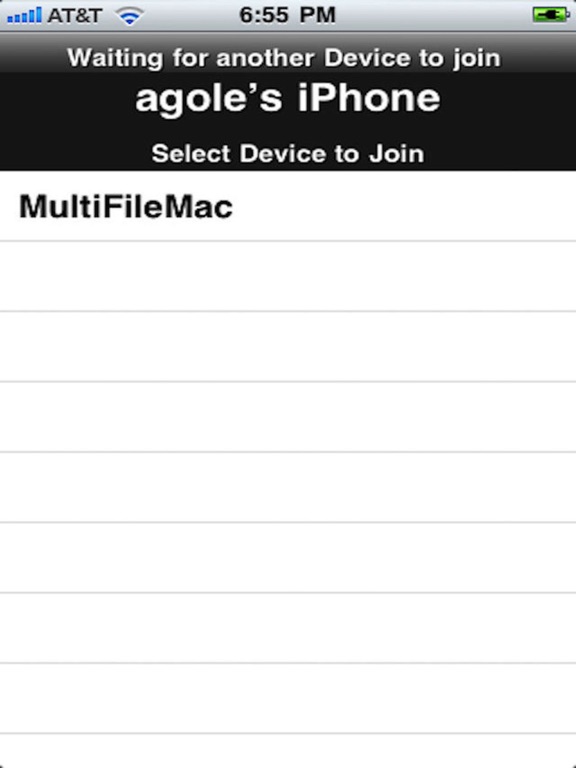
  • Screenshot #2 pour BacBack
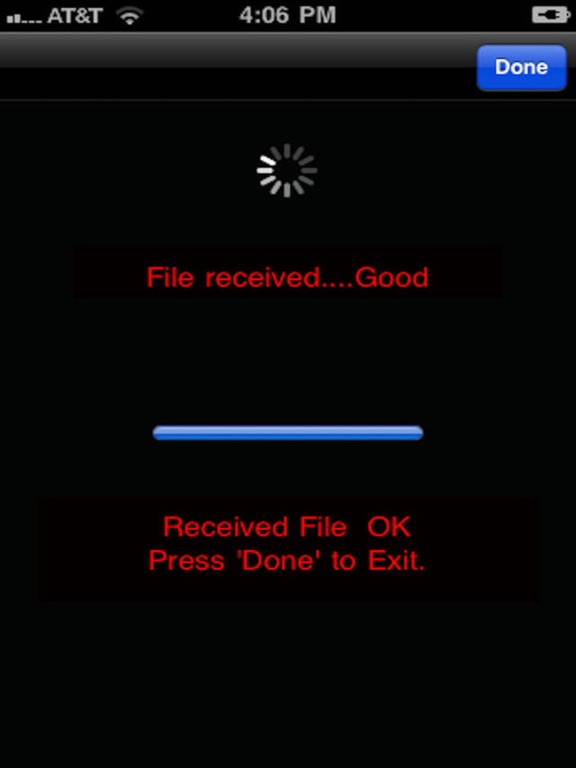
  • Screenshot #3 pour BacBack
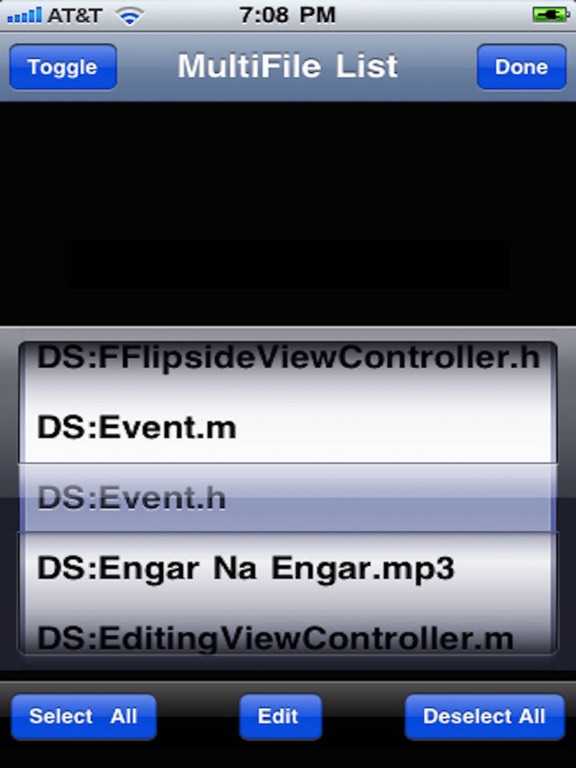
  • Screenshot #4 pour BacBack
  • Screenshot #5 pour BacBack
  • Screenshot #6 pour BacBack

Note

(0 note)

Détails sur l'application

Version
1.5
Taille
6.4 Mo
Version minimum d'iOS
12.1
Dernière mise à jour
21/03/2020
Publié par
Ali golmohammadi

Newsletter App Store

Recevez chaque jour les meilleures promos

Actualité Apple

Image iPhone : Apple a capté 49 % des revenus de smartphones au 2e trimestre, un record
iPhone : Apple a capté 49 % des revenus de smartphones au 2e trimestre, un record
Image L’iPhone Air 2 aurait une Dynamic Island plus petite et d’autres nouveautés
L’iPhone Air 2 aurait une Dynamic Island plus petite et d’autres nouveautés
Image iPhone 18e : les 9 Go de RAM se confirment un peu plus
iPhone 18e : les 9 Go de RAM se confirment un peu plus
Image Apple met à jour Shazam avec des autocollants iMessage pour l’album petal d’Ariana Grande
Apple met à jour Shazam avec des autocollants iMessage pour l’album petal d’Ariana Grande
iPhoneAddict Apps

Le catalogue iPhoneAddict pour suivre les nouveautés, mises à jour et baisses de prix de l’App Store.

Apps

Toutes les apps iOS iPhone iPad Universelles Mac Apple TV

iPhoneAddict

Actualité Apple Archives keynotes Contact À propos KultureGeek

Suivez-nous

©2009-2026 i2CMedia. Tous droits réservés.